

Question

Buzz Templates won't show up in publish screen

  • December 17, 2025
  • 1 reply
  • 4 views

Taryn Hart

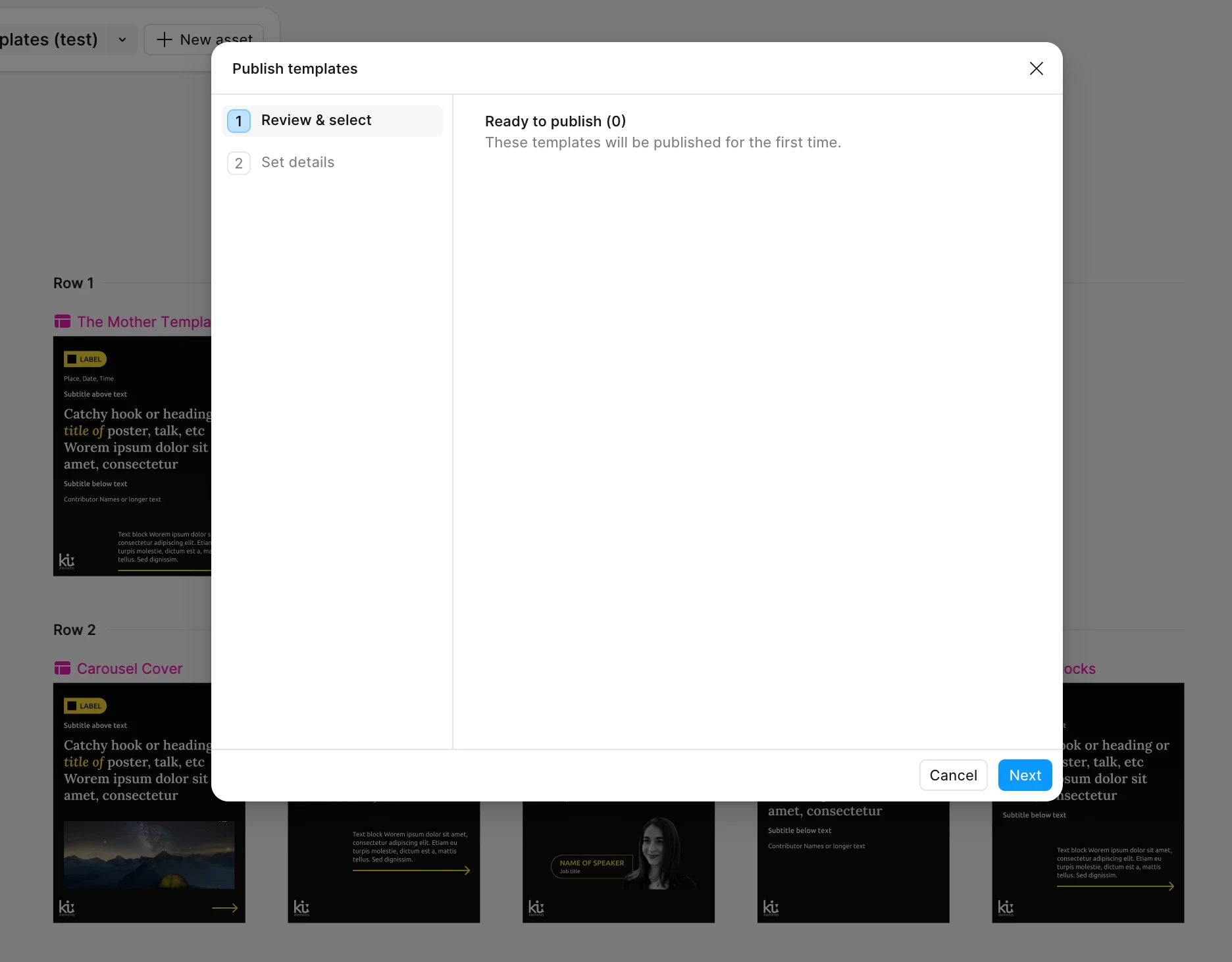
I’m trying to publish a set of templates in Buzz, but they don’t show up under “ready to publish” (see screenshot).

I’ve closed and reopened figma (desktop) a billion times and nothing. I also deleted all the earlier templates I tried to test and made a new one (copying directly out of my figma file) because this was happening in another file. 

Is this a bug or am I doing something wrong? It worked like once and then I tried to add more templates to the file and now it’s not working at all.


1 reply

djv
Figmate
  • Community Support
  • December 17, 2025

Hi ​@Taryn Hart, thanks for reaching out! 

Sorry to hear you’re having trouble publishing templates. May I ask if the template you are trying to publish is in your drafts? 

If so, please note that you cannot publish a template file from your drafts. Before publishing, be sure to move the file from your drafts folder to a project.
More info here: https://help.figma.com/hc/en-us/articles/31271693614487-Create-and-publish-Figma-Buzz-templates#h_01JTGT3D3FXJGRT84EC13J2W74

Please let me know if that helps, or if you run into any further issues.