

Question

[Bug Report] All built-in shaders fail to load

  • July 10, 2026
  • 11 replies
  • 119 views

jen123

When applying any default/built-in shader via Fill → Shader OR Effects → Shader on the Figma desktop app, nothing renders on canvas and no shader panel appears for me. Confirmed via DevTools (⌥⌘I → Console/Network):

GET https://www.figma.com/community/custom_tool/28/code → 404 (Not Found)
[published-artifact-custom-resource] failed to load artifact data
XHR for "/community/custom_tool/28/code" failed with status 404

This happens across all built-in shaders (tested Risograph print and others), not just one. File is under a pro plan, full seat, so this isn't a plan/seat issue. 

11 replies

Orus
  • New Member
  • July 10, 2026

Hi, did you also notice the lack of certain shaders that were popular?


Jaycee Lewis
Figmate

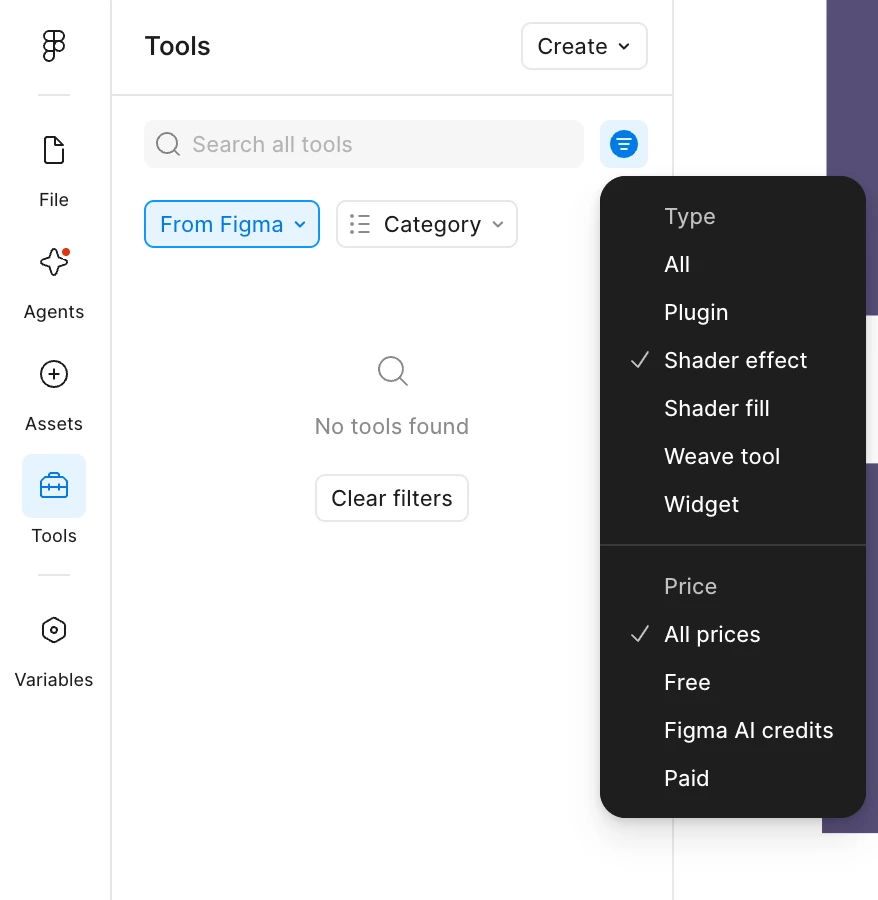
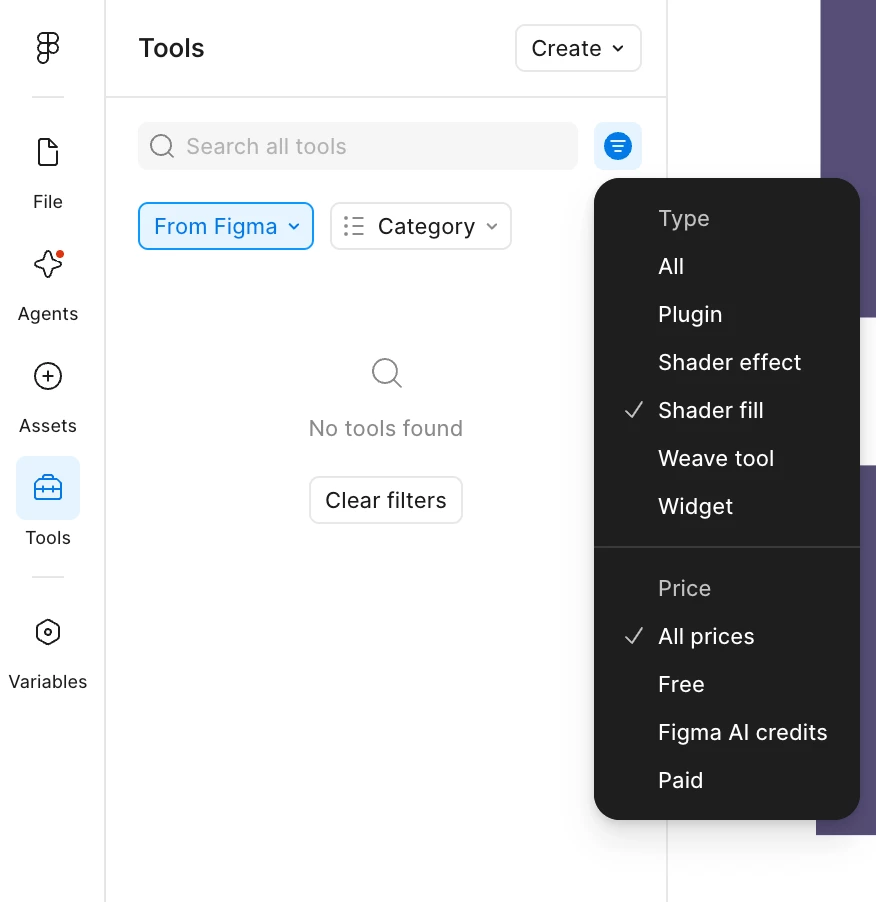
Hey ​@jen123  and ​@Orus 👋 Thanks for flagging. Did this just start happening for you today? Do my screenshots match what you are seeing?

If not, can you add what you are getting on your end, please? Thanks! – Jaycee


jen123
  • Author
  • New Member
  • July 10, 2026

@Jaycee Lewis yes this is what i see. but this is what i see when i click in my fill panel and also inside the effects panel


Orus
  • New Member
  • July 10, 2026

Hey ​@jen123  and ​@Orus 👋 Thanks for flagging. Did this just start happening for you today? Do my screenshots match what you are seeing?

If not, can you add what you are getting on your end, please? Thanks! – Jaycee

The problem appeared typically today. Yesterday I had warp options available etc. Your screenshots match my view. 


Jaycee Lewis
Figmate

Hey ​@jen123 👋 Thanks for that! I created a support ticket for you. The ID is 2009577 and the subject line is All built-in shaders fail to load. Please keep an eye on your email for any replies or requests from our support team. ​@Orus I aded your details as well. Have a great weekend! — Jaycee


Mark Winter
  • New Member
  • July 11, 2026

Yeah all shaders seem to have been removed, they are only accessible in files you had previous loaded them into. The new ‘shaders’ also are non-functional and can’t be applied.


Sandra Benešová

Hey ​@Jaycee Lewis I have the same issue. Is there a way how to fix this? Thank you


Natalia Tabora

I spent so much time and worked so hard on some posters with the original Shader by Figma, trying to learn how to use them and all, and today they are GONE. Even from my frames… Honestly so frustrating.


Tom Reem
Figmate
  • Figmate
  • July 11, 2026

Hey everyone — Tom here, stepping in for ​@Jaycee Lewis today.

I'm in touch with our engineering team and they've identified the root cause of this issue. A fix is in progress.

Thanks to everyone who reported this and for your patience. We'll follow up here as soon as there's an update.


Natalia Tabora

Thank you guys!! ​@Tom Reem ​@Jaycee Lewis highly appreciated! Overall the new features are very cool and cant wait to keep experimenting


adamsmasher
Figmate
  • Figmate
  • July 11, 2026

Hey everyone! I’m also jumping in on behalf of ​@Jaycee Lewis. Our engineers just released a fix for this, so if you refresh or reload it should work for you. Please let us know if you have any further trouble, and thanks again for your patience while we worked on resolving the issue!