Question

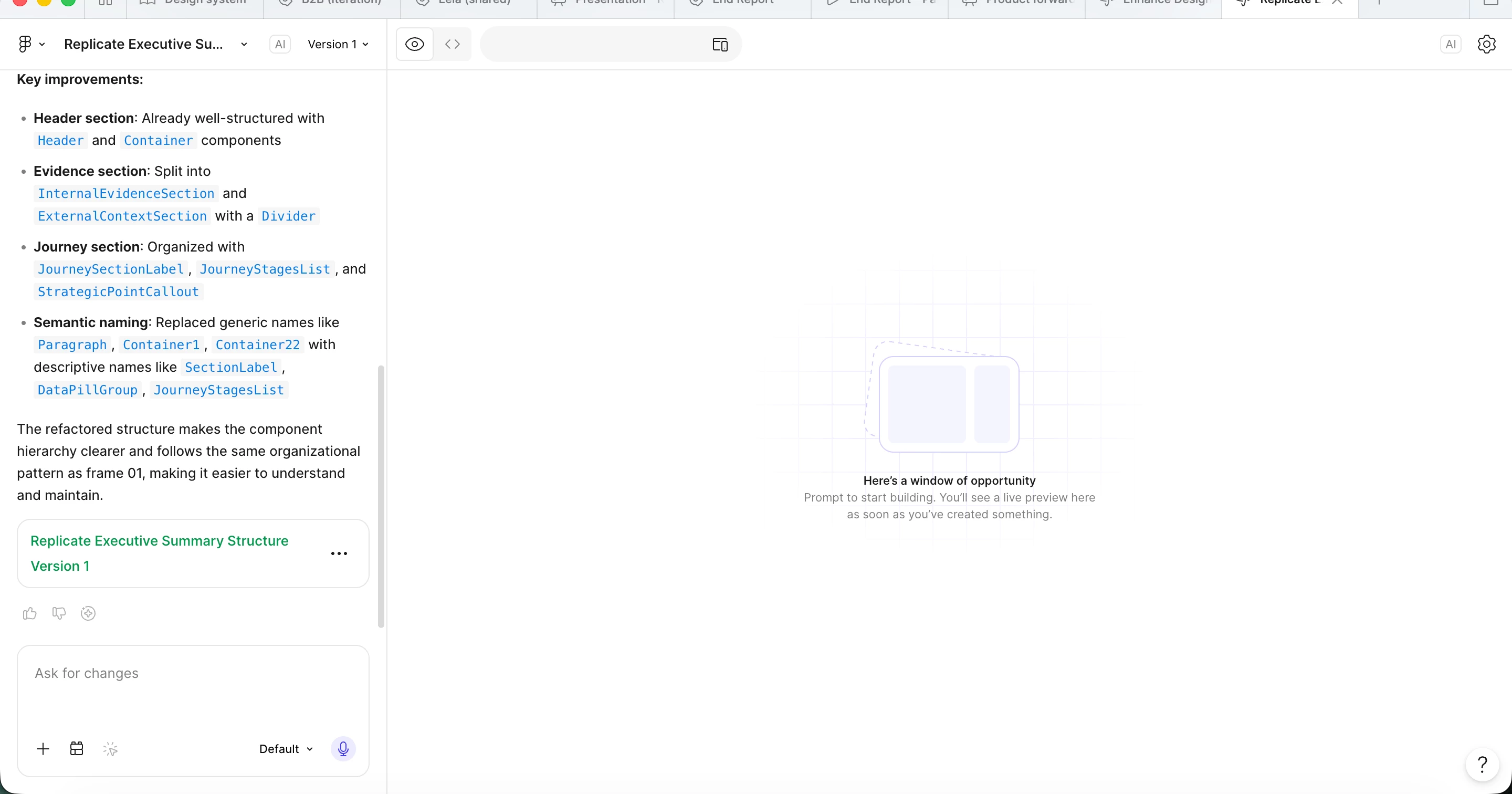
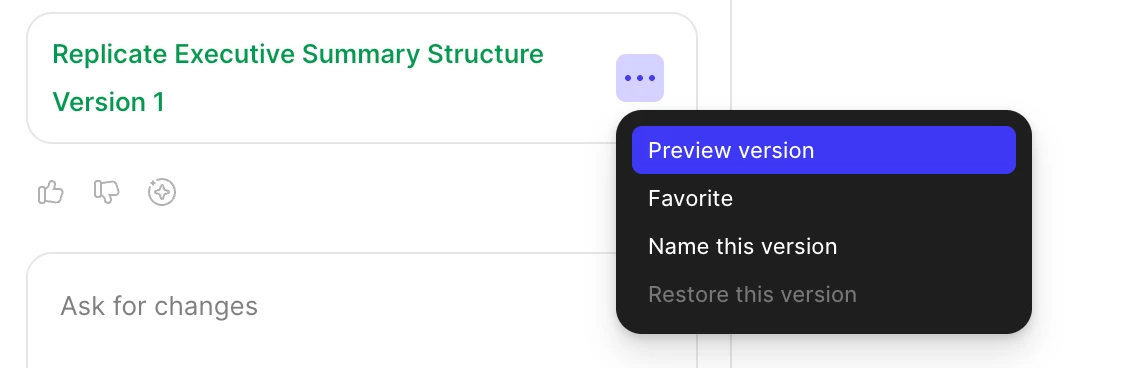
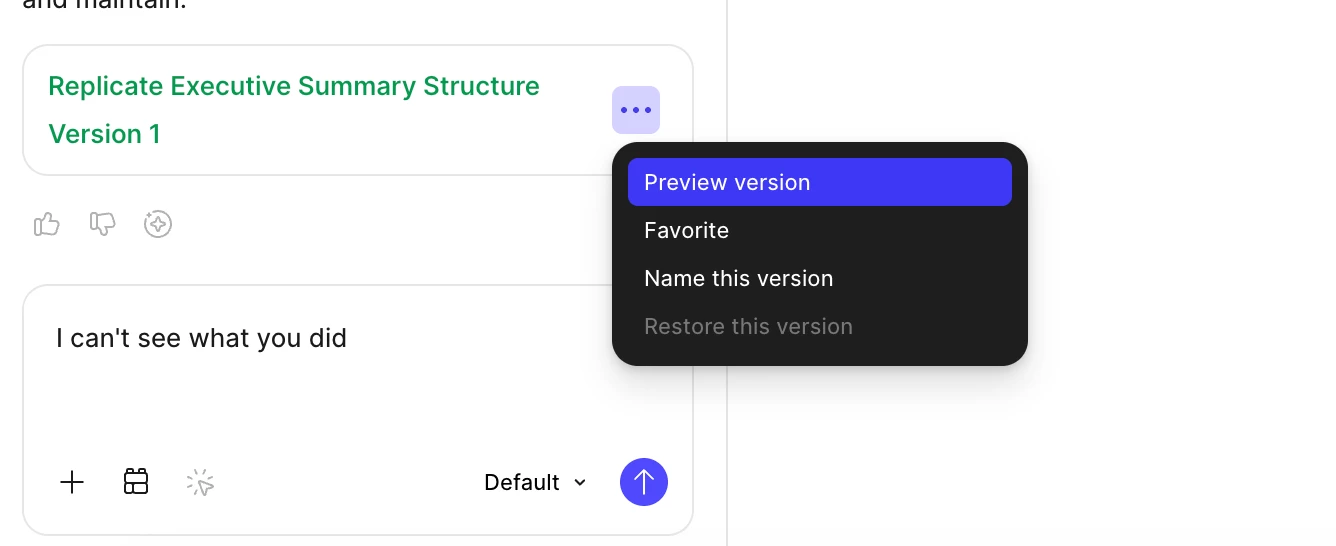
Bug in figma make

  • May 17, 2026
  • 1 reply
  • 18 views

Sandra_Wirstrom


Figma Make keep creating content which you can’t see. The preview version button doesn’t do anything. 8/10 I have to say I can’t see what you did and then it works.

1 reply

Gayani_S
Figmate
  • Community Support
  • May 18, 2026

Hey ​@Sandra_Wirstrom, thanks for reporting this! 

Let’s try a few things together to help narrow down what might be causing this:

A few troubleshooting steps to try:

  • Make sure your Figma desktop app is fully up to date
    Try reinstalling the desktop app

  • Check whether the same issue happens in the browser version.
    If using the browser, try a different browser and clear your cache/cookies

  • Disable any browser extensions or plugins temporarily

  • Temporarily turn off any VPN, antivirus, or firewall software

  • Try a different network or device, then restart your browser/app

Could you also run a quick network check within the Make file?

  1. Click the ? icon in the lower-right corner

  2. Select Check Network Settings


This will show whether your network is properly configured or if any domains need to be allowlisted. You can find more details here: ttps://help.figma.com/hc/en-us/articles/19424714305943-Adjust-your-network-settings.
 
Please let me know how it goes after trying these steps. Looking forward to helping you get this resolved!