Question

BUG: Community Files not opening

  • August 14, 2026
  • 4 replies
  • 28 views

priyamap

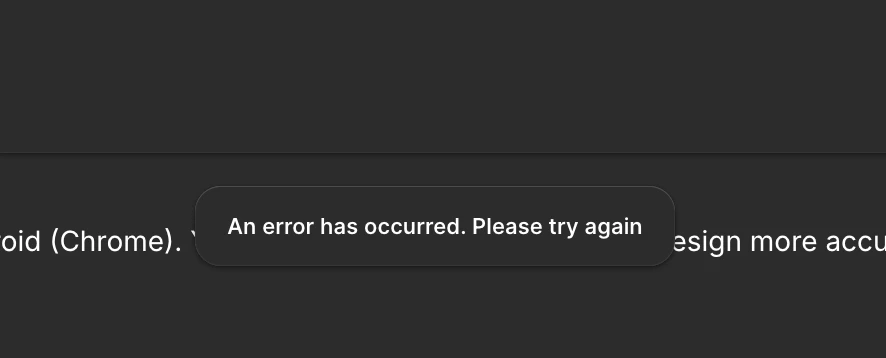
Every time i try to open a Community Figma file I get an error. I’ve tried completing resetting the app and I also tried opening from web and the app with the same error. 


4 replies

ksn
Figmate
  • Community Support
  • August 14, 2026

Hi ​@priyamap - really sorry for the trouble. Can you give me more info so I can try to troubleshoot this with you a bit more?

When I go into the Figma desktop app, I am able to open resources of all types from the community as expected. I’m working on a Mac.

I wanted to double check since I wasn’t sure based on your post -- is it happening to any file you’re trying to open, or one specific file? If it’s one specific file, can you link me to it?


priyamap
  • Author
  • New Member
  • August 14, 2026

It’s any file from Community. It always throws the same error after I select the account I want to open it with. I am also working on a Mac!


ksn
Figmate
  • Community Support
  • August 14, 2026

Thanks for the response! I want to make sure I understand the issue correctly: when you select the account you want to open the file with, are you saying they fail to open in one of the accounts, or that they fail to open no matter which account you're signed into? Sorry for the confusing phrasing!

Because it does sound like you have multiple accounts signed in, could you try a couple of things for me?

Step 1: Sign out of all accounts, then sign back into them all. Try opening a community file and see if it works with any of the accounts.

Step 2: If it still doesn't work, sign out of all accounts again, then sign into just one account. Try opening a community file while only that one account is signed in.

Let me know how it goes. 


priyamap
  • Author
  • New Member
  • August 14, 2026

sorry it was actually a team. I can’t figure out how to leave that team either. It was part of a trial that has since expired.  Nothing is in it, it just says i need permissions to edit anything. That said, I did sign in and out of my single account multiple times now. And this problem just started today whereas I’ve been part of this expired team for some time now. So I misspoke, it wasn’t multiple accounts it was another team. I can’t open anything in that team either (it’s a disabled button)