

Question

BUG: Assets Floating Panel and Prototype bugs

  • April 8, 2026
  • 4 replies
  • 28 views

Frank Vo

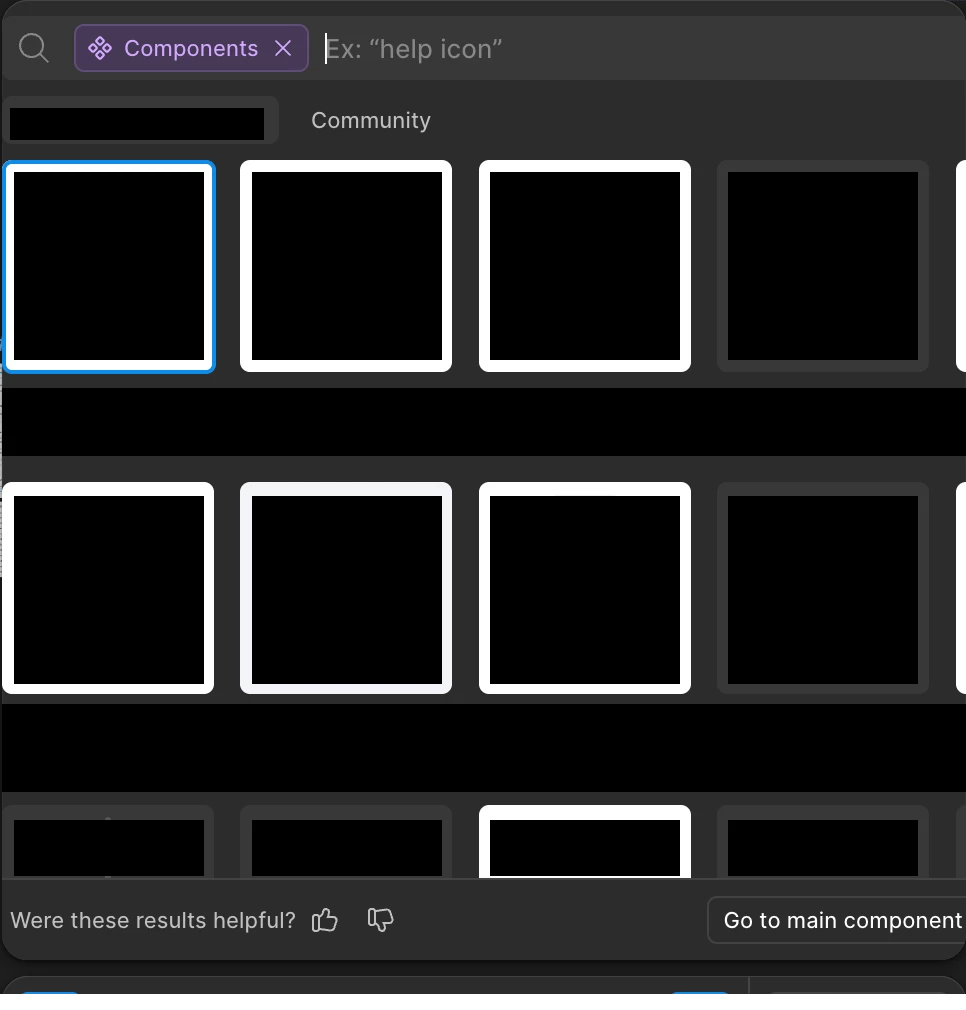
Assets floating panel bug. The panel is cut off, and some items are out of view.

Another bug. When renaming a prototype, I can no longer use the left/right arrow keys to move between characters. Instead, they select all of the text.
 

4 replies

javaria.c
  • New Member
  • April 9, 2026

I am experiencing the same problem with the assets panel. 


sarah.klos
  • New Member
  • April 9, 2026

I am also experiencing this problem!


Celine_
Figmate
  • Community Support
  • April 10, 2026

Hey everyone, thank you for flagging this! About the Assets Floating Panel bug, our team is aware of this issue and is proactively trying to fix. We’ll share an update as soon as we have one. Thanks for your patience in the meantime!


@Frank Vo , regarding the other issue you mentioned:

When renaming a prototype, I can no longer use the left/right arrow keys to move between characters. Instead, they select all of the text.

I wasn’t able to reproduce this on my end. Please try to force-quit Figma and restart to see if that helps. If you’re still seeing it, could you please submit a bug report so the team can take a closer look? 

To do so: Go to the Support Hub / Type “Report a bug” / Click Start a chat and select Enter.

If possible, please also share the URL of the file, and grant "Can View" access with support-share@figma.com. This will help the team reproduce and investigate the issue, thank you!


Celine_
Figmate
  • Community Support
  • April 13, 2026

Hey everyone! Regarding the assets floating panel bug, our engineering team has released a fix! Please refresh you browser and/or desktop app tabs, thank you!