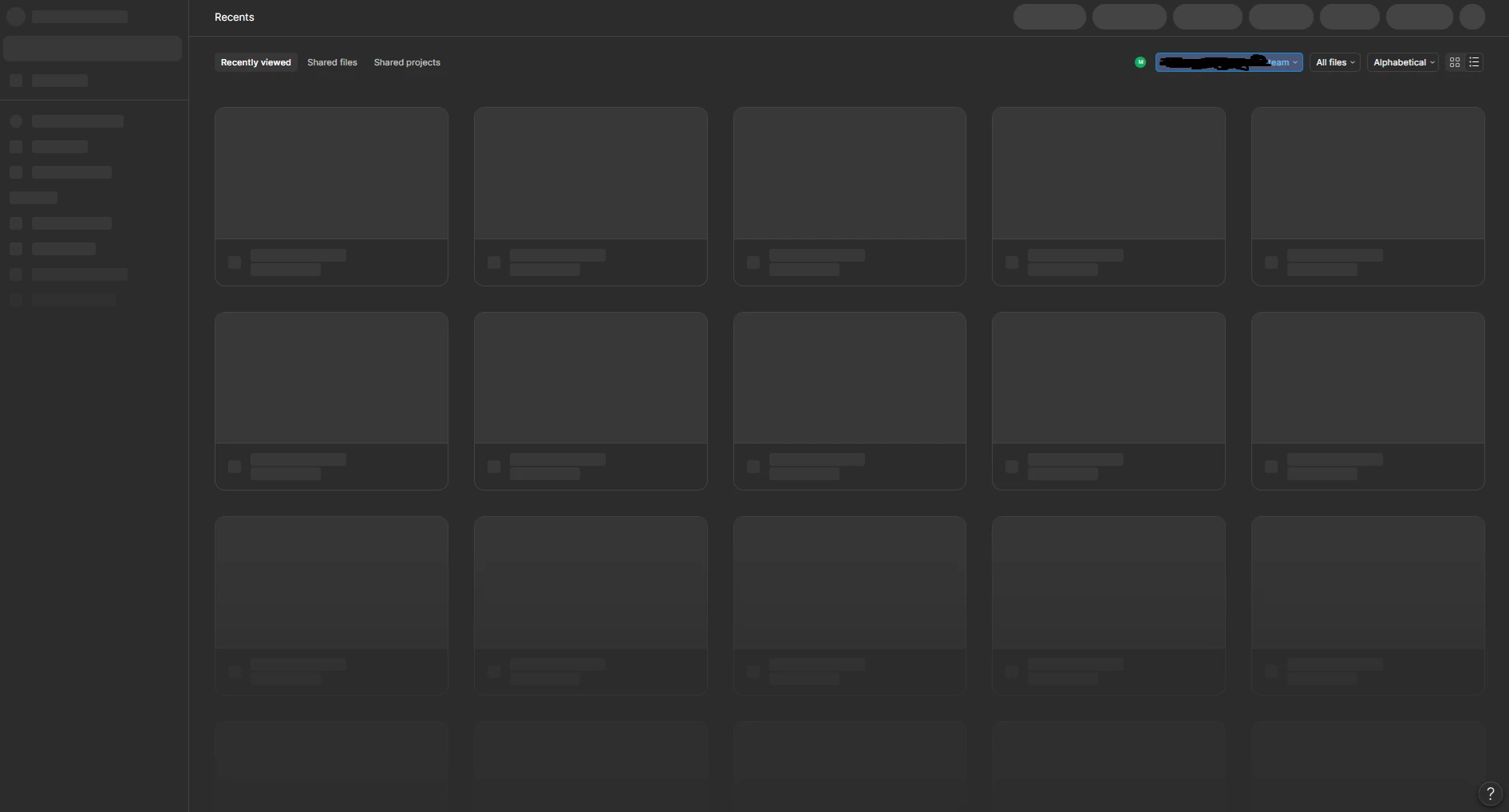
Hey @Noxx , sorry you’re running into this. If the Home screen is only showing filters and team selection, and the rest of the content isn’t loading, this is often related to network restrictions preventing some Figma resources from loading correctly.
This can sometimes happen if you’re using: a VPN, a proxy a firewall or certain browser extensions.
A few things that may help, if you’re on a managed network, try allowlisting these domains / services:
(UDP Port 443 may also need to be allowed through your firewall/proxy/VPN setup.) For more information, please check Adjust your network settings.
Lastly, this could also be caused by some extensions on your browser. In this case, could you try:
Completely logging out from Figma on the browser
Clearing the browser cache
Disabling all browser extensions
If it’s still not working, please submit a support request so the team can take a closer look at your case. To do that: Go to the Support Hub / Type “Report a bug” / Click Start a chat and select Enter. Thank you!