Divya_Shah
July 5, 2023
Solved

Background Blur CSS

  • July 5, 2023
  • 2 replies
  • 2257 views

Hello Community,

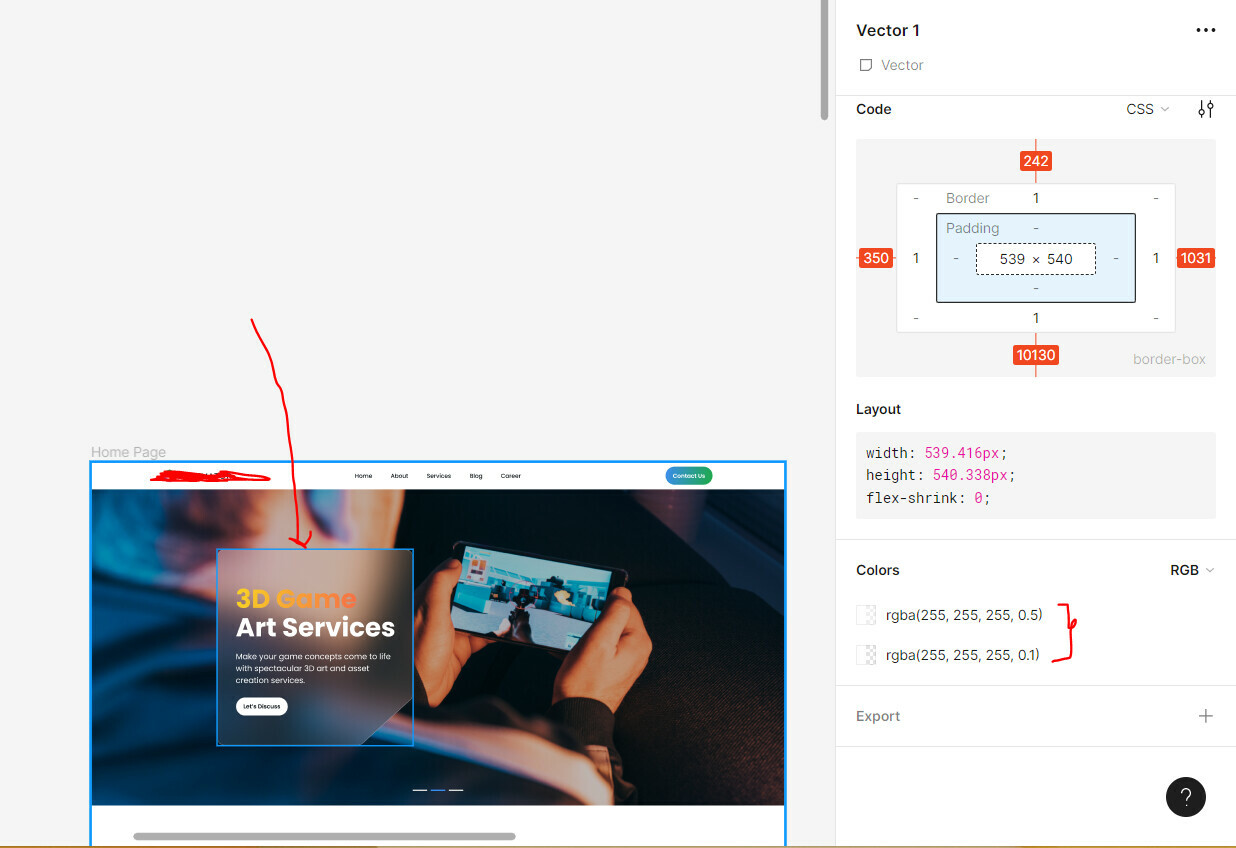
The new update of fimga has messed up giving up CSS rules for shape (rectangle) having background blur.

It just shows multiple color listing.
@Figma_Support can you please look into this?

Kind Regards,
Divy

This topic has been closed for replies.
Best answer by Ryan_52

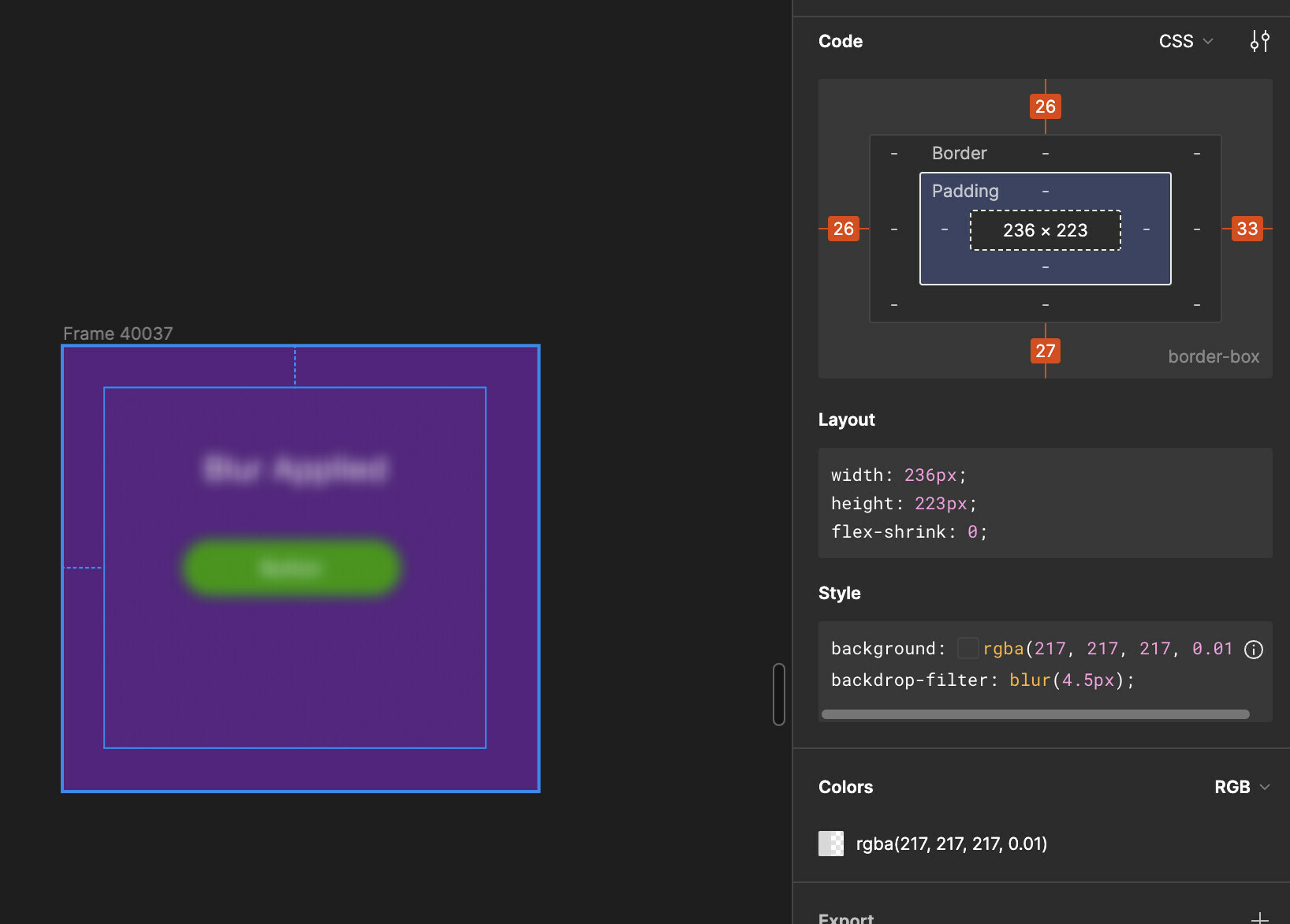
Hi @Divya_Shah I’ve checked this from my end but can see the background-filter blur set in the css style for Dev Mode.

If you are still seeing the issue, can you please reach out to the support team directly via this form for help: https://help.figma.com/hc/en-us/requests/new

2 replies

Ryan_52
Figmate
Ryan_52Answer
Technical Quality Specialist
July 6, 2023

Hi @Divya_Shah I’ve checked this from my end but can see the background-filter blur set in the css style for Dev Mode.

If you are still seeing the issue, can you please reach out to the support team directly via this form for help: https://help.figma.com/hc/en-us/requests/new

Divya_Shah
December 1, 2023

Thanks for replying, no idea what was the issue for me at the time. It wasn’t working for me before when I posted this, but today when I checked again it is working fine. So isn’t a bug anymore.

Thank you again!