

Autolayout / fill calculating incorrectly?
I feel like I’ve never seen this before today… in short, when using “fill” to define width or height of a frame, I am expecting the width or height to be evenly distributed, but it seems to be changing the width /height based on the padding within the frame.
Example: here is an autolayout frame holding 2 freeform frames, both of which are set to width=fill.
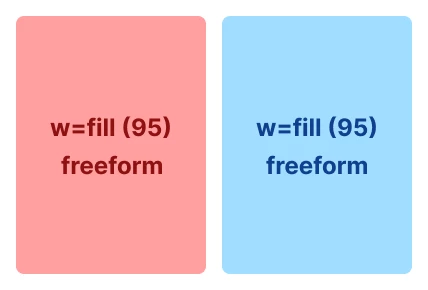
When I apply autolayout to the red frame, I would expect it to maintain its existing width (95px, defined by it being set to “fill” its parent along with the other frame) and apply whatever it decides the horizontal and vertical padding should be. At least, that’s what I think it’s done for the last 8/9 years…
But it doesn’t. It adds the width of the padding to the red frame, meaning the red and blue frames are now unequal widths (in this instance, figma decided the red frame should have 16px padding all round):
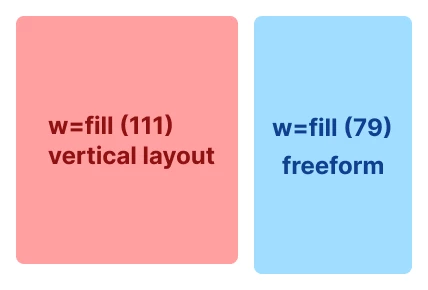
What this means is, I cannot have equal width frames within an autolayout frame if:
- Any of them have inconsistent padding
- Any of them don’t have autolayout applied
- I want them both to automatically “fill” their parent without explicitly declaring a width for one of them
I am sure it’s never worked like this in the past… has something changed or am I just being stupid?