Kyle_Johnson
New Participant
Nov 17, 2026 6:00 PM UTC

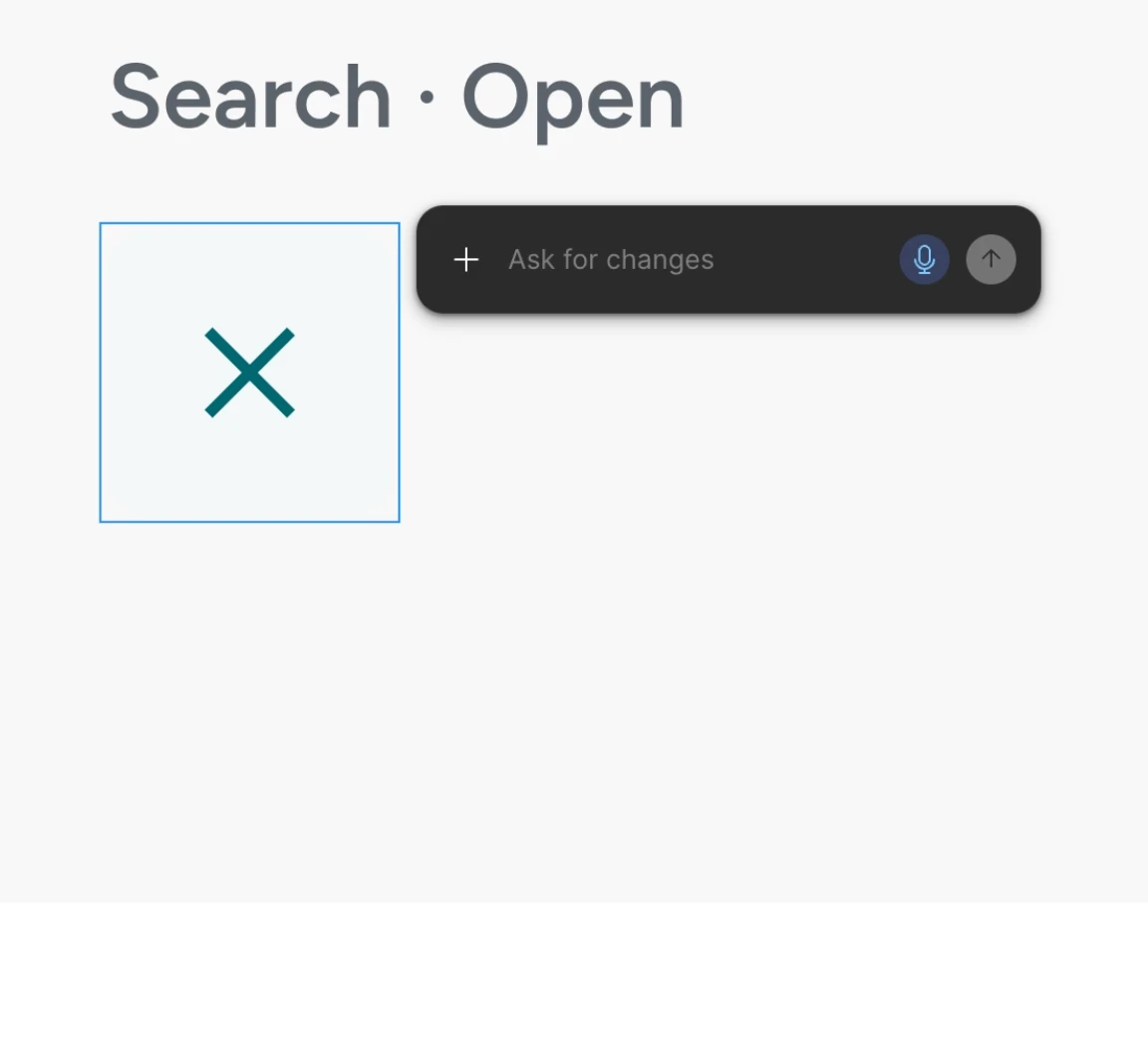
'Ask for Changes' AI prompt popup cannot be dismissed.

The AI prompt popup that appears over a selected layer stays open. Pressing Esc doesn’t close it, and neither does clicking an empty part of the canvas. It covers part of the design, so I can’t see or work on that area.

Steps to reproduce

  1. Open a Design file.
  2. Select a layer.
  3. Click the star-shaped “Agents” icon that appears near the top right corner of the selected layer on the canvas.
  4. The AI prompt popup appears, showing “Ask for changes”.
  5. Press Esc,
  6. Click an empty part of the canvas.
  7. Observed that the AI prompt popup will not close.

Expected behavior
The popup closes when I press Esc or deselect the layer.

Actual behavior
The popup stays open after Esc and after clicking the canvas.

Environment

  • Figma: Desktop App, version 126.11.9
  • OS: macOS 27.2.1

Workarounds tried

  • Esc, pressed more than once
  • Clicking empty canvas to deselect
  • Switching to a new page in the same file.
  • Reloading the file is the only workaround I’ve found to dismiss the popup.
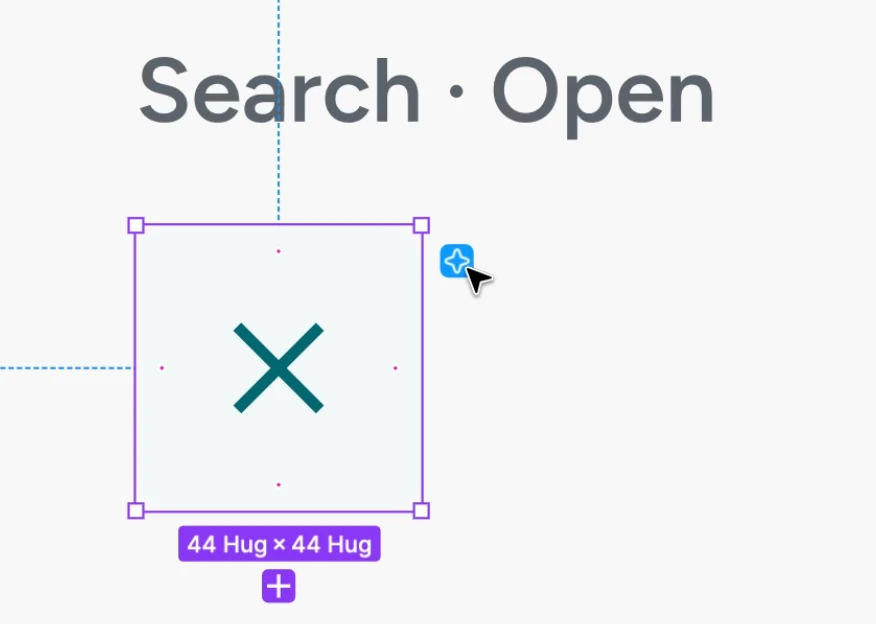
“Agents” star icon that triggers the popup to open when clicked
“Ask for changes” AI prompt popup that is unable to be dismissed.


1 reply

Ondrej_Pavlicek
Figma Ambassador
Figma Ambassador
Nov 17, 2026 6:21 PM UTC

Hi there! 👋

Thanks for sharing such a detailed bug report. 🙏

If you want to prevent this popup from getting stuck in the meantime, I would recommend temporarily turning off the Agents icon on your canvas. You can do this by opening the Figma menu, going to Preferences, and unchecking Show Agents on canvas, as shown in my screenshot below:

Unchecking "Show Agents on canvas" under Figma menu > Preferences.

As a quick tip, if you still want to use the agent while keeping the canvas popup hidden, you can select your layer and use the agent directly from the left panel instead. It works in a very similar way without covering your design.

Hopefully, this helps you work without interruptions for now! 😊

Product designer @ NETWORG | Designing Model-driven Power Apps in Figma | Power Apps DesignKit (Model-driven) | Disclosure: I’m part of Figma’s Forum Ambassador program.