Question
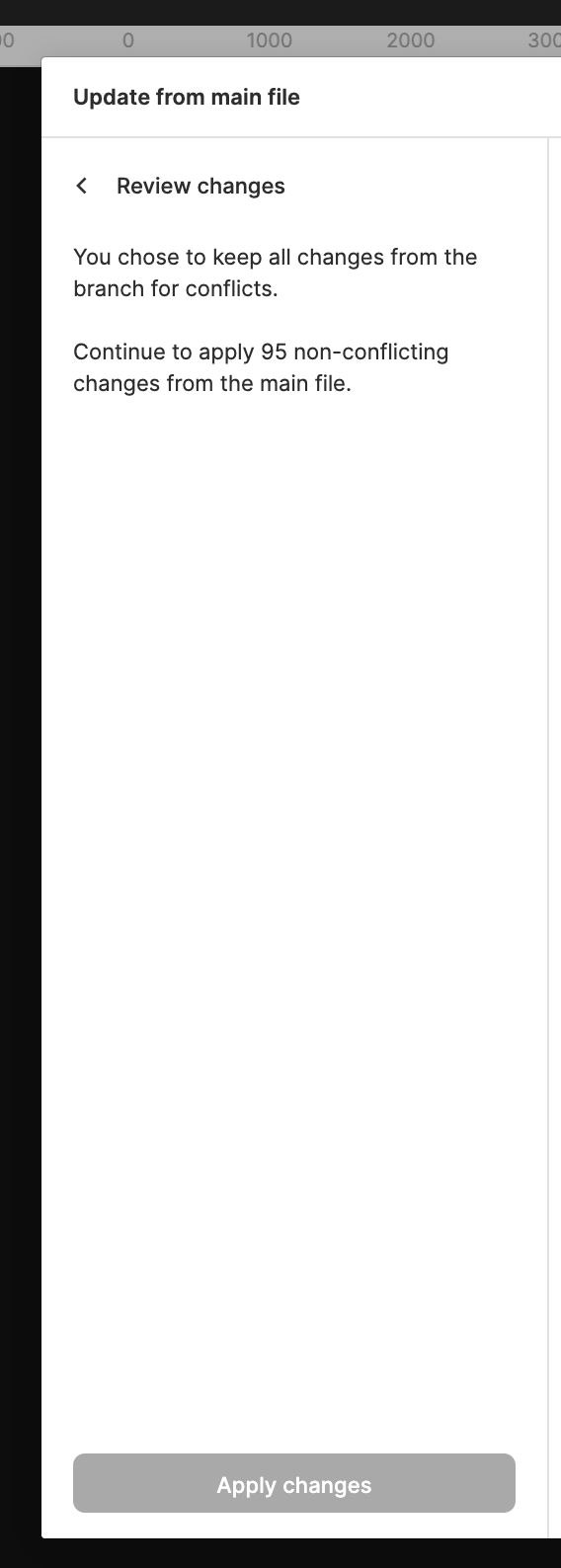
Apply changes button disabled when updating from main
Hi there,
I’m trying to update from main to one of my branches. There are 3 conflicts. After I resolved them and went to the next page where it shows all the other non-conflicting changes, the Apply changes button is disabled for me. I can’t click on any of the changes/layers in the right preview pane either. Am I doing anything wrong here? Would appreciate any help or pointers!
Thanks!
Ethan