

Question
App Update Renders Fonts Unusable
Figma: Desktop app version 125.10.8 on Macbook OS 15.7.2
I made my design a year ago.
I updated the Figma app this week and now when I want to edit existing text blocks I get a grey box font warning pop up:
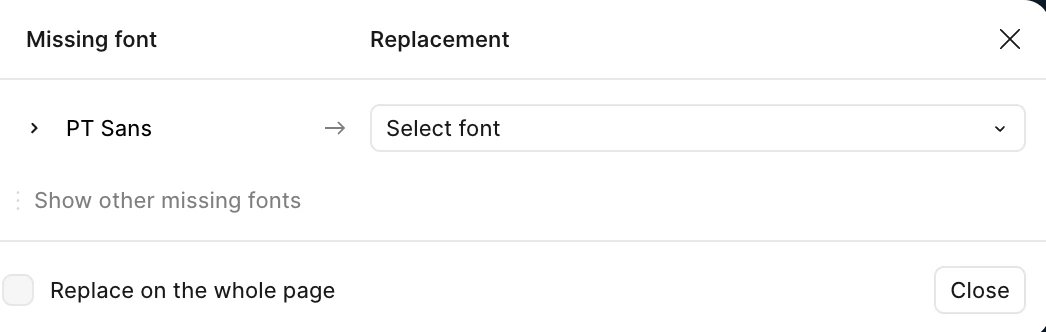
So I select my existing PT Sans font and even though I have selected the PT Sans font the warnings won't go away when I go back to edit my existing text?
I even tried "replace whole page." No difference. I can’t edit any of my existing text boxes without the pop up warning, which basically ignores my PT Sans selection?
I have tried selecting PT Sans Bold (Bold I think is the issue even though this is a style not a font?) It doesn’t work when I select PT Sans and I try and add it? :

I still cannot edit any of my text?
Thanks
Bard