Question
Allow specific layers to ignore "Clip content"
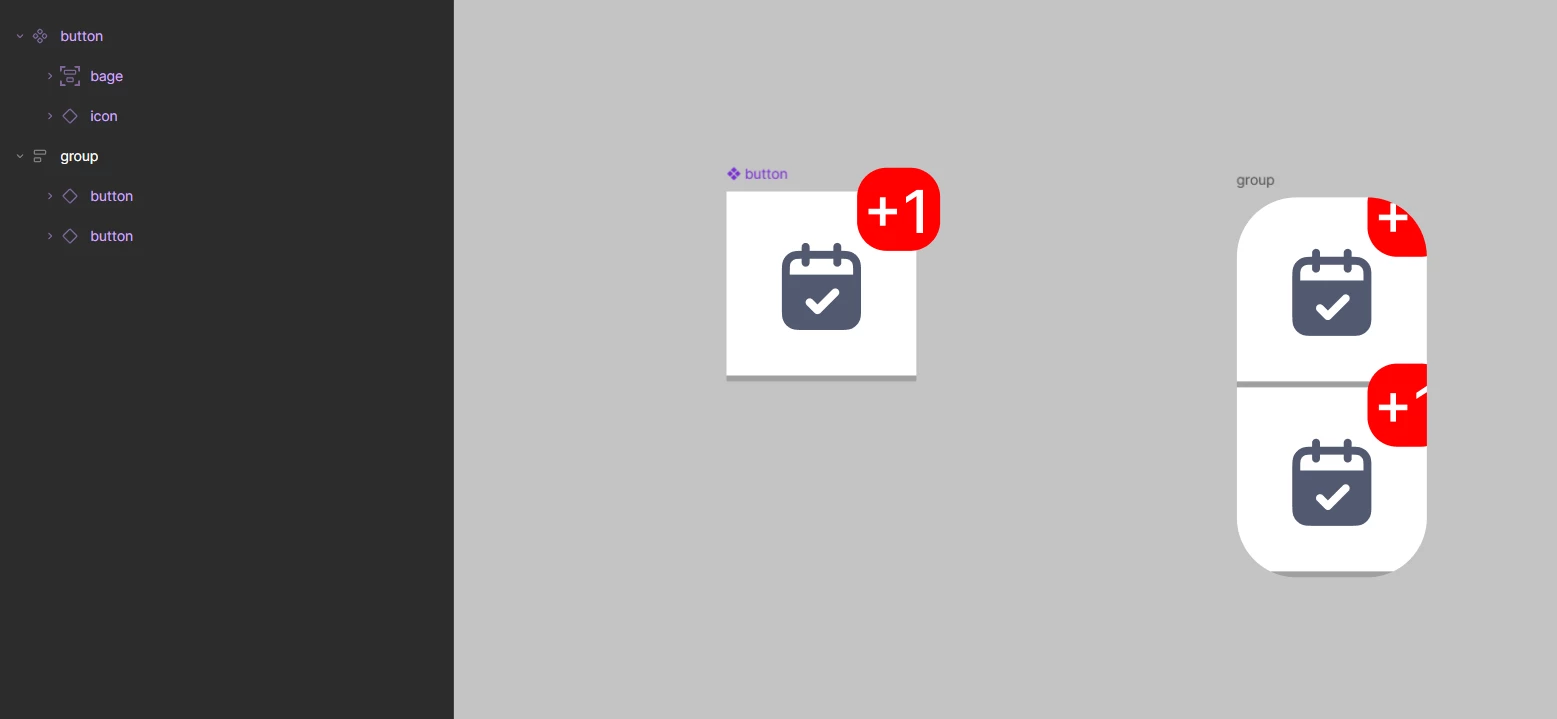
I have a component button (32×32) containing two layers: icon and a bage that intentionally overflows the component bounds to the top-right. The overflow is part of the design.
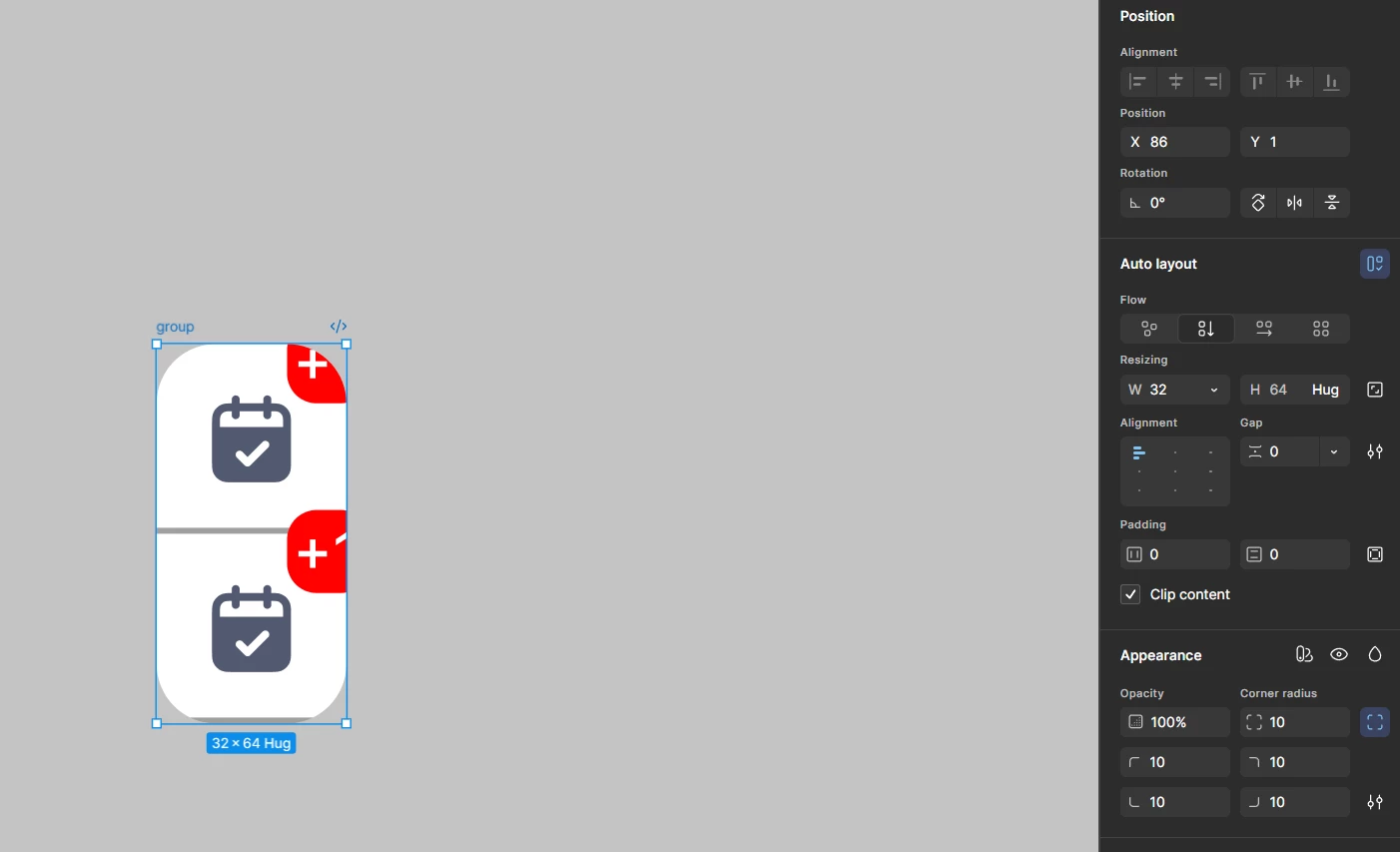
These buttons stack into an auto layout group. The group needs rounded corners as a single block — top corners on the first item, bottom corners on the last, square in between.
The only way to round the group as a block is corner radius + Clip content on the container. But Clip content applies to every child uniformly, so it also clips the badge. See screenshot: the standalone button on the left renders correctly, the badges inside the group are cut off at the right edge.