유희곤
New Member
Oct 28, 2026 5:11 PM UTC
Solved

학생 인증 초과 문의 건으로 정말 여러 번 연락드립니다.

안녕하세요. 학생 인증 초과 문의 건으로 다시 한 번 글을 씁니다.

메일도 정말 여러 번 보냈지만, 도움말 센터를 확인하라는 기계적인 메일만 자꾸 회신이 오고 실질적으로 해결이 되고 있지 않습니다. 저번 글에도 티켓번호를 알려달라고 하셔서, 답글로 달았지만 또 역시 재답글이 오고 있지 않은 상황입니다.


간절히 해결되길 바라는 마음에, 메일을 한번 더 보냈고 최종적으로 받은 티켓 번호는 ‘8102537’ 입니다.

SheerID 팀에 정말 여러번 문의하였습니다. 부디 하루빨리 해결되기를 간곡히 부탁드립니다.


다시 한번 말씀드리지만, 인증 초과 제한을 풀어주시길 간절히 요청드립니다. 제발 도와주세요.  많은 작업에 차질이 생기고 있습니다. 


하루빨리 해결되기를 바라며 글을 작성합니다.

감사합니다.


    Gayani_S
    Gayani_SSolution
    Community Support
    Oct 28, 2026 6:22 PM UTC

    Hey ​@유희곤, thanks for reaching out! I’m replying in English, but please let me know if anything is unclear. 

    I’m sorry you’ve been going back and forth on this, and I understand how disruptive it is when your work is blocked. 

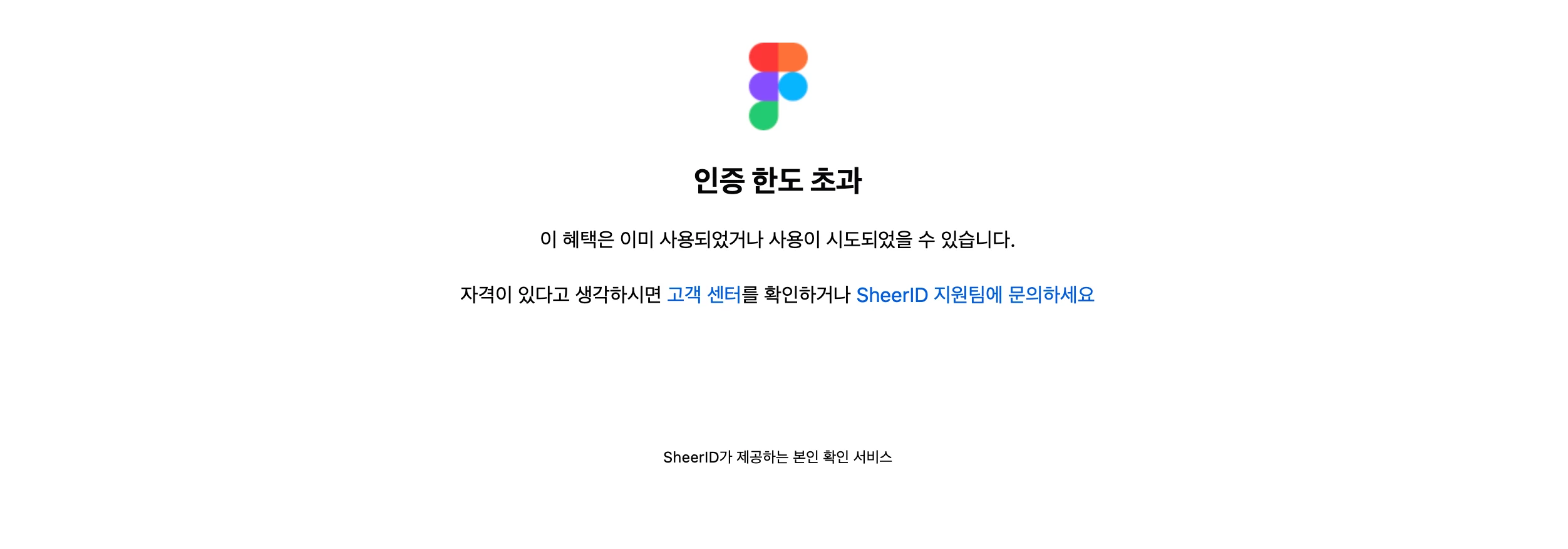
    When you see “Verification limit exceeded”, your verification attempts are managed by SheerID, our verification partner, so they’re the only team who can reset the limit. We can’t review documents or reset attempts from our side.

    Here’s what I’d suggest.

    1. Reply on your most recent email thread with SheerID at figmasupport@sheerid.com, mention “Verification limit exceeded”, and ask them to reset your limit.
    2. CC education@figma.com on that reply and mention that your work is being affected, so both teams can see the full timeline.
    3. Make sure you’re logged into Figma with the same school-issued email you’re verifying with.


    Could you let me know whether ticket #8102537 came from SheerID or from the Figma Education team? That’ll help me follow up in the right place.


     

    2 replies

    Gayani_S
    Figmate
    Gayani_SSolution
    Community Support
    Oct 28, 2026 6:22 PM UTC

    Hey ​@유희곤, thanks for reaching out! I’m replying in English, but please let me know if anything is unclear. 

    I’m sorry you’ve been going back and forth on this, and I understand how disruptive it is when your work is blocked. 

    When you see “Verification limit exceeded”, your verification attempts are managed by SheerID, our verification partner, so they’re the only team who can reset the limit. We can’t review documents or reset attempts from our side.

    Here’s what I’d suggest.

    1. Reply on your most recent email thread with SheerID at figmasupport@sheerid.com, mention “Verification limit exceeded”, and ask them to reset your limit.
    2. CC education@figma.com on that reply and mention that your work is being affected, so both teams can see the full timeline.
    3. Make sure you’re logged into Figma with the same school-issued email you’re verifying with.


    Could you let me know whether ticket #8102537 came from SheerID or from the Figma Education team? That’ll help me follow up in the right place.
     

    유희곤
    유희곤Author
    New Member
    Oct 29, 2026 4:22 AM UTC

    Thank you for the guidance. I will reply to the most recent email thread as you suggested.

    Regarding your question, ticket #8102537 was issued by SheerID.

    Thanks again for your help!
