Question

ํ”ผ๊ทธ๋งˆ๋ฉ”์ด์ปค ํŒŒ์ผ ์•ˆ์—ด๋ฆผ ์˜ค๋ฅ˜

  • February 25, 2026
  • 1 reply
  • 132 views

seyoung.yang

ํ˜„์žฌ ํ”„๋กœํŒจ์…”๋„ ์œ ๋กœ ํ”Œ๋žœ ์ด์šฉ์ค‘์ž…๋‹ˆ๋‹ค.

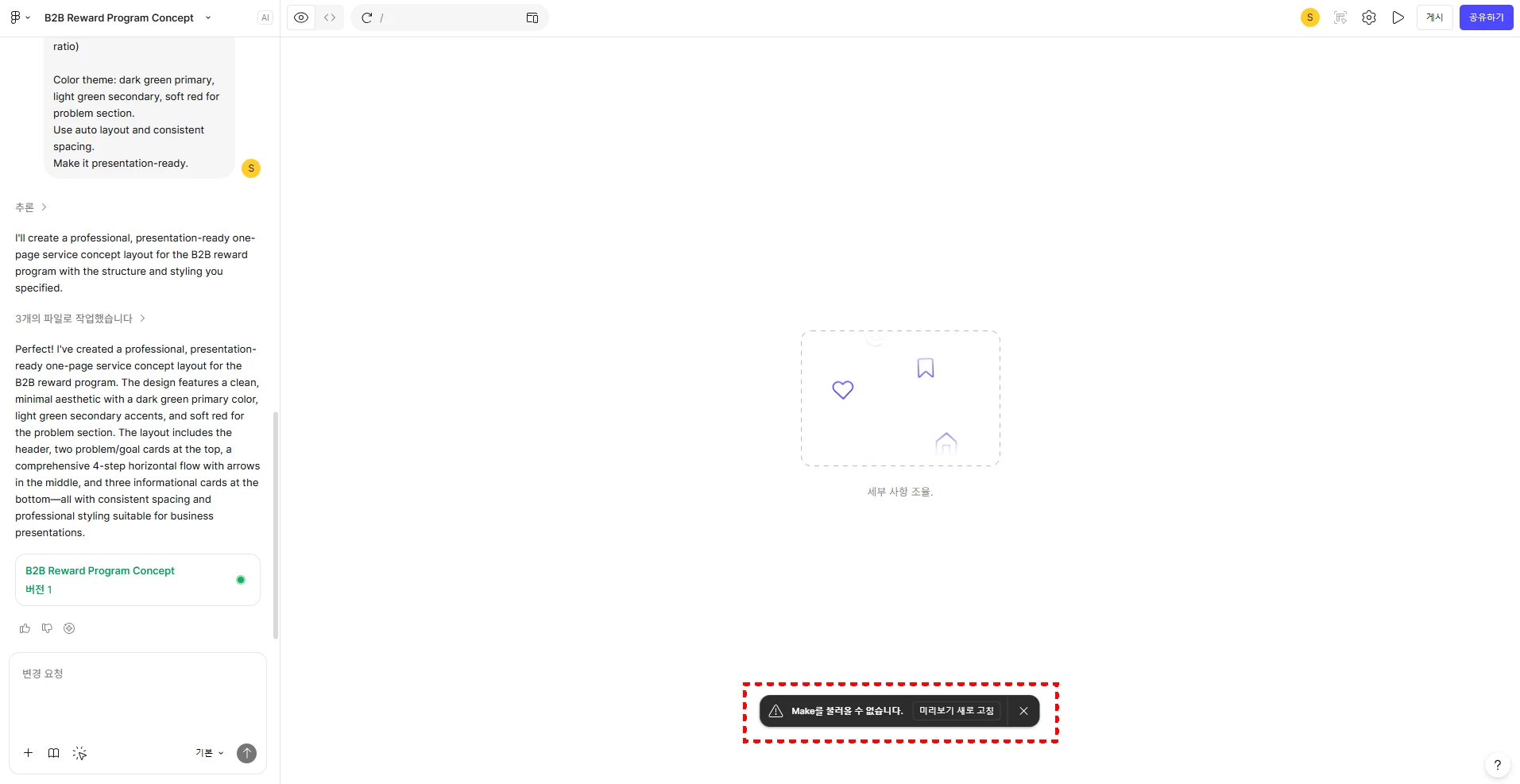
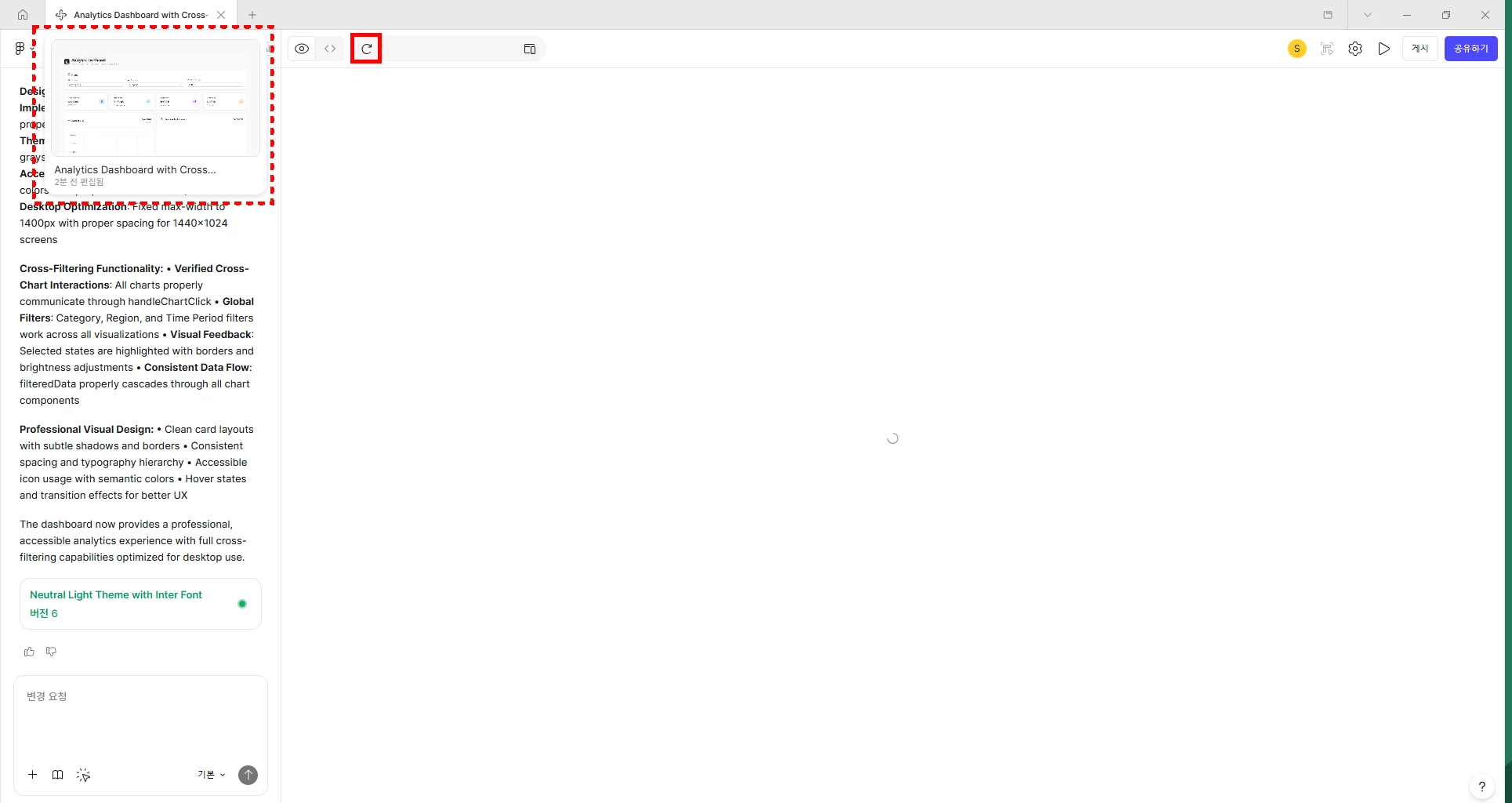
์–ด๋А๋‚ ๋ถ€ํ„ฐ ํ”ผ๊ทธ๋งˆ๋ฉ”์ด์ปค๋กœ ๋งŒ๋“  ํŒŒ์ผ์„ ์—ด์–ด๋ณด๋ฉด ์™ผ์ชฝ ์ฑ„ํŒ…์ฐฝ๋งŒ ๋ณด์ด๊ณ , ์šฐ์ธก ํ™”๋ฉด์—” ์•„๋ฌด๋Ÿฐ ์ฝ˜ํ…์ธ ๊ฐ€ ๋…ธ์ถœ๋˜์ง€ ์•Š๊ณ  ์žˆ์Šต๋‹ˆ๋‹ค. ๋ฏธ๋ฆฌ๋ณด๊ธฐ ์ƒˆ๋กœ๊ณ ์นจ์‹œ์—๋„ ๋™์ผํ˜„์ƒ ์ง€์† ๋ฐœ์ƒ์ค‘์ด๋ฉฐ, ์•„์ฃผ ๊ฐ„ํ˜ˆ์ ์œผ๋กœ ์˜ค๋ฅธ์ชฝ์— ์ฝ˜ํ…์ธ ๊ฐ€ ๋ณด์ž…๋‹ˆ๋‹ค.ย 

2์›” ์ดˆ๊นŒ์ง„ ํŠน์ด์‚ฌํ•ญ ์—†์ด ์ž˜ ์“ฐ๊ณ  ์žˆ์—ˆ๋Š”๋ฐ, 2์›” ์ค‘์ˆœ์ฏค๋ถ€ํ„ฐ ์•„๋ž˜์™€ ๊ฐ™์€ ํ˜„์ƒ์ด ๊ณ„์† ๋ฐœ์ƒํ•ด ํ”ผ๊ทธ๋งˆ๋ฉ”์ด์ปค ๊ธฐ๋Šฅ์„ ์ „ํ˜€ ์‚ฌ์šฉํ•˜๊ณ  ์žˆ์ง€ ๋ชปํ•˜๋Š” ์ƒํ™ฉ์ด๋ผ ํ•ด๊ฒฐ๋ฐฉ๋ฒ• ์ข€ ์•Œ๋ ค์ฃผ์„ธ์š”. ๋ฒ„๊ทธ ๋ฆฌํฌํŠธ๋„ ์˜ฌ๋ ธ๋Š”๋ฐ ๋”ฐ๋กœ ๋‹ต๋ณ€์ด ์•„์ง ์•ˆ์™”์Šต๋‹ˆ๋‹ค.ย ย 

ย 

1 reply

  • Figmate
  • February 25, 2026

Hi โ€‹@seyoung.yang,ย 

ย 

I hope itโ€™s OK to reply in English. I understand youโ€™re not seeing the functional prototype or web app in the preview of your Figma Make file. You mentioned trying Refresh preview, but the issue persists.

ย 

I can see your support ticket (#1761702) and that youโ€™ve shared the affected Figma Make file with our team.

Iโ€™ve escalated your case by adding an internal note to the ticket so it can be prioritized. The team will respond via the ticket,ย so please continue the conversation there.

ย 

In the meantime, if this happens across all of your Figma Make files, please double-check your network configuration as outlined here:ย Adjust your network settings

In addition, here are some steps that have helped when previews donโ€™t load correctly:

  • Open the file in a different browser.
  • Switch to full-screen preview to see if it loads there.
  • Create a copy of the file and see if the copy loads correctly. If it doesnโ€™t, try reverting the copy one version back.

If the issue persists or you have additional questions, please continue the conversation in your support ticket.

ย 

Thanks,