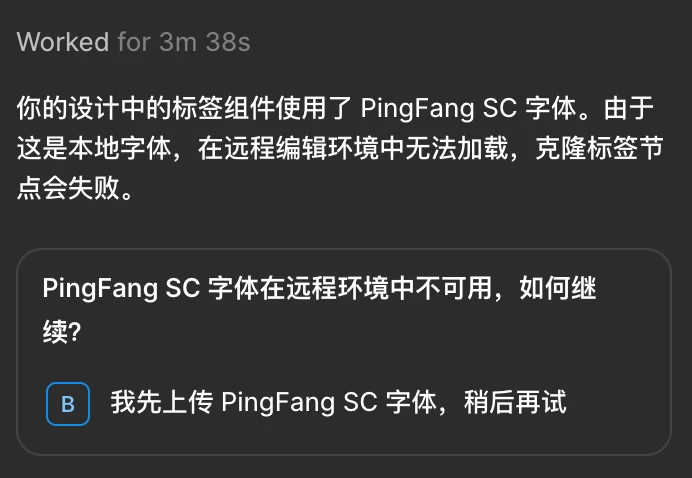
Hey there, Celine from the Community Support team at Figma here. Thanks for sharing the screenshot. I don’t speak Chinese, hope it’s ok I continue in English here.
Since PingFang SC is a local system font on macOS, the Agent can't access it automatically, since it runs in a remote/sandboxed environment rather than directly on your machine.
To fix this, you'll need to upload the font as a user-level font:
- Open Figma in the file browser.
- Click your avatar in the top-left corner to open the account menu.
- Select Settings to open the settings modal.
- Select Account > Your uploaded fonts.
- Click Upload fonts to search and select one from your device (PingFang SC).
- Confirm that you have the rights to upload this font and that you authorize its storage and use on the Figma platform.
Once uploaded, it'll be available under "Uploaded by you" in the font picker, and the Agent will be able to access it going forward. More detail here: Add a font to Figma, and Missing font alert in Figma Design. Hope this clarifies!