


What Figma features are in beta? 🚧
Figma has a number of features under development that are available to users in beta. In this article, find out which beta features are available, what they are, their beta types, and how to access each one.
Beta types refer to the level of access. These include:
- Beta / Open beta: All Figma users can join the beta
- Closed beta: Only users who receive an invite can join the beta
- Limited beta: The beta is available to all Figma users, but is limited to a certain number of beta users
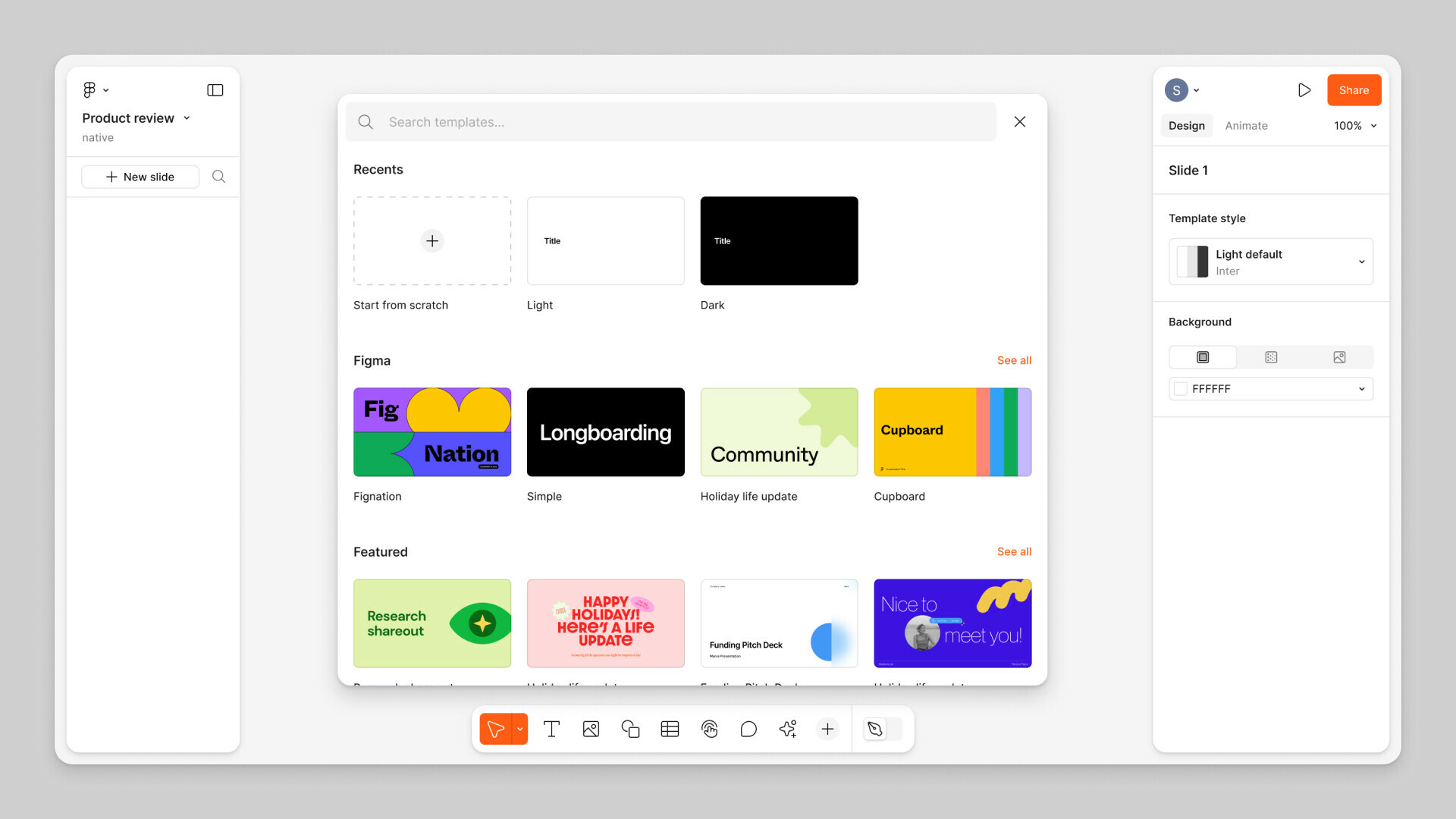
Figma Slides open beta
Figma Slides is the first presentation tool built for designers and their teammates. Figma Slides pairs the power and precision of Figma Design with easy-to-use presentation tools to bring your narrative to life and drive alignment.
Learn more about Figma Slides →
AI tools in Figma Design limited beta
With Figma AI, unblock your creativity. Get started faster, find what you’re looking for, and stay in the flow. Use AI tools in Figma Design to:
- Make designs: Generate styling and layouts examples to explore different expressions of product ideas.
- Find assets and designs: Give Figma AI reference images, design elements, or descriptive text to find the designs you need from across your team or organization.
- Rename layers: Let AI organize your files by renaming your layers in a click.
- Make prototypes: Preview interactions by generating prototype connections between multiple screens.
- Actions: Use Actions, your shortcut to Figma AI, to add realistic text to your mocks, translate it, adjust tone, remove backgrounds, and more.
Learn about Figma’s approach to AI →
UI3: Figma, redesigned limited beta
Figma has grown more complex over time, and UI3 is an effort to simplify your design experience. Our intent is to make Figma Design feel more focused for designers and more approachable for a broad range of people. We’re also creating a consistent foundation for our existing products—and products yet to come.
Learn more about Figma’s redesign →
🚧 Starting on June 26th, 2024, you can sign up for a waitlist to access the Figma AI and the redesigned Figma limited beta. The waitlist can be joined in the product through the Everything we launched at Config 2024 modal, using the in-product help menu, or using quick actions.
Join the waitlist
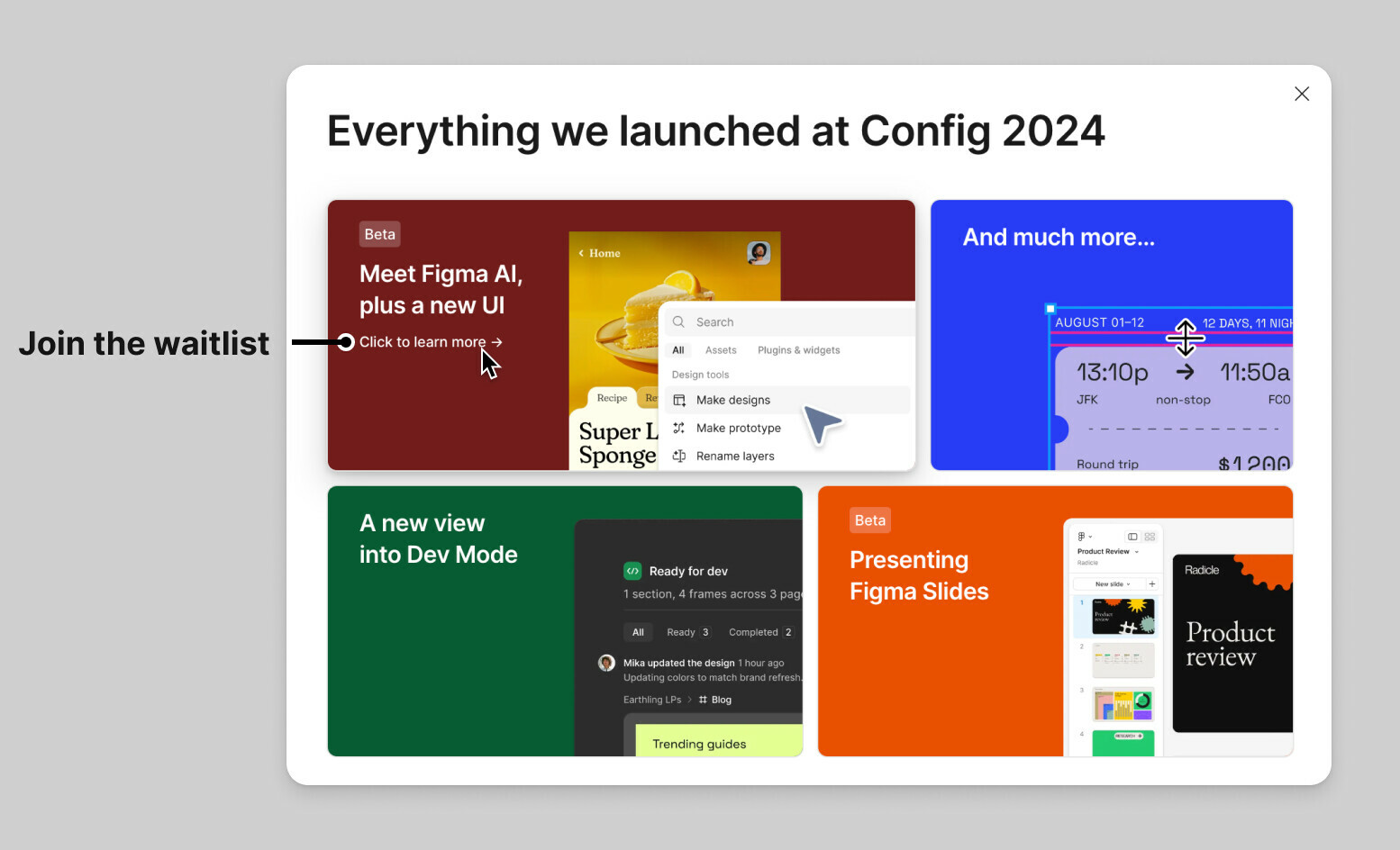
To join the waitlist:
- Log in to Figma.
- On the Everything we launched at Config 2024 modal, click Click to learn more under Meet Figma AI, plus a new UI.
- Click Join Waitlist.
Alternatively:
- Log in to Figma.
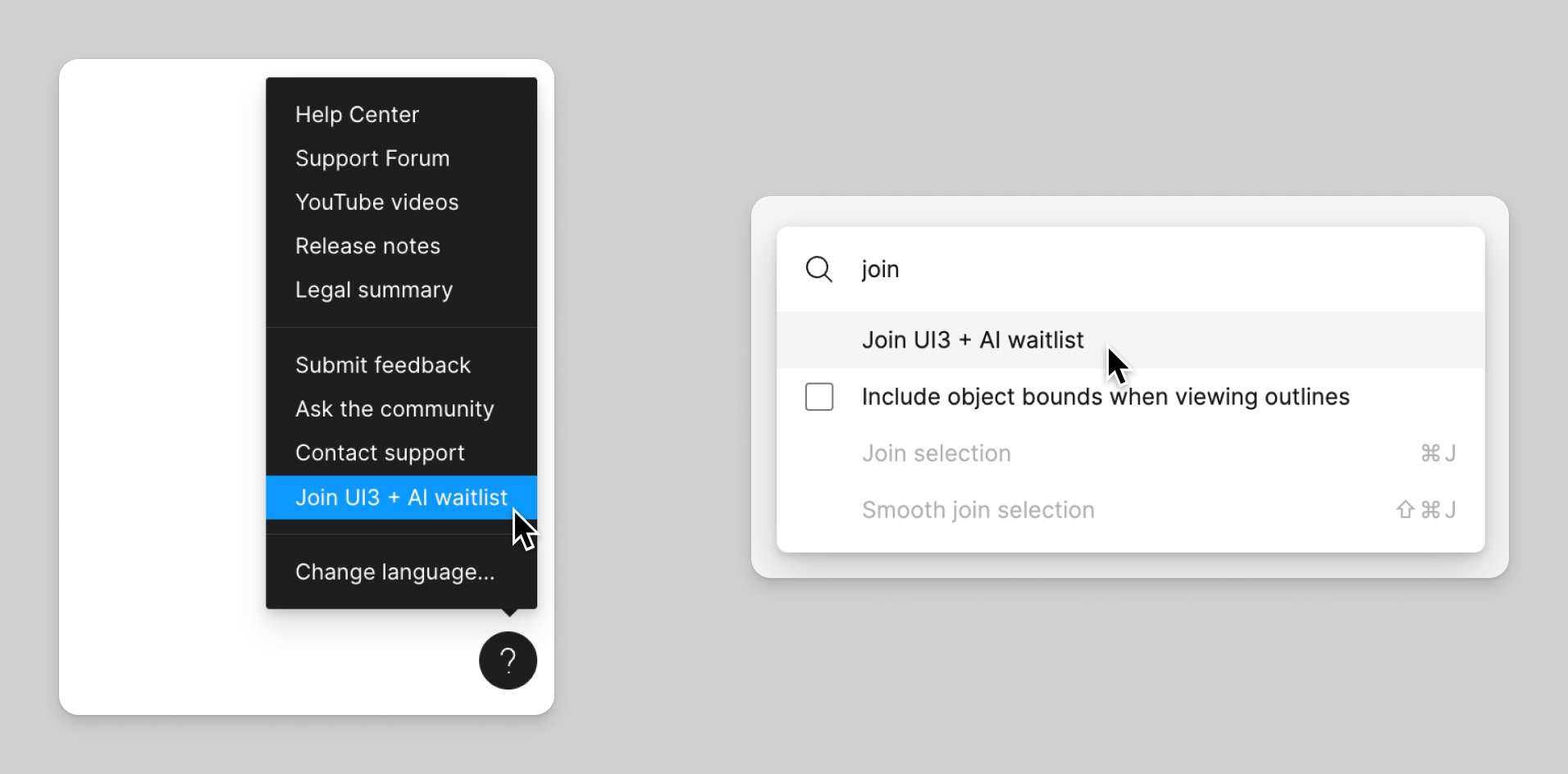
- At the bottom of the screen, click and select Join UI3 + AI waitlist.
or
Use the keyboard shortcut to access the quick action bar, and then search for Join UI3 + AI waitlist:
- Mac: ⌘ Command / or ⌘ Command P
- Windows: Control + / or Control + P
AI tools in FigJam open beta
AI tools let you leverage the knowledge of large language models to help speed up your work and explore your creativity in FigJam.
Use AI tools in FigJam to:
- Generate boards and diagrams: save time preparing and building boards for any team exercise or meeting.
- Sort and summarize stickies: FigJam is the perfect place for hosting collaborative exercises like brainstorms, design critiques, and retrospectives. Afterwards, sort and summarize what happened during the meeting and create clear action items using AI.
- Jambot: a FigJam widget that adds a visual version of ChatGPT to your board. Jambot helps you summarize stickies from a meeting, brainstorm ideas, rewrite text in new styles, and more.
Desktop app open beta
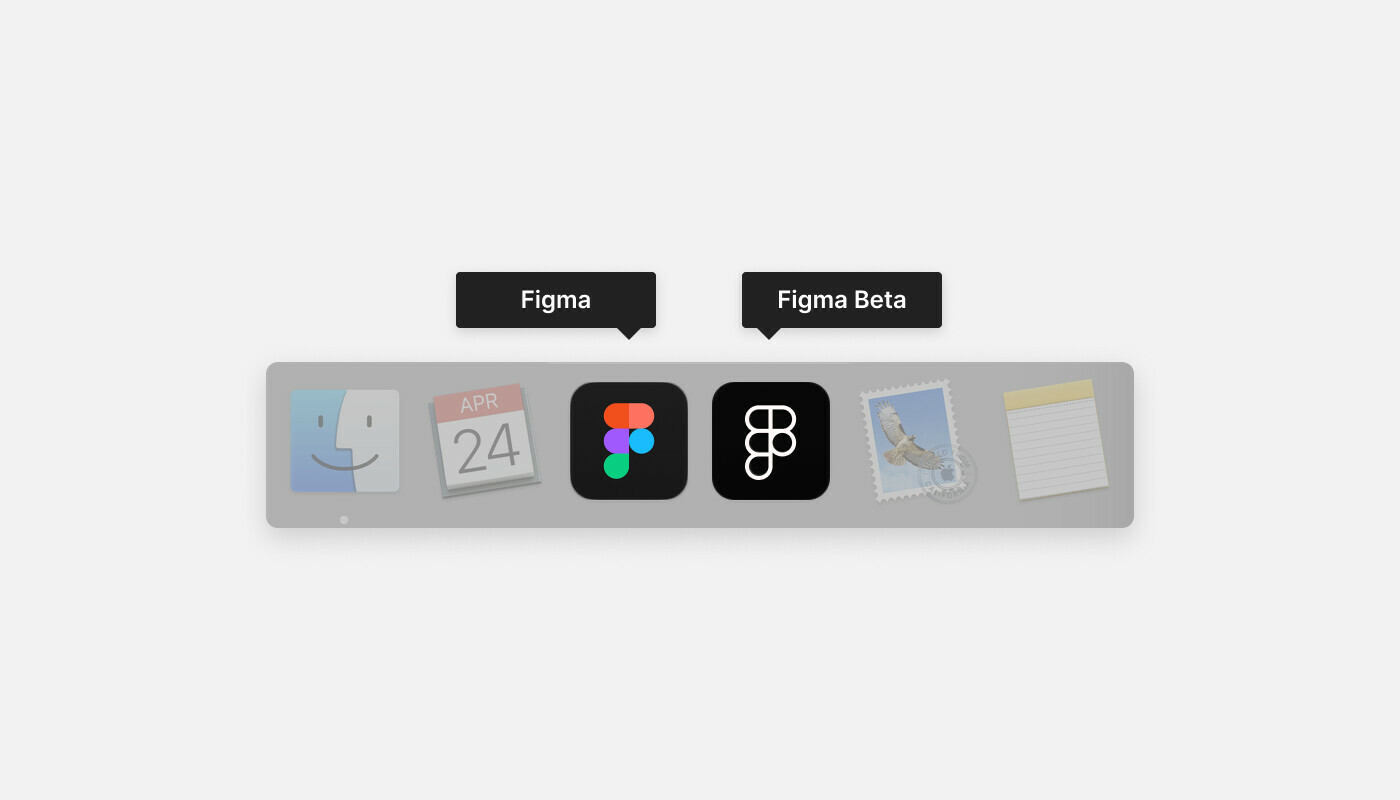
Figma has a beta version of the desktop app available.
By using the beta version of the app, you’re helping Figma test bug fixes and performance improvements, before we release them to the general public. The beta version does not give you access to features Figma hasn’t released yet.
You can install and use the Figma desktop app and the beta version at the same time. Both versions of the desktop app will offer the same core features and functionality.
Learn how to download the beta version of the desktop app →
Library Analytics API beta
The Library Analytics API, part of the Figma REST API, lets you fetch analytics data about how your organization’s design system libraries are being used.
The API provides similar information to the in-product library analytics feature, but in a format that you can use to do more fine-grained, custom analysis. For more information about the Library Analytics API, check out the Figma REST API documentation →
More info on everything above here:
Figma Learn - Help Center