


Understanding AI credits
Understanding AI credits
Starting today and rolling out over the next week, we’re bringing more transparency to understanding and using your AI credits across Figma products! Every seat in Figma includes AI credits. The number of AI credits and what features you can use them with depends on your plan and seat type. Credits reset monthly and don’t roll over.
Viewing your seat credits
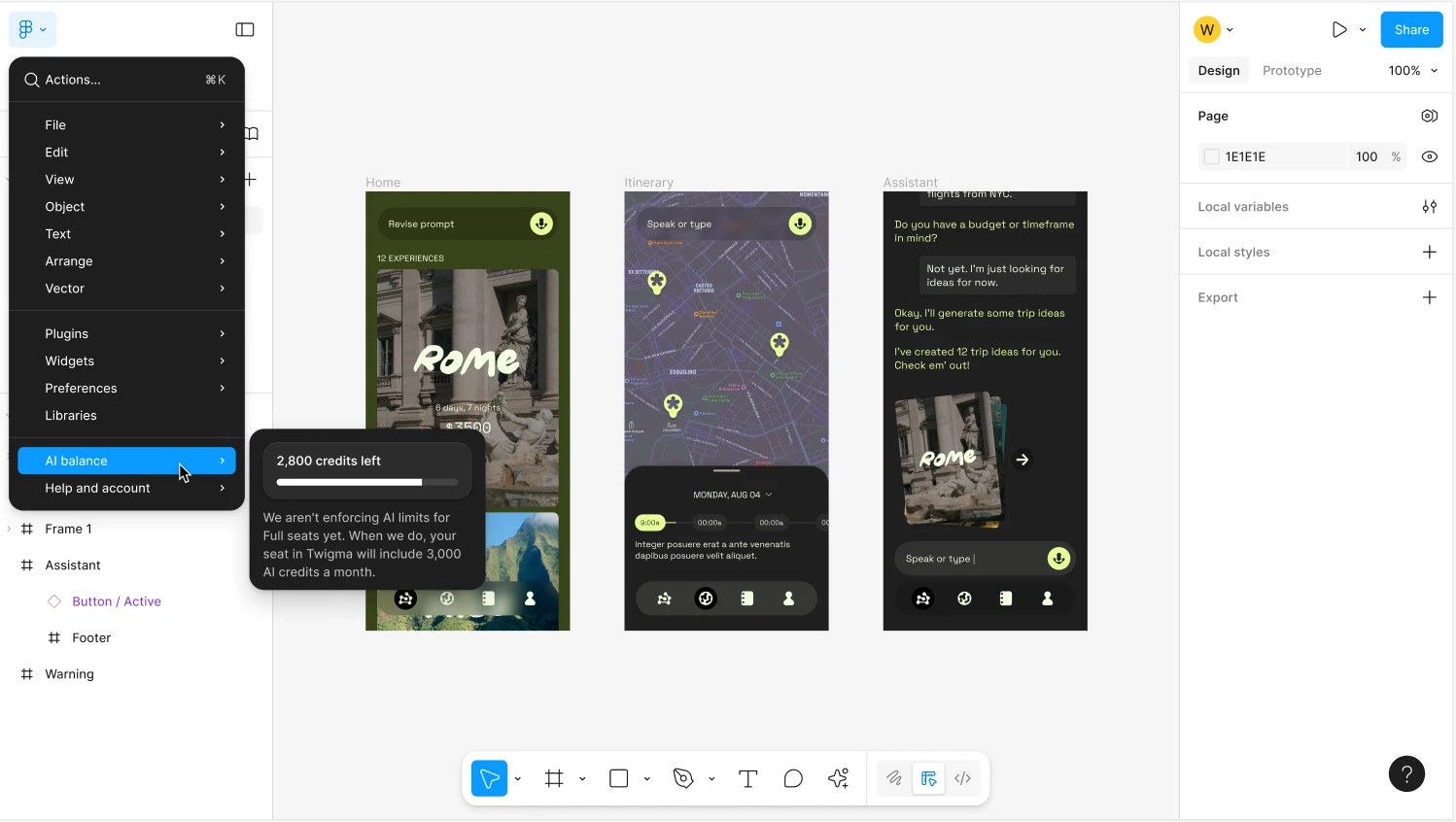
You can now view how many credits you’ve used, how many credits you have remaining, and when they’ll reset directly in your file menu:
We’ve also introduced a new AI credits page for admins on paid plans to track AI usage across their plan. Read more about managing AI credits as an admin in our Help Center.
AI credit consumption by features
Every time you run an AI action, it consumes a number of credits based on factors such as the type of AI action, complexity of your request, and the model used. Credit consumption rates are now shared in our Help Center. Credit usage for each feature may change as models are optimized or new models become available.
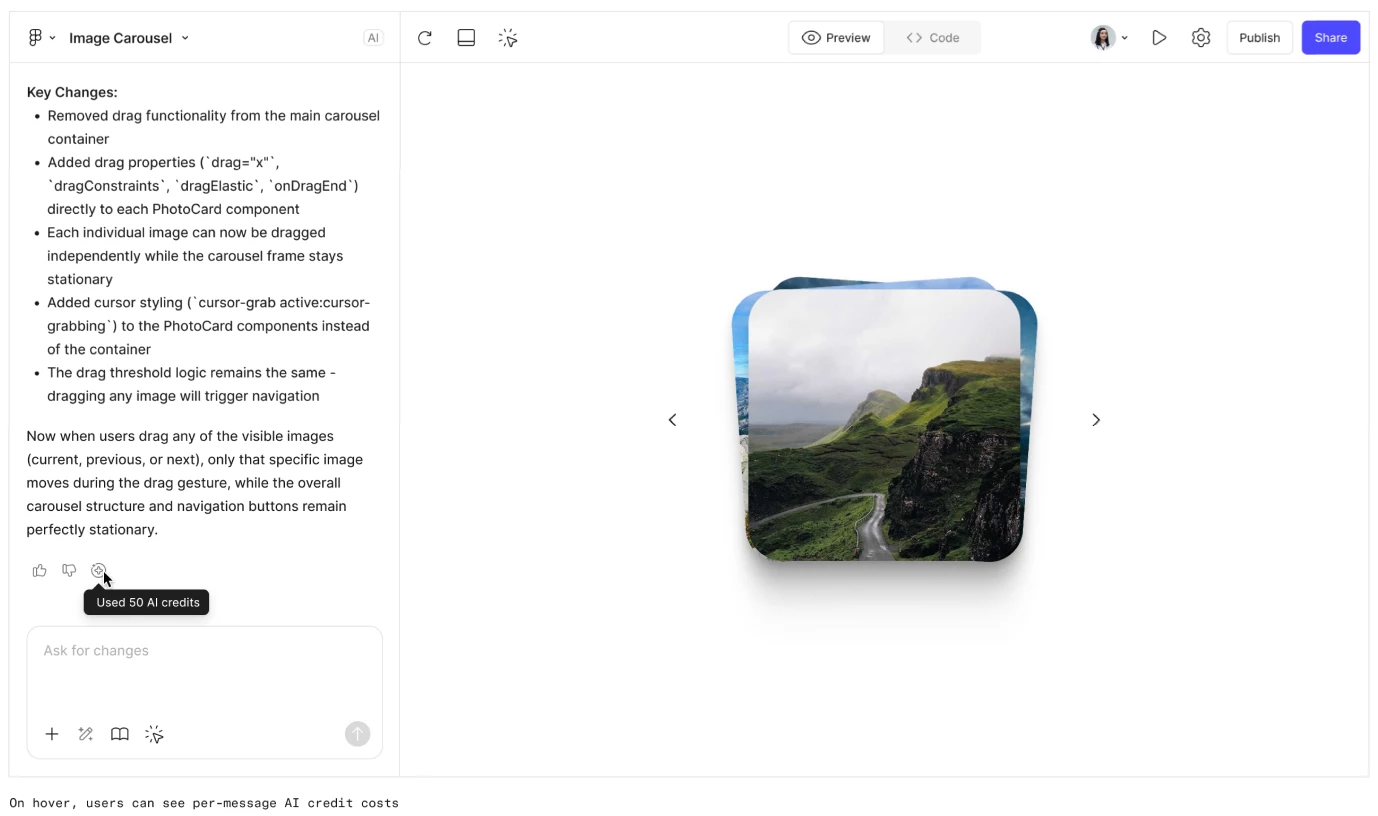
For most AI features, you can see exactly how many credits each action consumed by hovering over the AI credits icon:
Purchasing additional credits
In 2026, admins will have two new ways to pay for additional AI usage when their team members reach seat credit limits. Check out our Help Center for more details on the AI credits add-on and pay-as-you-go billing.
Read more about how AI credits work at Figma here.