

ESSA1
April 23, 2024
Question

Version 116.18.6, font rendering issues

  • April 23, 2024
  • 6 replies
  • 723 views

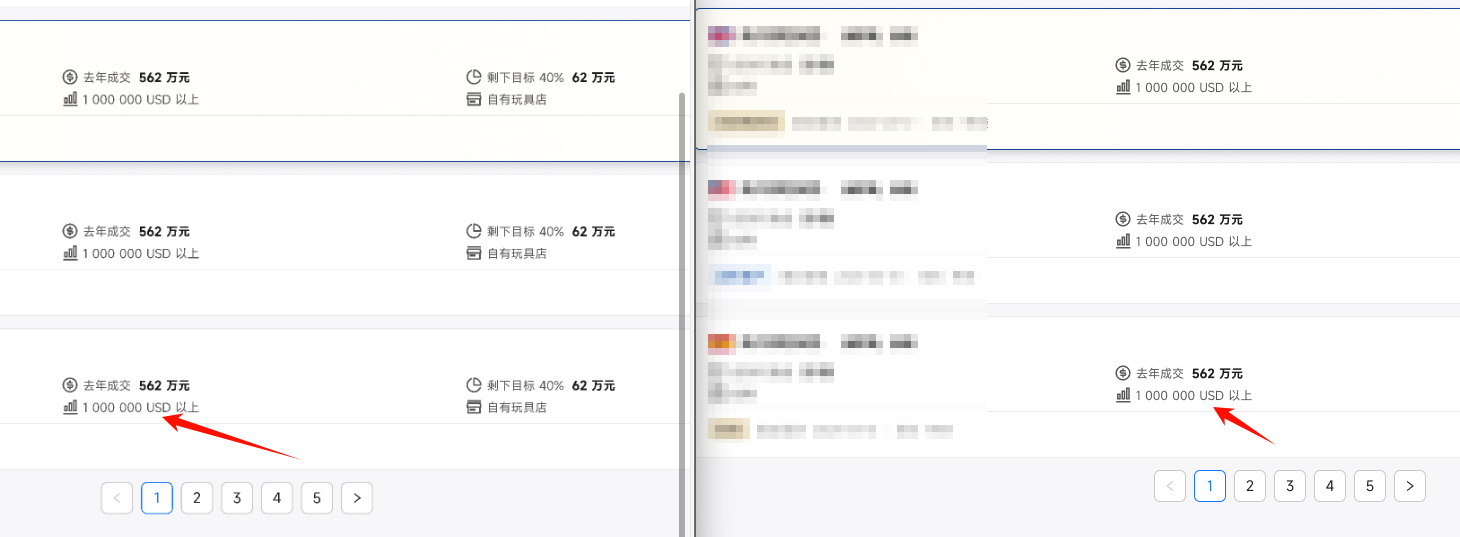
After the recent version update to version 116.18.6, I found that there is a certain problem with the rendering of the font. By default, when scaled to 100%, the font will be slightly blurred. Only after double-clicking to edit the text, it seems that the new rendering is activated, and the font becomes clear again.

Open the same file, the scaling is 100%, when editing the text, the rendering becomes clearer. Include some borders, text.
This topic has been closed for replies.

6 replies

Daniel_Fazylov
April 23, 2024

Same issues, i have own topic and replied to others, don’t get any devs respond

Jeremy23
Active Member
April 23, 2024

Just checked it. No such issue that you mentioned. I tried Pingfang, NotoSans, Inter.

Daniel_Fazylov
April 23, 2024

It may be exclusively Windows problem and it’s fresh. Since 16 or 17 April, i guess. Some of my collegues with mac don’t have same issue.

ESSA1
ESSA1Author
April 24, 2024

I saw a message:
According to Windows Latest, the font display issue affecting some users is characterized by blurred or thin text. Since fonts appear fine in other browsers, users generally blame Chrome itself for the problem. However, this is not the case. The culprit is actually a problem with the communication between Chrome and the Windows system about text display settings.
To solve this problem, Microsoft plans to modify the Chromium code base so that it can read the contrast and gamma values ​​set by the user in the “ClearType Text Tuner” and pass them to Chrome’s Skia rendering engine. This way, Skia can render text according to the user’s preferences, thus avoiding similar font display issues in the future.

ESSA1
ESSA1Author
April 24, 2024

I don’t know if Windows has fixed it or if it has been officially fixed. Today I checked and found that this problem has been solved.
I am using Windows 11. This problem seems to have been fixed after the cumulative update patches in April. You can have a try.

Daniel_Fazylov
April 24, 2024

that worked, thx