

Question
Vector Region Deselects When Using Eyedropper in Edit Mode, Causing Full-Object Fill Override
Hi Figma community,
I'm having a some issue with vector illustrations in Figma.
Problem 1: Paint Bucket + Eyedropper Override
- I draw a vector with the pen tool, ensuring closed paths for isolated regions (no gaps).
- In edit mode (double-click vector), I use Shift + B (paint bucket) to highlight and click a specific region it adds a default grey fill correctly to just that area (sidebar shows single swatch).
- When I try to change the color using the eyedropper (press I or click icon in color menu), the highlighted region automatically deselects upon activating the eyedropper.
- Sampling any color then applies it to the entire vector object instead of the selected region. Adjusting via the color spectrum slider works fine without override.
- This only happens with the eyedropper sample; manual hex/spectrum is okay.
- Tried: Clearing all fills first, resetting cache, separating regions to new layers, shortcuts to avoid clicking icon, still deselects and overrides.
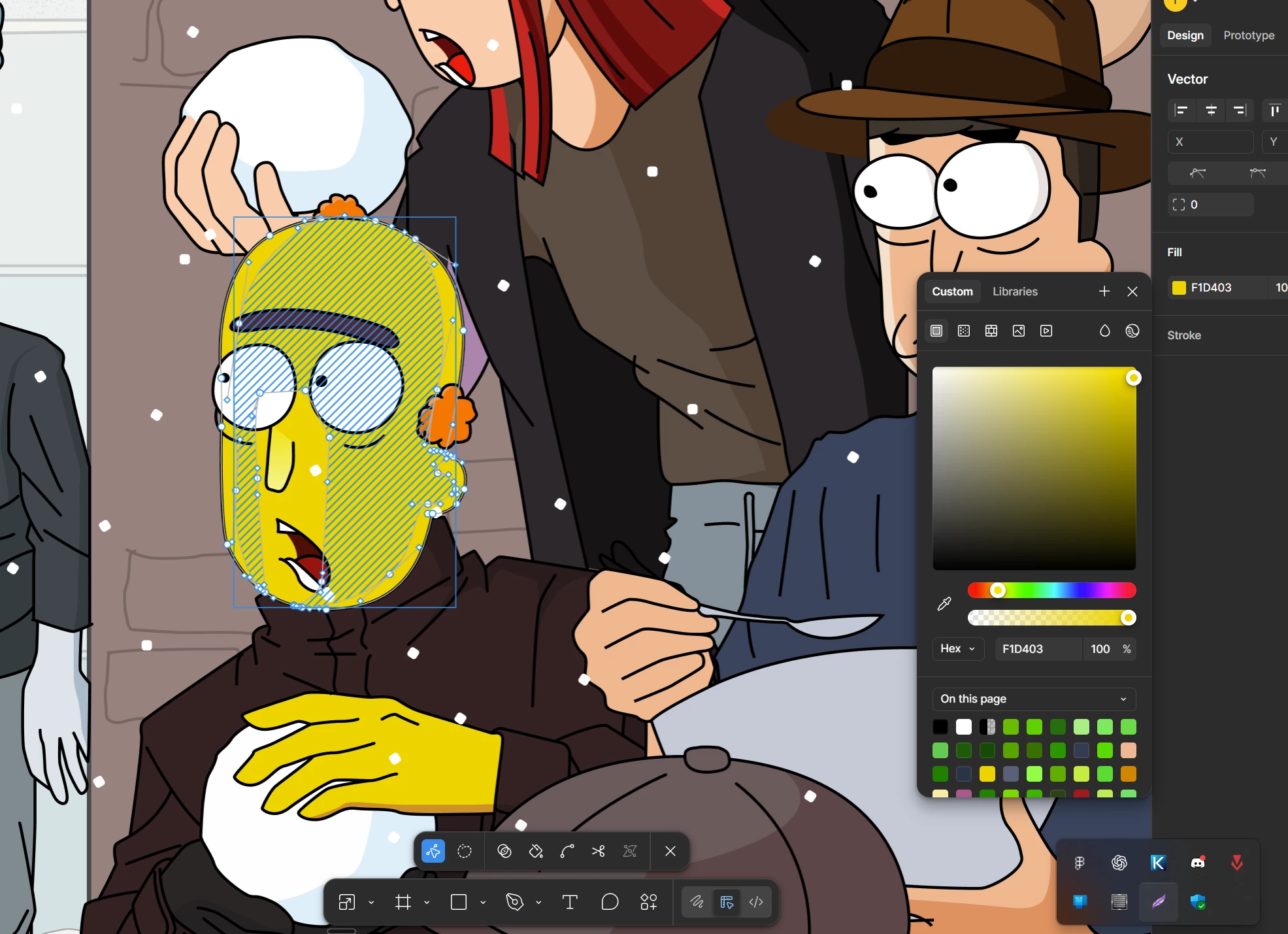
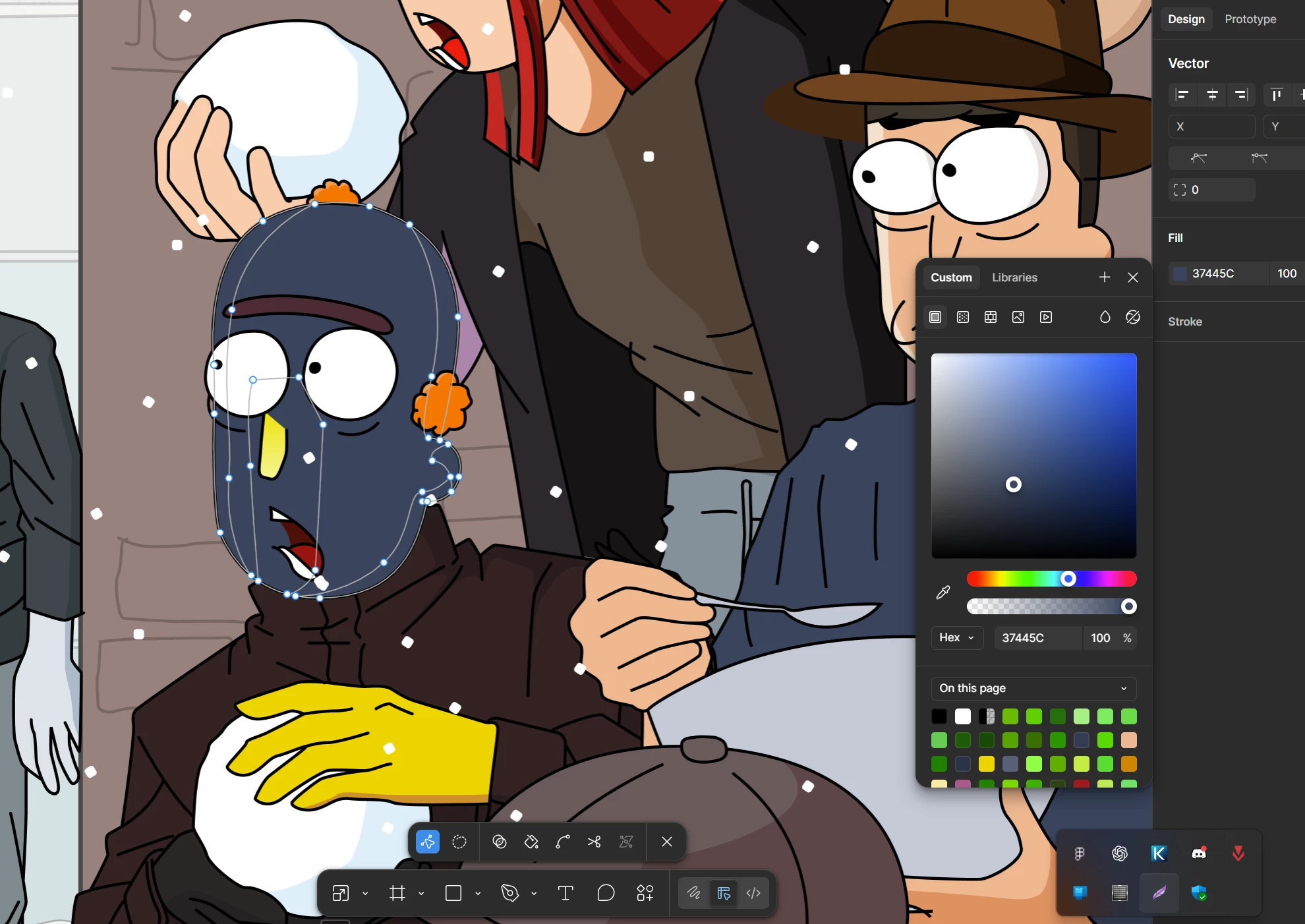
Problem 2: Pen Tool Won't Move Anchor Points
- In edit mode, hovering over an anchor point changes the cursor to the move icon.
- But clicking/dragging does nothing no movement. Zooming in, deselecting multiples, toggling snaps (e.g., Snap to Geometry on/off)—no fix.