

Question
Understanding button functions and behaviors
Hello Figma community.
Im coming from the world of 3D design, and figma is a new interaction field for me.
I have a question regarding some buttons and how they behave which is confusing me to understand, so I hope the community can help me out.
I have a task to make a button with 6 different states, some states have a bracket with (on) & (off) which I dont understand why, if someone can ellaborate on this would be great.
I have made an example on how I believe these buttons should be, if they become interactive.
And I also have uploaded a practise PNG if someone would like to do his or her own version.
- why is there 2 states with the same name, Default, Pressed, hover?
This is my understanding how it would be, the offs would be less bright and darker. - The hovering states one would be brighter when the mouse hovers, and the hover off would be dark I suppose.
- Silliest question ever, but is Pressed ON, when the button is active, or when the mouse clicks on it? Im super concused with pressed OFF, is that the mouse release?
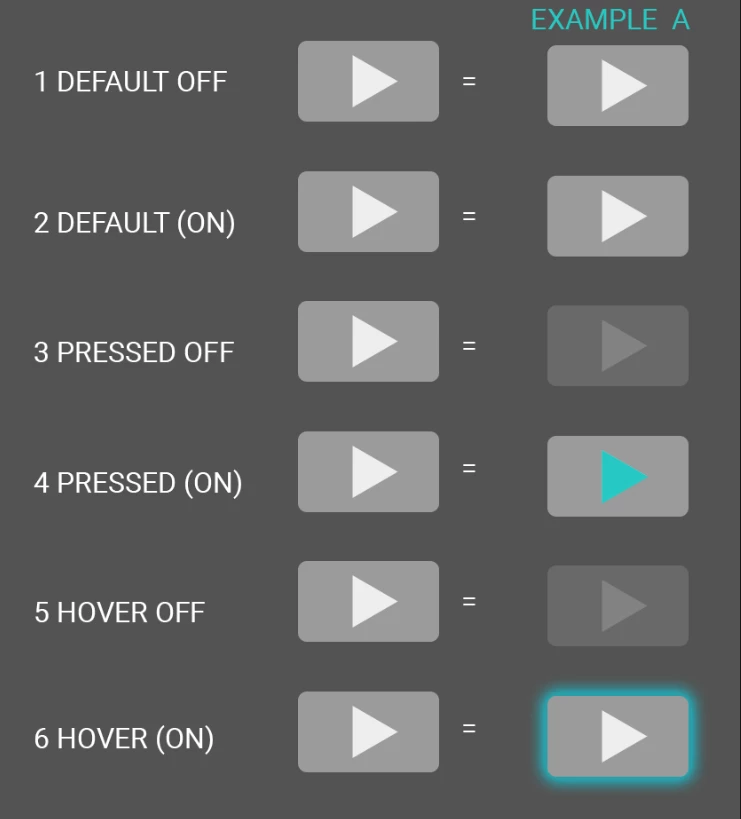
If somoene would like , they can also do a layout so I can see, how it would be correctly done
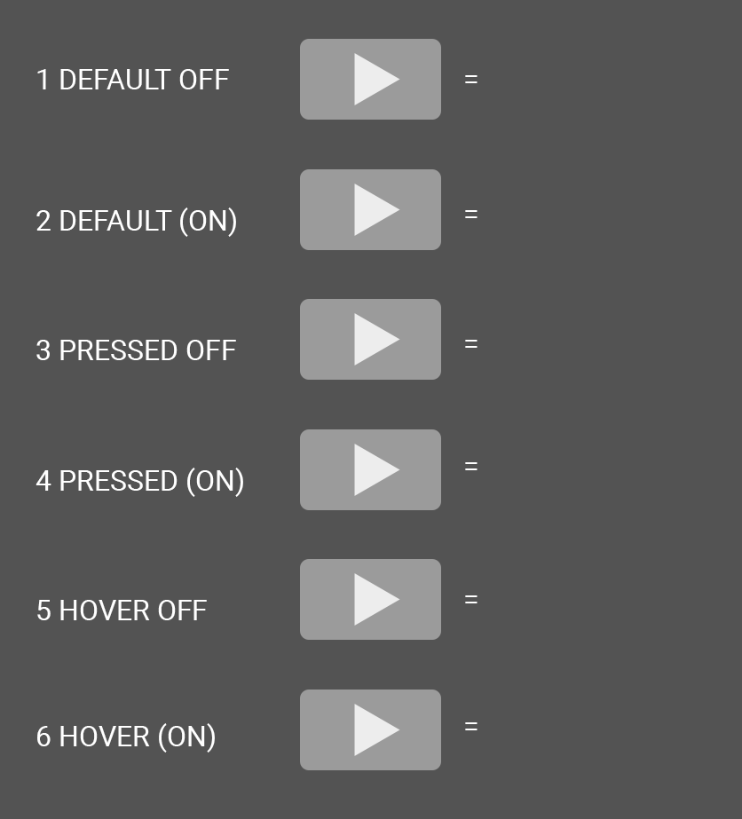
Thanks kindly for your help community.