

Answer

The mechanical response completely fails to address my issue

  • September 9, 2024
  • 1 reply
  • 27 views

aGuang

Are you guys really using the products you designed yourselves? In the annual seat allocation, you can only add seats but not remove unused ones.
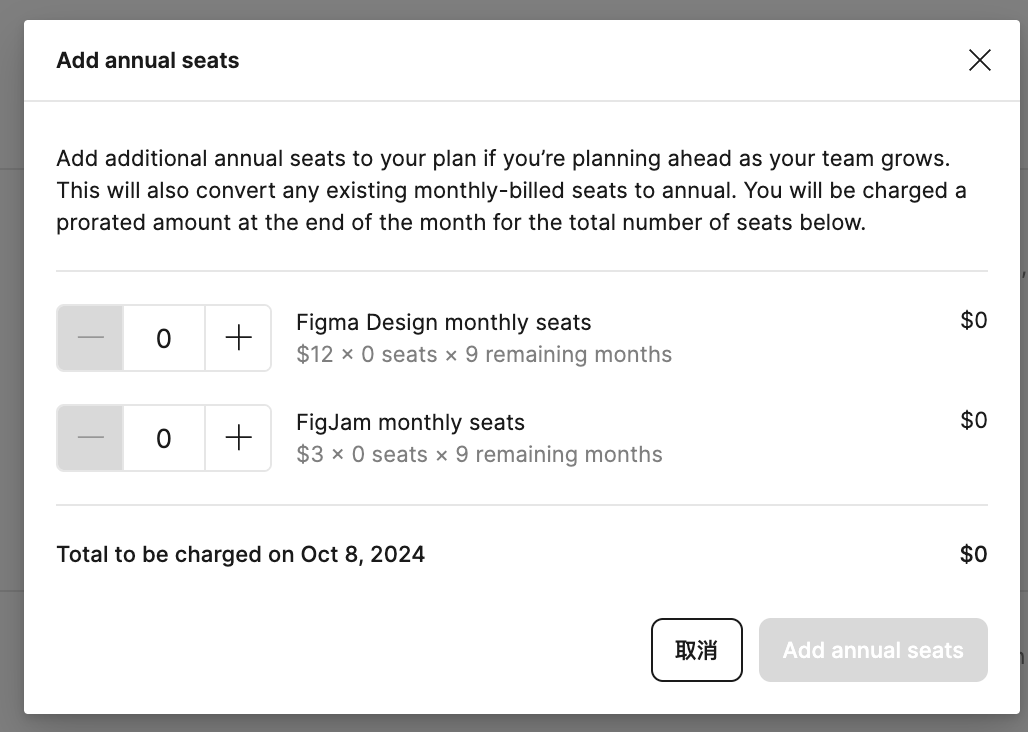
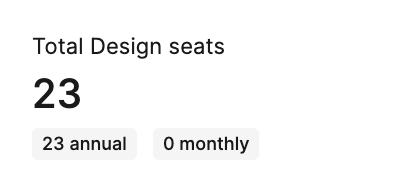
image

Continuing the discussion from How to remove unused Figma design seats?

Best answer by djv

Hey @aGuang, sorry for the frustration!

We sent you an email a month before your Annual renewal date to allow you to edit your plan. Be sure to keep an eye out for this email in the future.

In your renewal window, the month before your renewal date, you can modify team access via Settings to update your seat count. Here’s a quick guide on how to navigate this during your renewal period: Renew annual subscription

That said, support replied to you yesterday on your ticket #1116130. For any further help, please reach out to the support team directly over there.

This topic has been closed for replies.

1 reply

djv
Figmate
  • Community Support
  • Answer
  • September 10, 2024

Hey @aGuang, sorry for the frustration!

We sent you an email a month before your Annual renewal date to allow you to edit your plan. Be sure to keep an eye out for this email in the future.

In your renewal window, the month before your renewal date, you can modify team access via Settings to update your seat count. Here’s a quick guide on how to navigate this during your renewal period: Renew annual subscription

That said, support replied to you yesterday on your ticket #1116130. For any further help, please reach out to the support team directly over there.