

Question

Text layer inside a component with max width override

  • April 15, 2026
  • 1 reply
  • 13 views

Thomas_Cramer

Hi

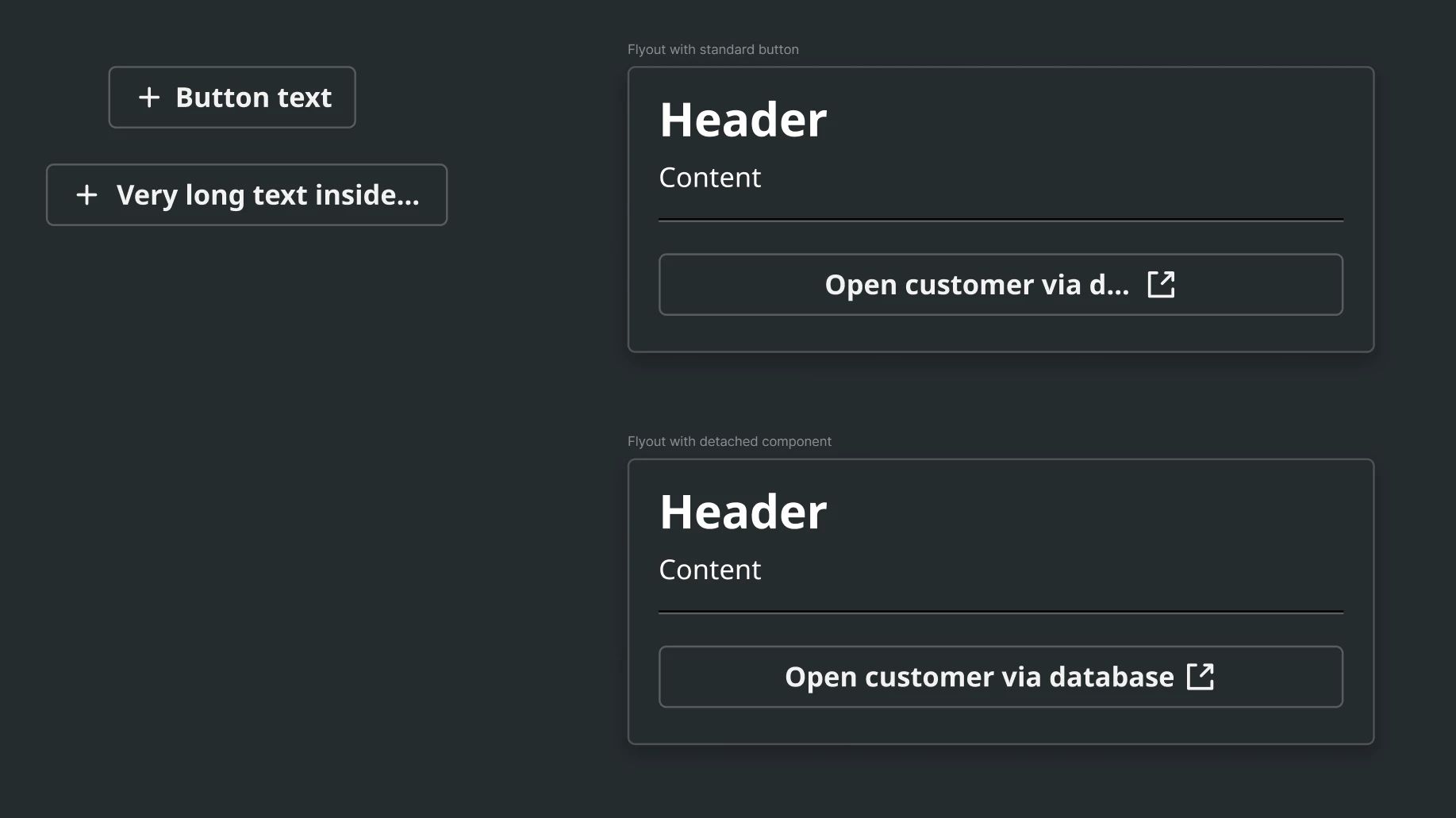
I have a button that contains icons and a text layer. I need the text layer to have a max width of 160px as it needs to truncate very long button texts. However, we also need a version, where the text isn’t truncated when above 160 px width for some other designs.

My question is, if there is a way to override the max width value in a component instance or if I need to create a boolean text layers with no limit to width, that can then be toggled on/off depending on desired behavior.

I guess it can also somehow be achieved using slot components, but I would prefer to just be able to override the max width from the main component on my component instance to avoid complexity.

Any ideas? Thanks.


1 reply

AskDave
Figmate
  • Figmate
  • April 15, 2026

Hi ​@Thomas_Cramer 

Dave here from Figma Support 🙂

A text layer inside a component with a max width set will stay constrained to that value, so it won’t stretch beyond it. If the text exceeds that width, it will wrap or truncate depending on your text settings.

To make sure this behaves as expected, you can place the text layer inside an auto layout frame and set its horizontal resizing to Fill container. This allows the text to resize with the parent while still respecting the max width. At the moment, max width itself can’t be overridden at the instance level, so if you need both truncated and non-truncated behaviours, the most reliable approach would be to handle this within the component (for example using variants or a toggle).

Hope that helps 🙂