Viktoria_Kalashnyk
February 3, 2021
Question

Text goes away when applying Auto Layout

  • February 3, 2021
  • 3 replies
  • 3532 views

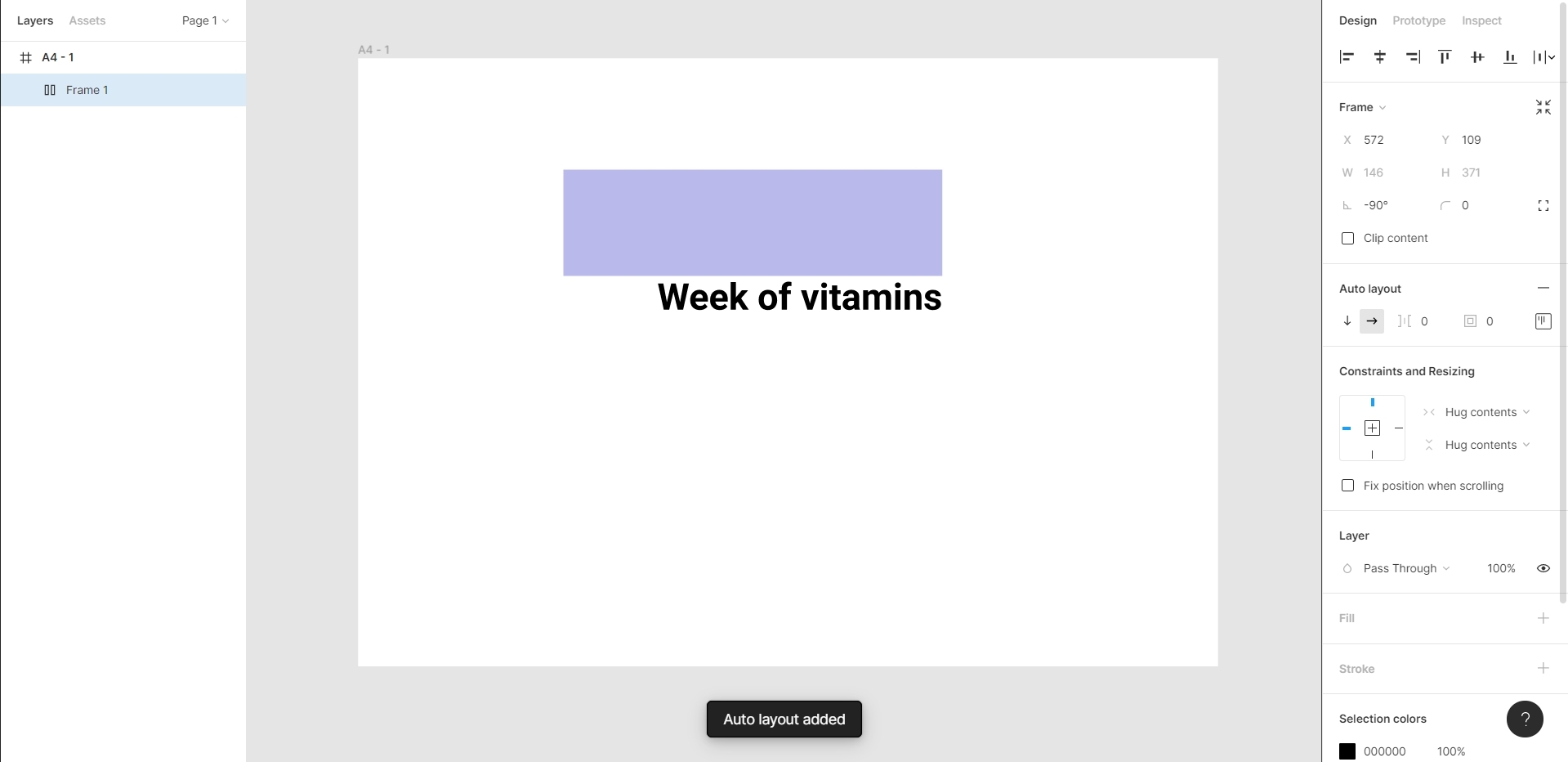
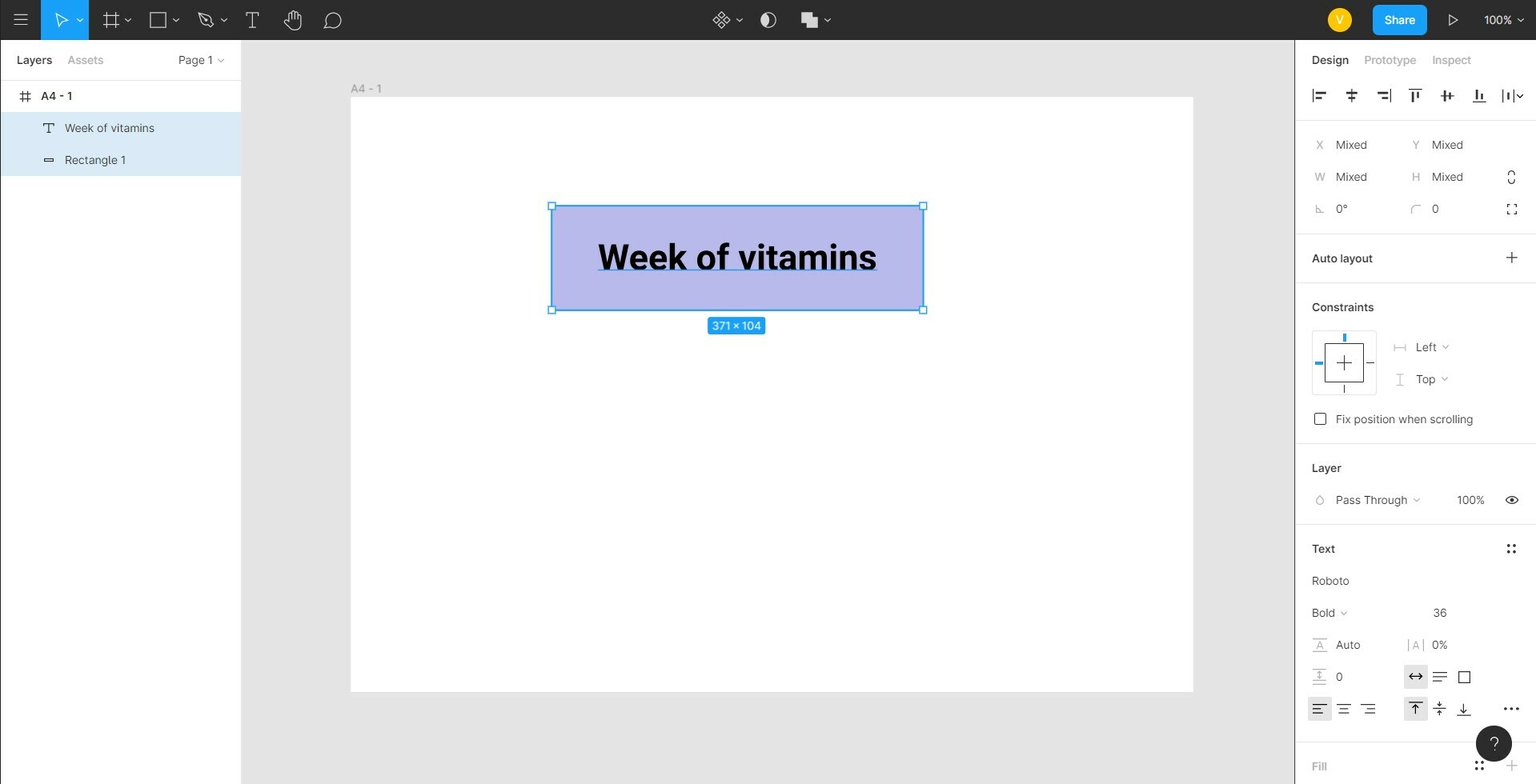
I tried to apply Auto Layout to rectangle with text but somehow text goes away from main figure and idk what to do.

Anyone knows?
This topic has been closed for replies.

3 replies

tank666
February 3, 2021

Just remove the rectangle. You can customize the background color in the Auto Layout properties.

UX/UI designer. Figma expert. Creator and developer of plugins and widgets for Figma and FigJam. Check out my resources in Figma Community: figma.com/@tank
Gleb
Power Member
February 4, 2021

The problem is that the “rectangle” was turned into a simple vector object at some point so it’s not actually a rectangle, just a vector object with the name “rectangle” and the look of a rectangle. This can happen if you modify it in the vector editing mode or press Cmd/Ctrl + E to flatten it. The difference that you can’t modify individual four corners in the right panel when a simple vector object is selected but can modify them on a rectangle.

Figma can only create Auto Layout objects from the objects that have the type Rectangle, and can’t do it with simple vector objects.

May 23, 2024

Group the text and the rectangle then stack the text above the rectangle.