

pietrogregorini
New Participant
May 13, 2022
Question

Text doesn't look aligned properly using autolayout with component properties

I noticed a really strange visual appearance behaviour that happens using component properties with autolayout and text styles inside.
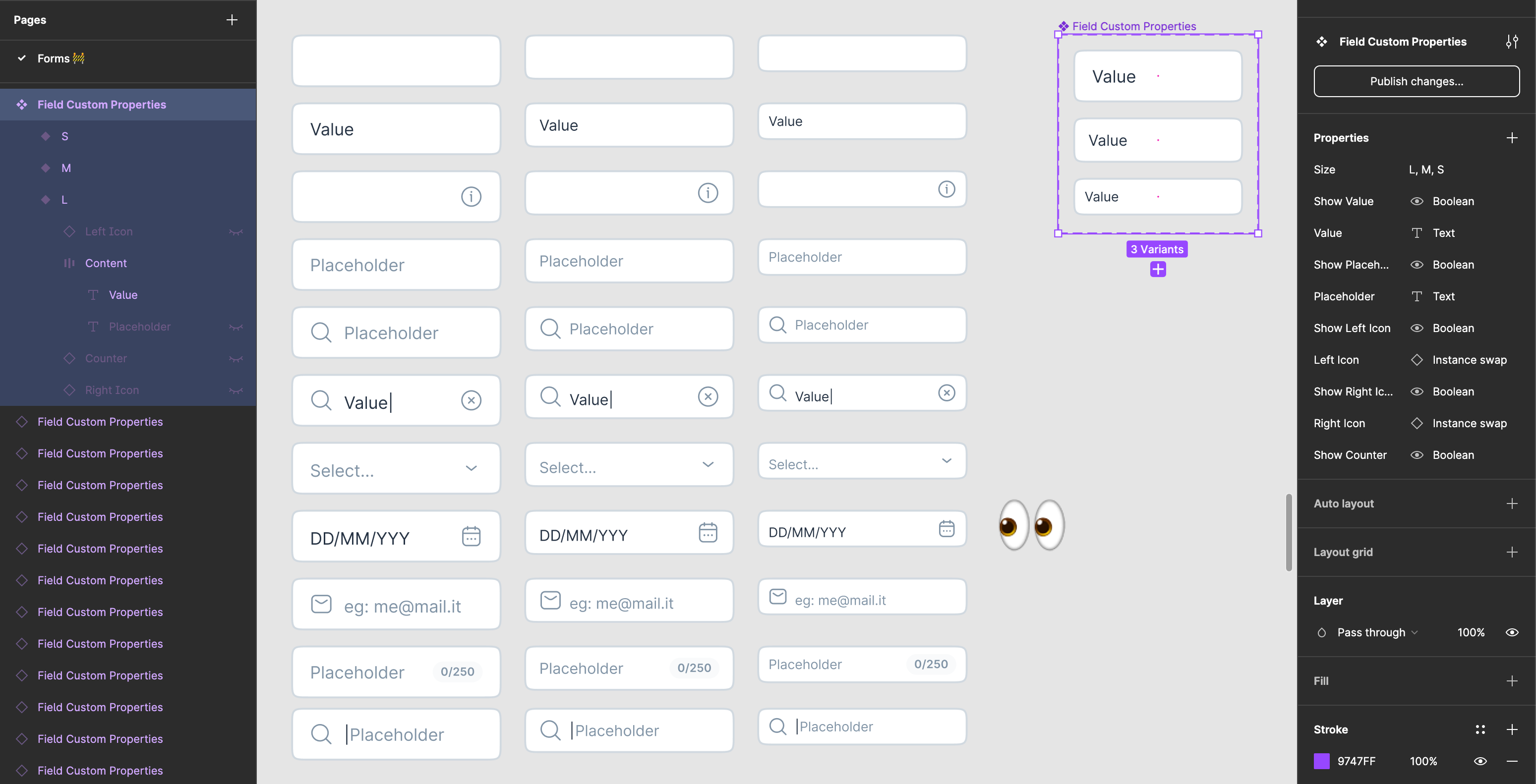
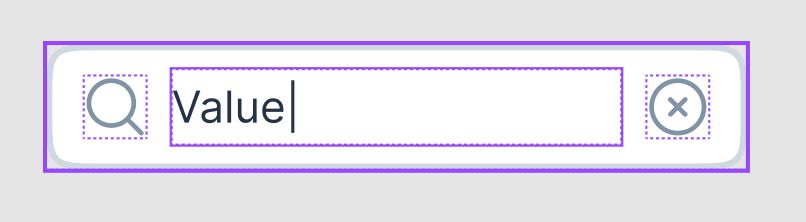
I’m trying to achieve a single input field that could be adapted in different situations. Everything is great, aside the fact that when I close and open again the same file, texts appear not aligned vertically anymore. Double-clicking the instance to edit it brings all the elements to the correct position.

Example as I open the file

Example as I double-click the instance
Somebody is experiencing the same issue?

This topic has been closed for replies.

12 replies

Keenan_Howard
January 24, 2024

Same issue. This is super frustrating.

Gayani_S
Figmate
Community Support
January 26, 2024

Hey Keenan, could you please try the steps tank666 suggested?

Follow these steps:

  1. Select a layer using that font.
  2. Open the menu or open the quick actions menu.
  3. Use Select all with same font to select all text layers with that font.
  4. Use Recompute Text Layout in Selection to reset text to the correct formatting.

or “Regenerate All Instances (Slow)” commands by typing them into Quick actions.

Please let me know if that helps.