

Luke_Snitter
New Participant
August 9, 2023
Question

Swap a variant instance using modes and a string variable

  • August 9, 2023
  • 4 replies
  • 2365 views

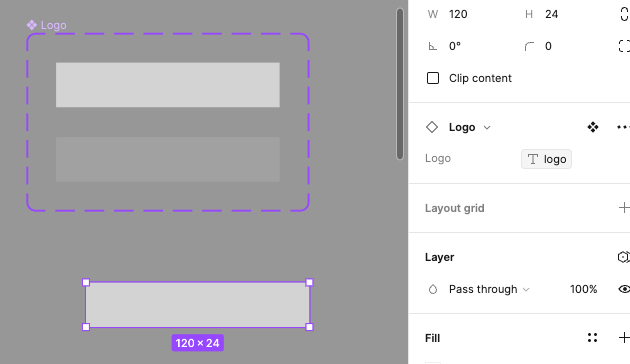
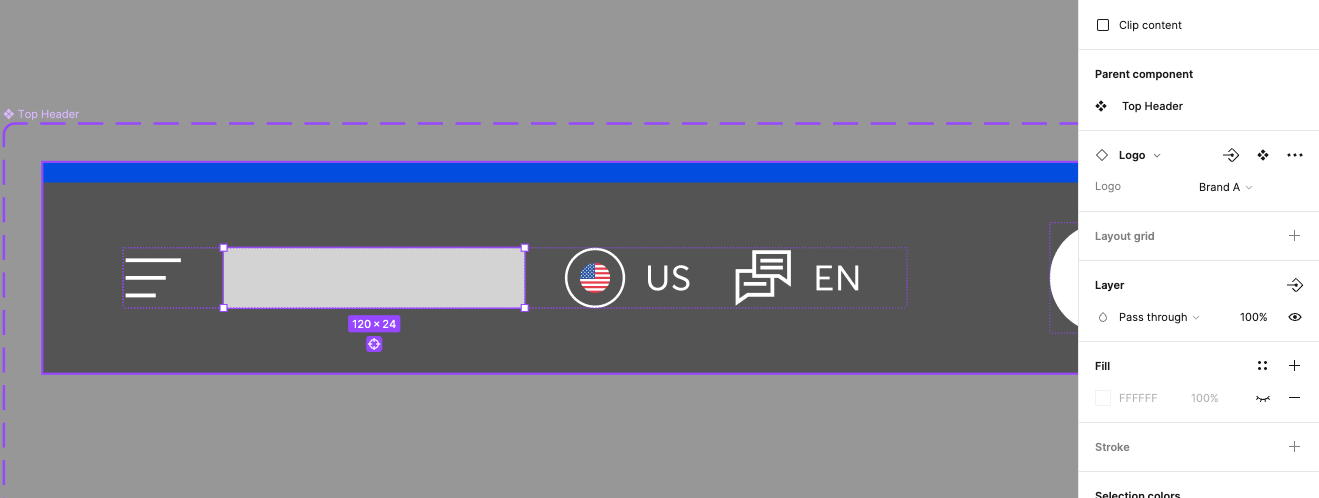
I am trying to set up modes for two brands, let’s say Brand A and Brand B. I’ve designed a new header for Brand A, which will be almost identical to the header for Brand B apart from the main brand colour and logo. The two logo SVGs for each brand are set up as a component set with variants for each brand.

Goal: I want to have a mode for Brand A and mode for Brand B. I’ve easily managed to swap the band colour using a colour variable.

I was expecting to use a string variable to swap the logo variant like you can do with prototyping, however, within the header component I can’t set a string variable for the variant in order to swap the logo on mode change. Why is this?

I know that image variables are in beta testing at the moment. I am wondering why we can’t use the already available string variable to achieve the same result.
Screenshot 2023-08-09 at 10.48.08

This topic has been closed for replies.

4 replies

Agathe_Mametz
New Member
August 16, 2023

I have the same need!

Inger-Marie_Nilsen
New Member
October 9, 2023

Same need here

Nate_G
Power Member
October 9, 2023

@Luke_Snitter After testing this out, it looks like one can’t (currently) reference a string variable to swap a variant within another component or instance, but you can access them if they are in a frame, not a component.

However, you can reference boolean variables within a component, so they could do the job for this.

I put together an example file showing how you can go about addressing this.

Example File

Nate G
Luke_Snitter
New Participant
July 31, 2024

Amazing. Thank you for looking into this. It’s frustrating that it can’t be done as that is how it feels like it should be done. However, thanks for that fix. I’ll give it a go.