

Question

Some gray glitches on an exported white shape

  • April 10, 2026
  • 1 reply
  • 20 views

Nikita Shvyryaev

Hello everyone!
Are there any options that add gray to white shapes on export?

I’m trying to export some designgs from figma, but they are spoiled by gray pixels in (I guess) partially visible positions. To make it clear I’m trying a really simple shape now. It’s just a 50x12 rectangle with 12px border radius. I looks great in Figma:
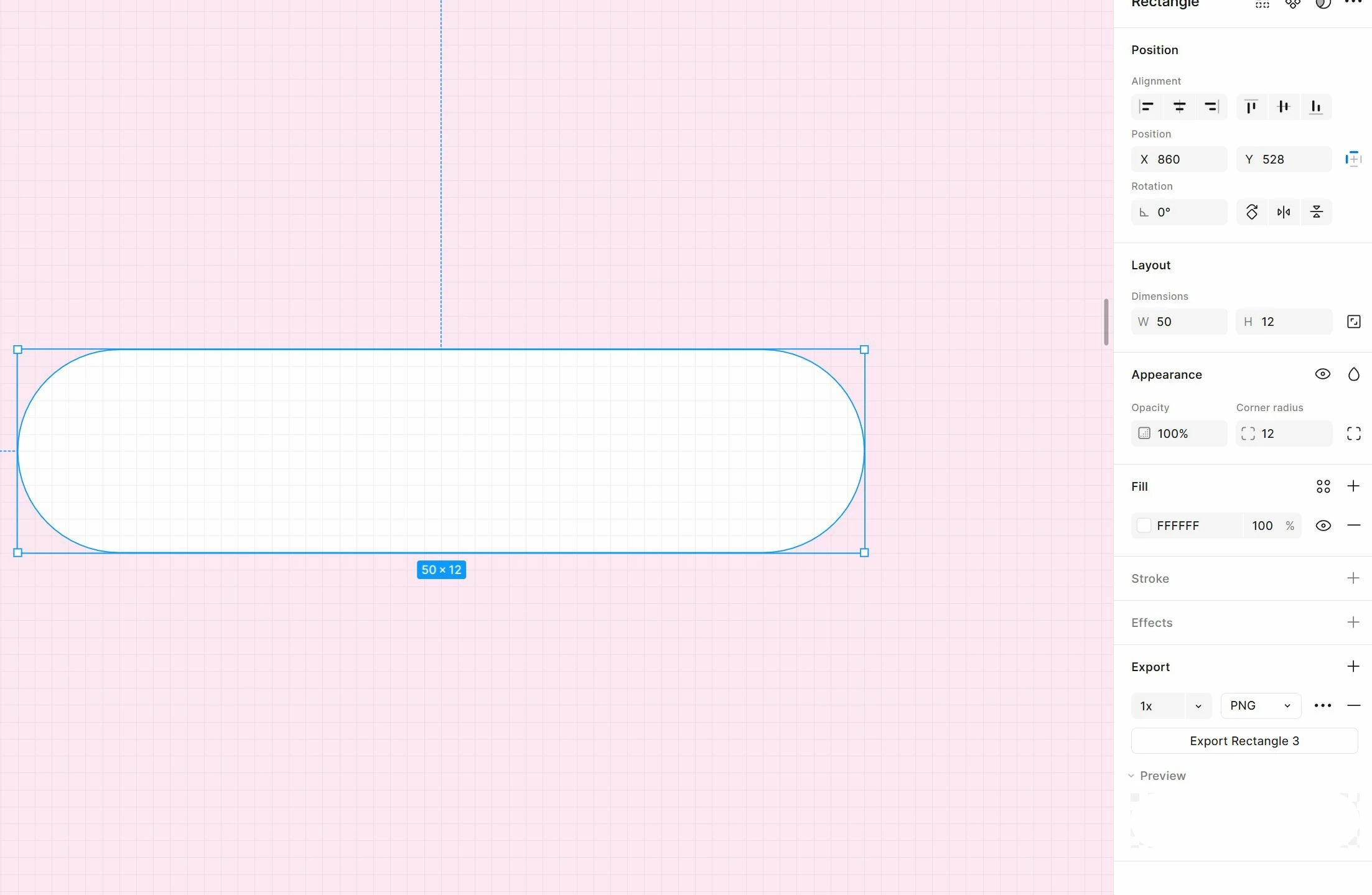
All correct in Figma

But after export I get some grayed pixels:

 

Export is spoiled

I can’t get correct output I need. Any suggestions please?

Thanks for any assistance!

1 reply

Tom Reem
Figmate
  • Figmate
  • April 11, 2026

Hey ​@Nikita Shvyryaev — welcome to Figma Forum, and thanks for the screenshots. I can see what you mean.

I tested this on my end and wasn't able to reproduce the same output, so I'd like to narrow things down a bit more. Could you check the following?

  1. Layer setup: Is this shape sitting on top of a frame, another shape, or part of a component? I've seen similar issues come up before — in some cases, isolating the layer before exporting resolves it. Would that work for what you're trying to achieve?
     
  2. Export steps and file type: Could you walk me through the exact steps you're taking to export? And does switching to a file type other than PNG (e.g. SVG or JPG) improve the output?


  3. Where you're viewing the export: When you open the exported file, what application are you viewing it in? I tested a PNG export in Preview on Mac with the window background set to a non-gray color, and the gray pixels didn't show up — so where it’s viewed may be a factor here.

If none of that clears things up, could you reply with a link to the file (with view access granted to support-share@figma.com) or a screenshot showing the layers panel? That'll help me take a closer look and raise this internally if needed.

Thanks again for the detail and for taking the time to confirm — I'll keep an eye out for your reply.