
Question

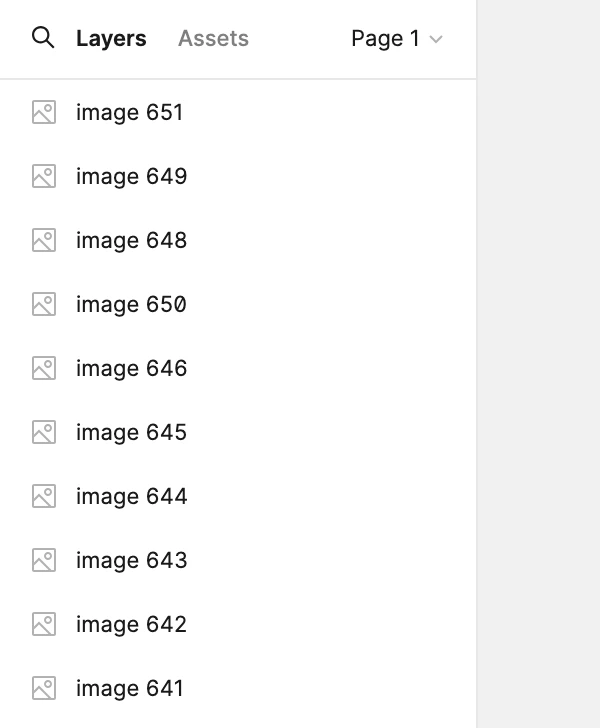
Side panels suddenly turned white!

  • March 27, 2024
  • 7 replies
  • 700 views

Baz01

The panels at the left and right of my Figma canvas have suddenly turned white. How do I get them to be black again?

Thanks.
This topic has been closed for replies.

7 replies

Rugba_Karika

I am having the same issue.


Baz01
  • Author
  • March 27, 2024

Yeah it’s weird right? They’ve always been black for me since I started using Figma. I tried Googling it but can’t find any answers about how to change it back.


Jordan10
  • March 27, 2024

Same issue.


Marcel_Schulz1

Had the same issue today, seems like it just randomly activated dark mode.
You can change it back by clicking on Home → Your Name (Dropdown) → Theme → Dark/System


Gayani_S
Figmate
  • Community Support
  • March 27, 2024

Hey everyone, thank you for flagging this! We’re having our team investigate this current issue.

I the meantime you can change your theme from the main menu of a Figma design file:

  1. Open any Figma design file you have access to.
  2. Click in the top-left of the toolbar.
  3. Go to Preferences > Theme.
  4. Select an option from the list of themes.
    Your Figma design file and the file browser will immediately change to the selected theme.

Please let me know if you were able to change it back successfully. I’ll give an update on this once I get more information on this.


Rugba_Karika

Hi Gayni. Yes, this was helpful in resolving the issue.
Much appreciated, thank you.


Just asGayani_S mentioned, here’s a screenshot.
