
Question

Sharing doesn't work: "Hmm, we couldn't find that one"

  • December 15, 2022
  • 14 replies
  • 2935 views

Thierry_Vilaysith

Hello,
When I want to share a frame (⌘+L), the link does not work. There is an error message.
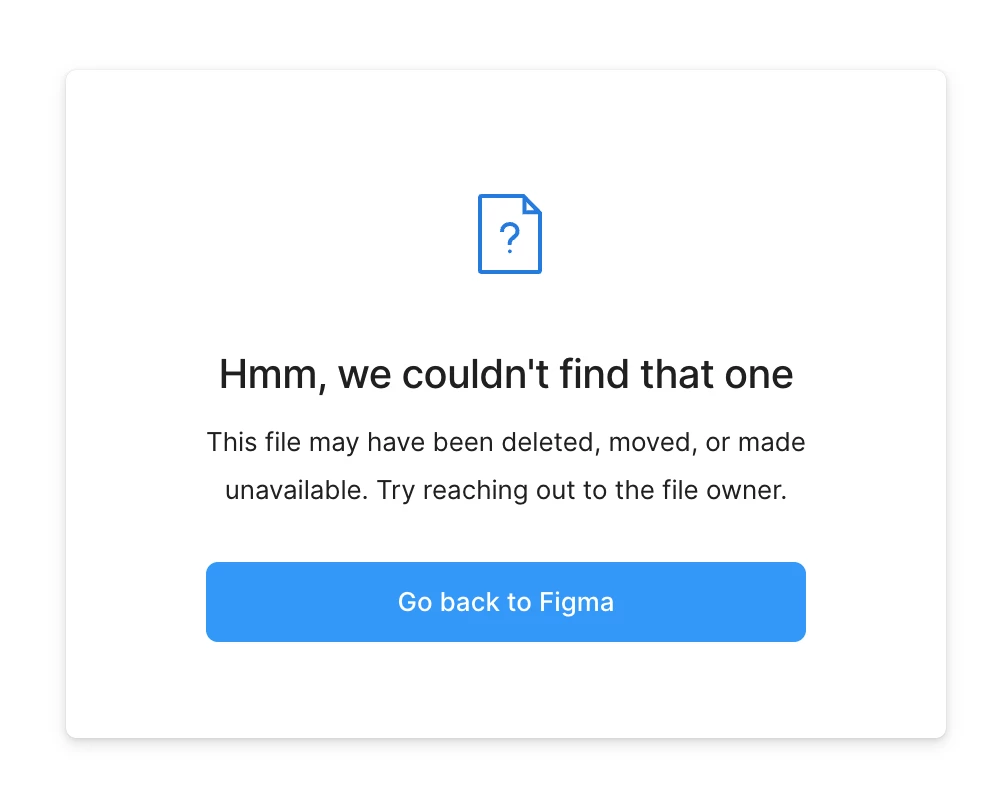

What is the problem?

This topic has been closed for replies.

14 replies

tank666
  • December 15, 2022

Have you set the correct permissions?

Figma Help Center

Thierry_Vilaysith

When the collaborator open the link…
2022-12-15 4.16.35 PM


tank666
  • December 15, 2022

Are you sure you are logged into an account that matches the permissions you set?
Have you tried relogin?
Have you tried using Google Chrome instead of Safari?


Thierry_Vilaysith

Even if not, I should have access to the login screen, right?

OK, I will test on other browsers.


Alex_Gorton

This appears to be happening to all of my shared links today as well. The correct permissions are still set and links that were posted to Jira that worked previously now do not.

I could not get it to work on Chrome or Firefox. I am guessing this a more widespread issue.


Julia_Forneck_Pinheiro

The same issue is happening with me and other designers at our company. All permissions are set correctly, but we still don’t know how to solve it.


Evie
  • January 6, 2023

Started happening here yesterday. It looks like this message is coming up when the user is not logged into Figma – instead of prompting them to log in like it used to do. They have to click the “Go back to Figma” button, log in from the homepage, and then the file will open. Which is… not optimal 😐


Caroline_Howden

Hello 🙂 yes im with Evie - just needs the person to log in and the link will open. Hope this helps.


Helene_Schalck

This is also happening to me trying to open both file and prototype links from colleagues


Nicolas_Mayr

Any update from the Figma team regarding this issue?
We are facing this as well for files / accounts that did not change at all in the last month.


Matthew_Kasztan1

Any update here? I am having issues when using DevOps.


Any update? i’ve same problem today


Mateusz_Nowak

Any update? I have similar problem and I cannot find my file at al… It was very important.


Jessie5
  • September 28, 2023

I had a backslash in my file name “/”. Once I removed it I was able to share the document successfully.