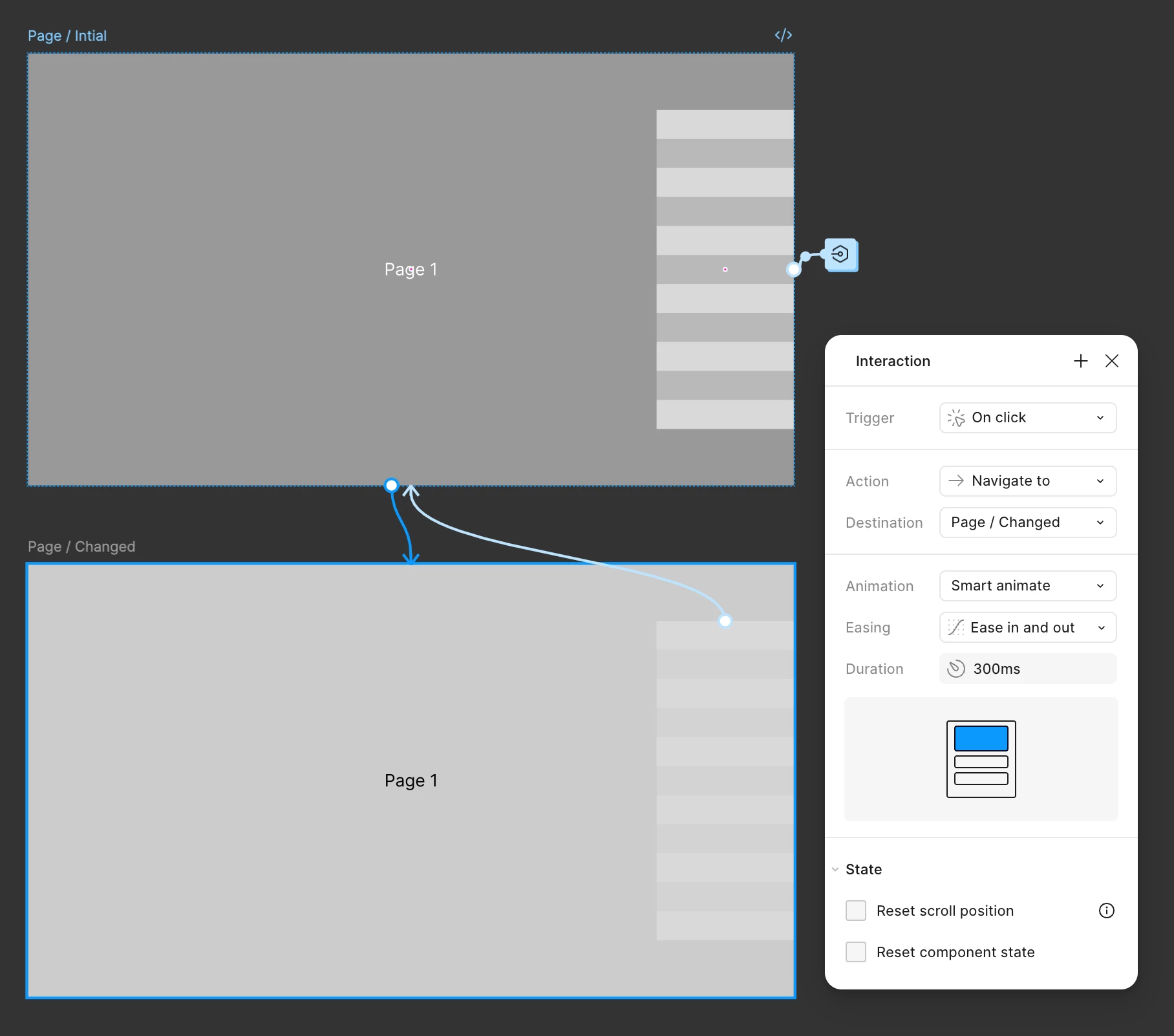
Prototyping: When clicking/changing pages, can you maintain the last variant of a component that was 'active' on hover?
I have quite a complex component (I guess), so I understand there's probably limitations around this. The design is more complex, I've just simplified for the demo and to not show client branding.
The Effect
When the user hovers over the side of the page, a cursor appears. As they move the mouse up/down the user follows them. Clicking "navigates to" a new page. This works pretty well...
The Problem
It works well if you click the middle of component - but if you click at the top/bottom, when it "navigates to" the new page, the component resets to it's default/initial state (centred) before moving back up/down to where it was - this is because the cursor moves when the rectangular areas are hovered over.
The Component
Basically has 11 variants, each one has the 'cursor' in a different position, aligning with one of the rectangles. Each of the rectangle (hotspots) has a "While Hovering", "Change To", Position x" set to it with an "Animation" of "Smart Animate/Linear".
-
Any way around this? Or is this the best I'm going to get? I assume it's always going to start from the variant that is already set on the page that changes? Unless I made the entire thing (page content and cursor) a big super component?
-
Bonus Question
Doesn't seem like it's worth creating a new topic for. But the cursor appears as a Boolean variable of "Show Cursor: True/False" and set on the "Appearance". So on hovering the component is shows/hides. Am I right in thinking there is still no way to fade this in/out of view? And the Appearance True/False method just updates instantly?
Thanks in advance!