

Question

Patrent Component

  • June 16, 2026
  • 4 replies
  • 19 views

smit_und_partner_designer

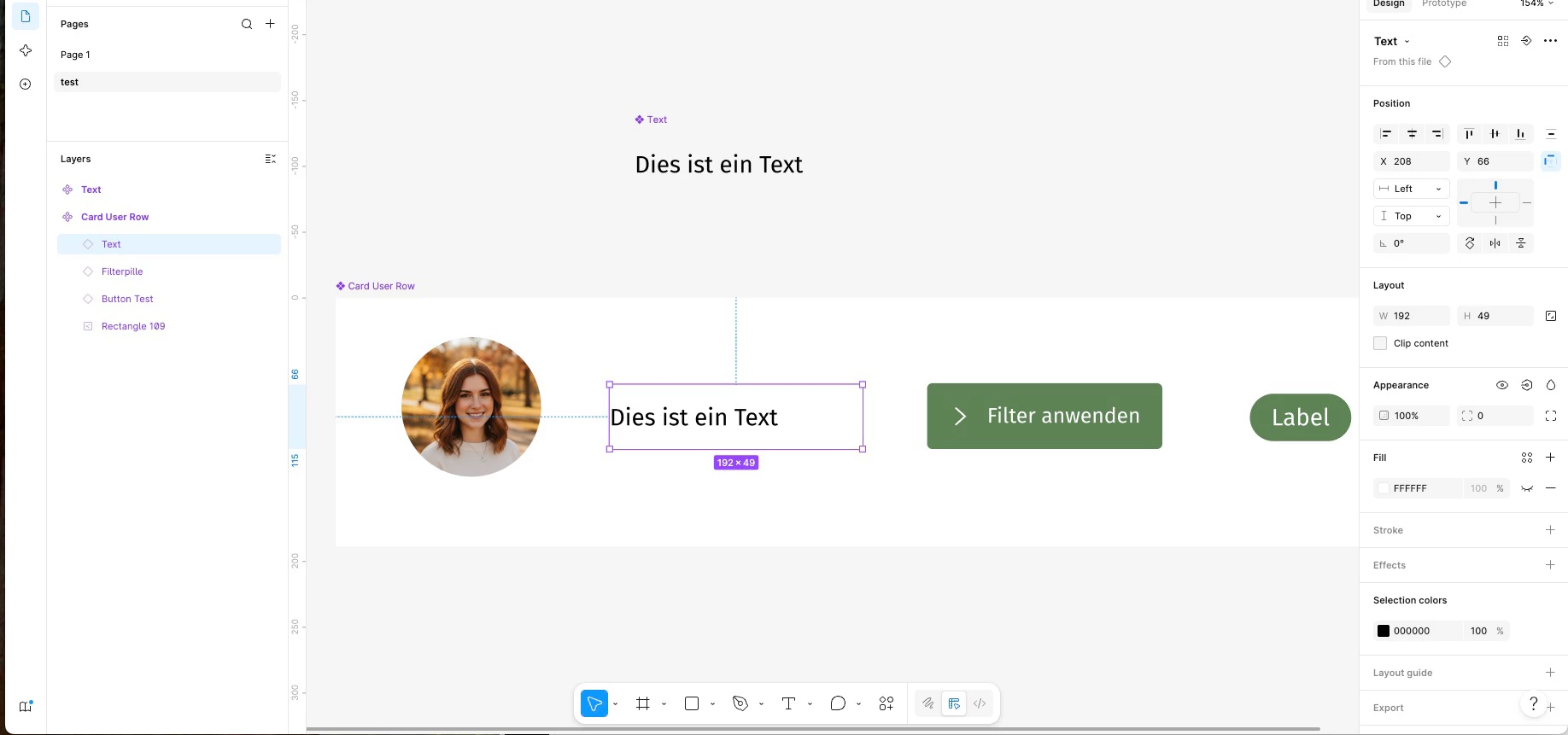
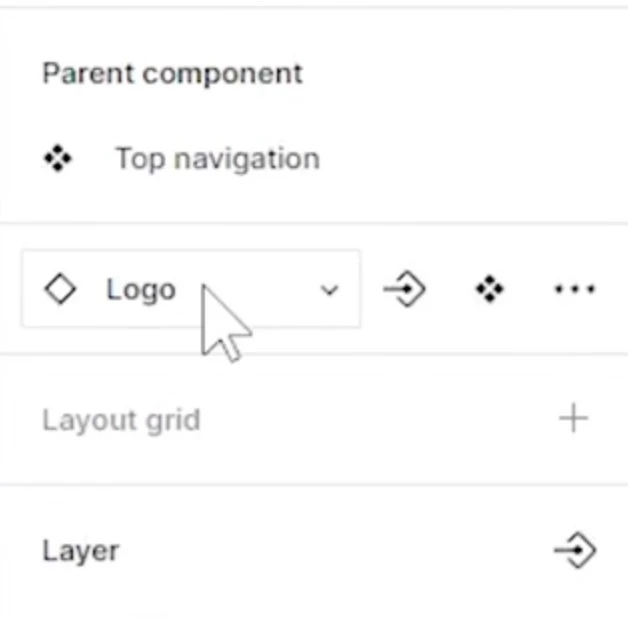
I am trying to recreate the "swap instances" example from the tutorial. However, the right-hand sidebar doesn't show a section labeled "Parent Component" or "INSTANCE," as seen in the tutorial.
 

This is shown in the tutorial.


I don't have it.
What am I doing wrong?

4 replies

Jaycee Lewis
Figmate

Hey, ​@smit_und_partner_designer 👋 Thanks for your post. Before I jump down the rabbit hole, can you link me to the tutorial you are following? I want to make sure there isn’t an update or other change that may have occurred since publication. Thanks! —Jaycee


smit_und_partner_designer

Sure:
‘


smit_und_partner_designer

This one as well: 


Jaycee Lewis
Figmate

Hey ​@smit_und_partner_designer 👋 Thank you very much! 

My hunch is you're not doing anything wrong. The vidoe you linked is from 2023 and has an older version of Figma's right panel, so the "Parent Component" / "INSTANCE" labels don’t line up anymore. The swap still works; the UI around it just changed.

One related thing: simplified instances started being deprecated on March 23, 2026, so instances now show all their properties and layers by default. Details here: Explore component properties.

Current official walkthrough for the swap itself: Swap components and instances.

A path to try:

  • Select the instance — the component name shows at the top of the right sidebar.
  • Click that name to open the Instance menu.
  • Search or browse to the replacement and select it.

If you tell me what you're swapping into — and whether both components are in the same file or a library — I can point you to the exact path. And if this is not what you are after, let me know that too 😊 — Jaycee