

Thomas_Cramer
New Participant
June 26, 2024
Solved

Pasted Illustrator vector art in Figma is scaled πŸ“

  • June 26, 2024
  • 13 replies
  • 627 views

Hi

I have an issue, where my icons are designed in Illustrator. When copying the icon from Illustrator into Figma, the artwork is scaled up.

An example from Illustrator (20px X 18px):
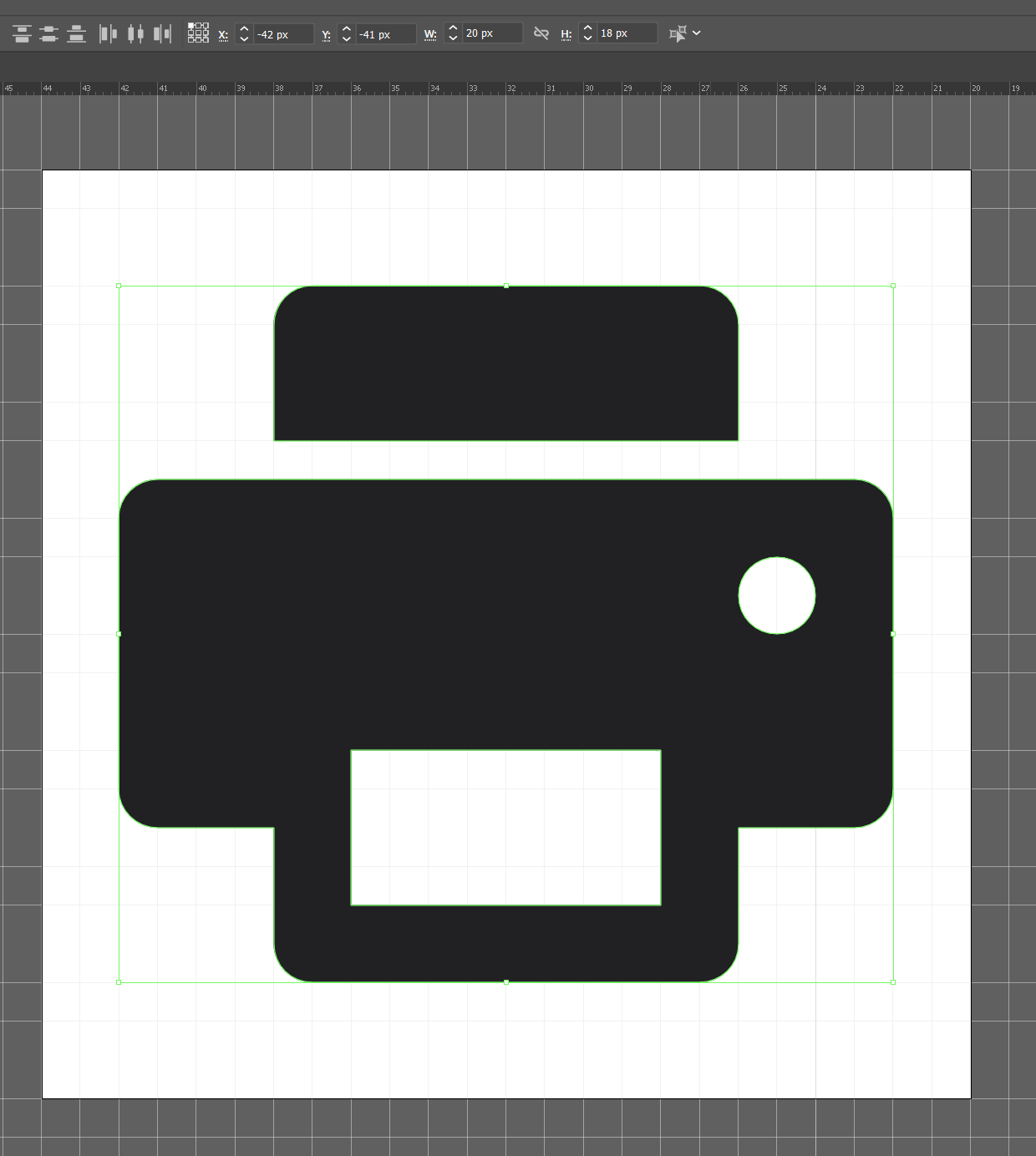
After pasting into Figma (26.68px X 24px):
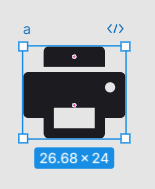
image

The funny thing is, that if I create a basic square in Figma sized 16px X 16px, copy it as svg from Figma and paste it in Illustrator, it is still sized 16px X 16px. Then when copying that same square from Illustrator that I just pasted from Figma and paste it back into Figma it is scaled up.
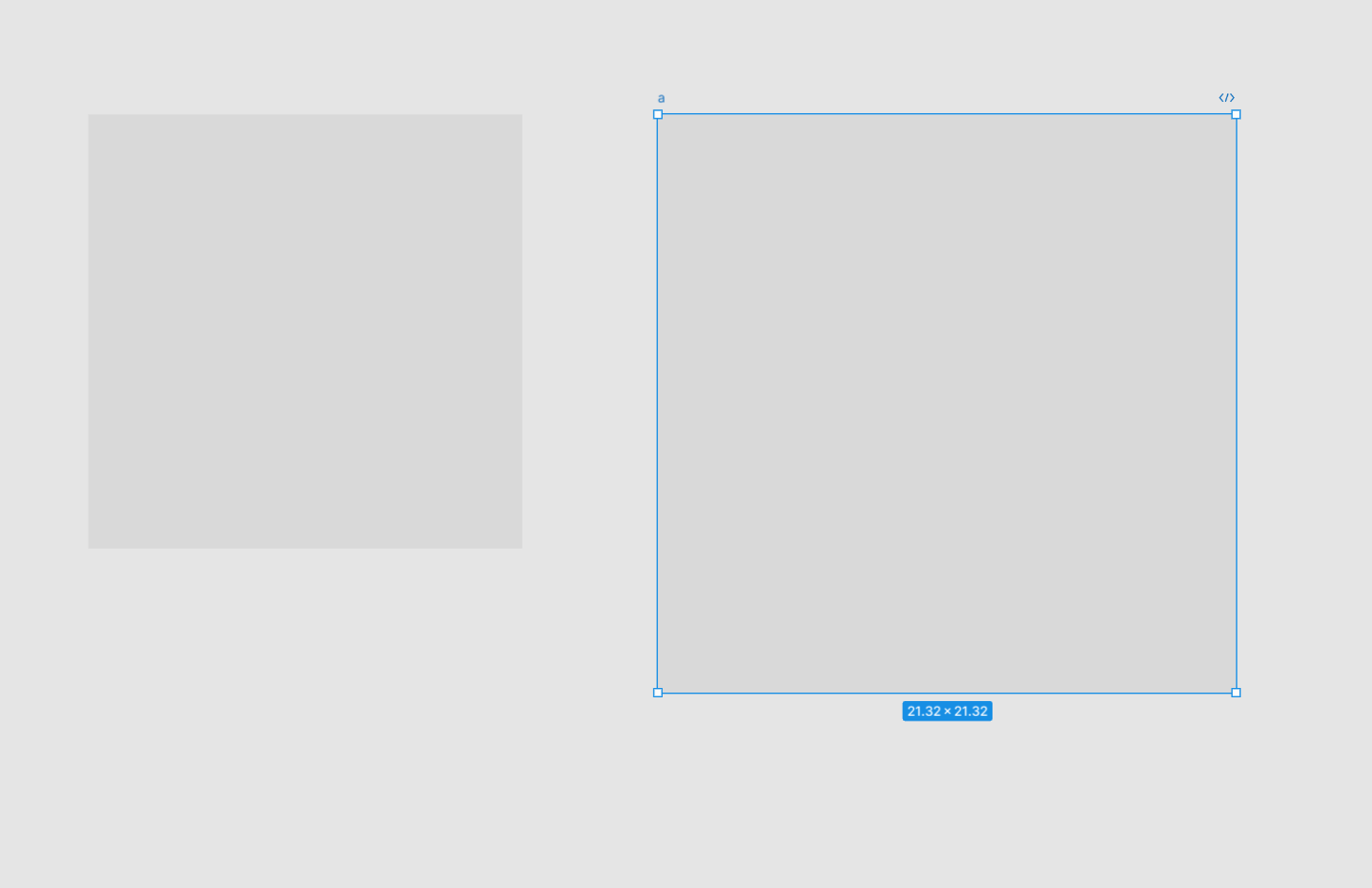
I’m aware that I can β€œjust” scale the icon in Figma after placing it, but it is very inconvenient - especially if you have a large icon library designed in Illustrator.

Any idea what is causing this?

Thanks!

This topic has been closed for replies.
Best answer by Gleb

This likely depends on the DPI of the document you are copying FROM. Not much Figma can do here, this needs to be adjusted in Illustrator. Figma’s workspace is set at 72 DPI.

13 replies

Oce_BTP
September 24, 2024

This for sure is a new issue. I used to copy some vector icons from Illustrator to FIGMA. All sized the same. Just came across this issue and ended up here! Seems stroke weights are also scaled up.

Thomas_Cramer
New Participant
September 25, 2024

Hi @Oce_BTP

Did you try changing the resolution of your Illustrator file? That was a workaround for my issue.

Oce_BTP
November 8, 2024

@Thomas_Cramer I did! Saw a few folks doing the same. When I got updated to the latest UI3 in FIGMA seems everything got resolved. Thanks for the suggestion! 🙏