

Alexandru_Adam
October 19, 2022
Question

On hover animation content inside buttons moves slighty

  • October 19, 2022
  • 19 replies
  • 3377 views

I have some buttons that have a hover effect and in the prototype there is slight movement of the content.

  • I checked the position of the content to be the same in both instances (default and hovered) in regards to the margins and in between items
  • I applied a “while hovering” interaction with instant animation

This also seems to happen in between separate screens of a prototype for text in a header component that doesn’t have animation applied or any other interaction.
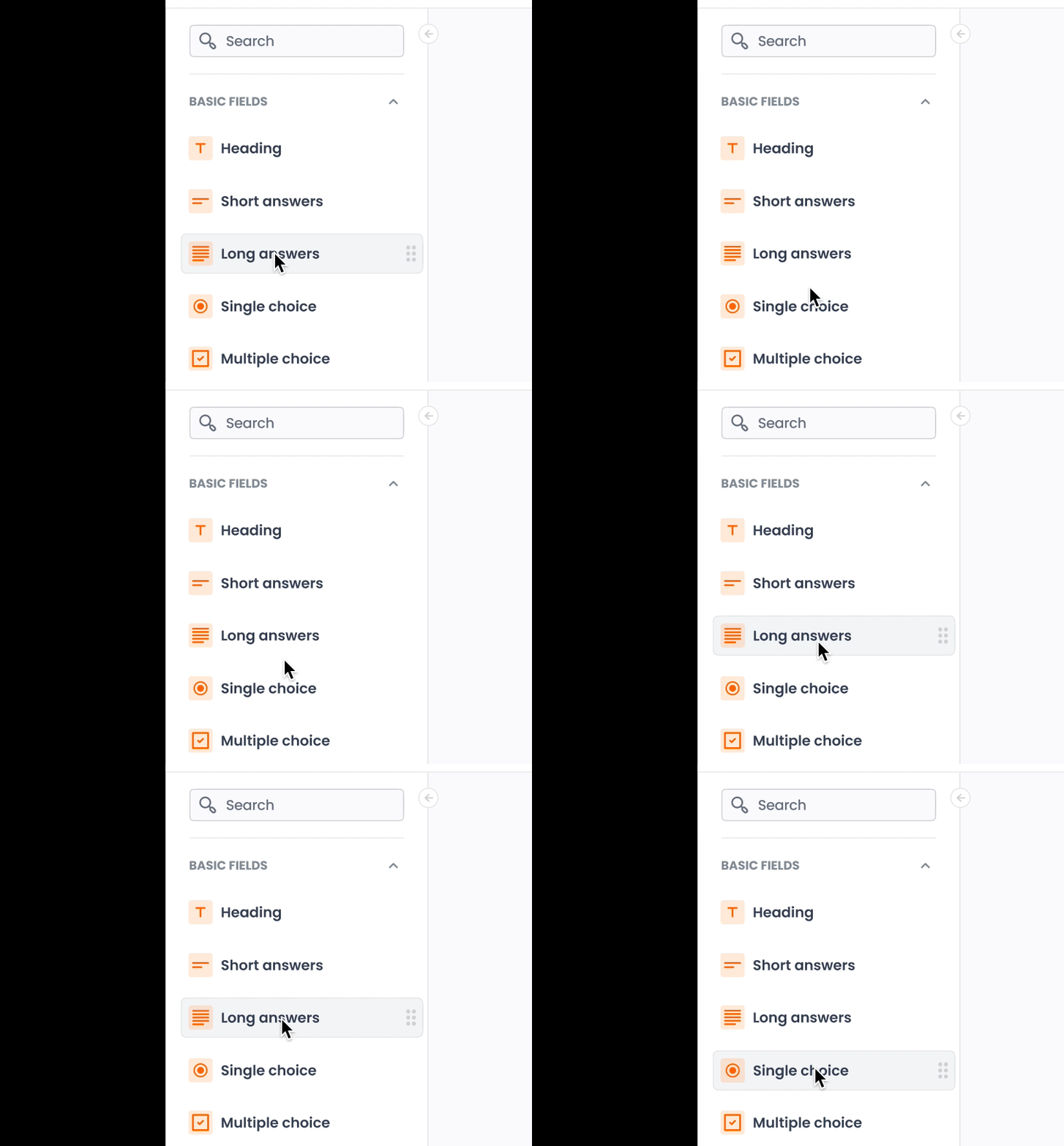
Screen Recording 2022-10-19 at 14.12.55

Anyone has any idea?

19 replies

Rob20
September 5, 2024

Not sure whether you’re Grouping or Framing elements - but I found Framing instead of Grouping elements solved my problem.

Nati_Tobon
December 3, 2024

The same thing happens to me here, however, I have noticed that when opening the prototype in the presentation option it works fine. It is in the preview option, which has this little movement.

Colibra Labs
New Member
April 3, 2025

In my case, this bug is happening in the web version of Figma, with 'While hovering' applied between two variants of a card. When I hover over it, the card should only change color, but it moves approximately 1px up and to the left. My browser is Chrome for Windows.

Marko Milosavljevic
New Member
May 18, 2025

For me this happens in Figma App, in all of the projects. While hovering effect moves the buttons by pixel. 

Sasha S
New Member
July 10, 2025

Hi there, i was looking for a solution & i will share something that works for me today..


Well, just to give some of context. I was creating a card component with hover effects on Figma. Then i use that component inside a frame with auto-layout, and when prototyping the whole frames moves with no sense.


The solution: I had to ungroup all the frame and the auto-layout where this component was. And now the prototype runs like it should.


So… it looks like when is inside of an auto-layout or frame always do not work properly the hover effects on prototyping. And of course that is a problem, because doesn’t let you to use it inside a main frame or auto-layout …. :/


I hope that this can work for you too 🤗


Ali_Geramian_Rad
New Member
July 22, 2025

I have the same annoying problem where the hover effect in the Figma app shifts every object by a pixel across all my projects. 😞

Hussam_Abu_Khorj
New Member
October 3, 2025

Still having this issue as of today


cowboyyyy1
New Member
March 4, 2026

The issue is still happening to me. However, if I zoom in to this component, it does not move at all. Figma needs to address this issue.


Artsiom K.
New Member
April 13, 2026

In my prototype the only difference between “default” and “hover” was that hover had background fill and default didn’t. So I fixed it by adding background fill to the default component state. 
By the way, “mouse enter/mouse leave” have the same issue too.