

al1026705
New Member
Nov 1, 2026 11:32 PM UTC
Solved

My prototype isn't going onto my website
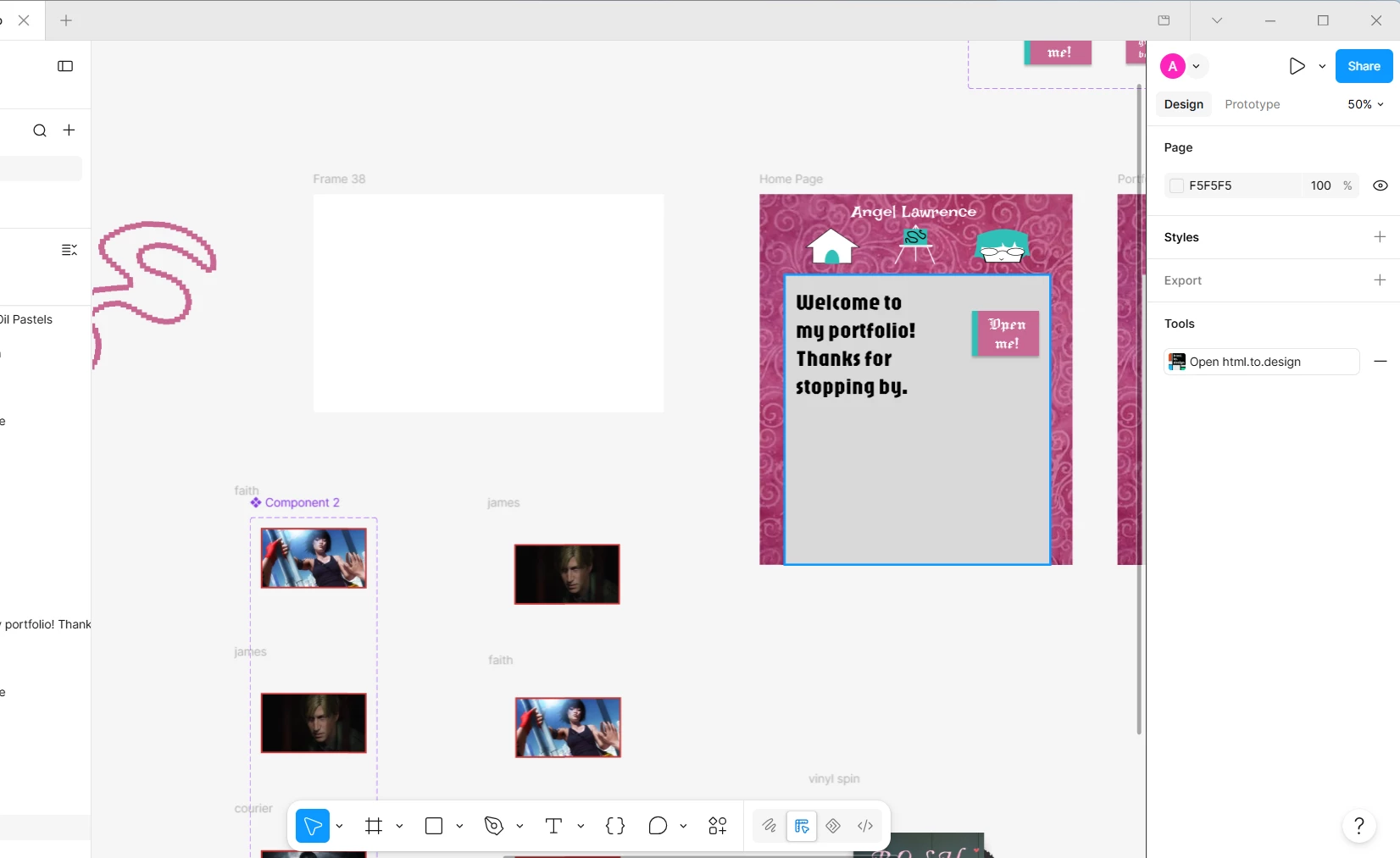
I have tried to move my prototype onto my website (the pink frame), and I am not sure how to. I have made it a component, but when I move it above the layer it doesn’t work. Is my prototype flawed? Is that why? Or am I just trying to add it on wrong?

NeoTang
NeoTangSolution
New Member
Nov 3, 2026 1:47 PM UTC

Stacking the pink frame “above” a layer won’t put the prototype on a real site — components only reuse stuff inside Figma.


Two usual paths:

  • Share → copy the prototype link (or embed), then drop that iframe / link into your actual site (Webflow, Framer, Notion, etc.)
  • Or build/publish the page in Figma Sites / Make if you want the site itself to live in Figma

If the goal is just a clickable demo for stakeholders, the Share prototype link is enough. If you want it to look like a page on your domain, say which host you’re using and we can narrow the embed steps.

1 reply

NeoTang
NeoTangSolution
New Member
Nov 3, 2026 1:47 PM UTC

Stacking the pink frame “above” a layer won’t put the prototype on a real site — components only reuse stuff inside Figma.


Two usual paths:

  • Share → copy the prototype link (or embed), then drop that iframe / link into your actual site (Webflow, Framer, Notion, etc.)
  • Or build/publish the page in Figma Sites / Make if you want the site itself to live in Figma

If the goal is just a clickable demo for stakeholders, the Share prototype link is enough. If you want it to look like a page on your domain, say which host you’re using and we can narrow the embed steps.