

Darren_Strange
New Participant
October 7, 2026
Question

'Loop' and 'Play Once' animations on the same page?

  • October 7, 2026
  • 1 reply
  • 8 views

Hi all.

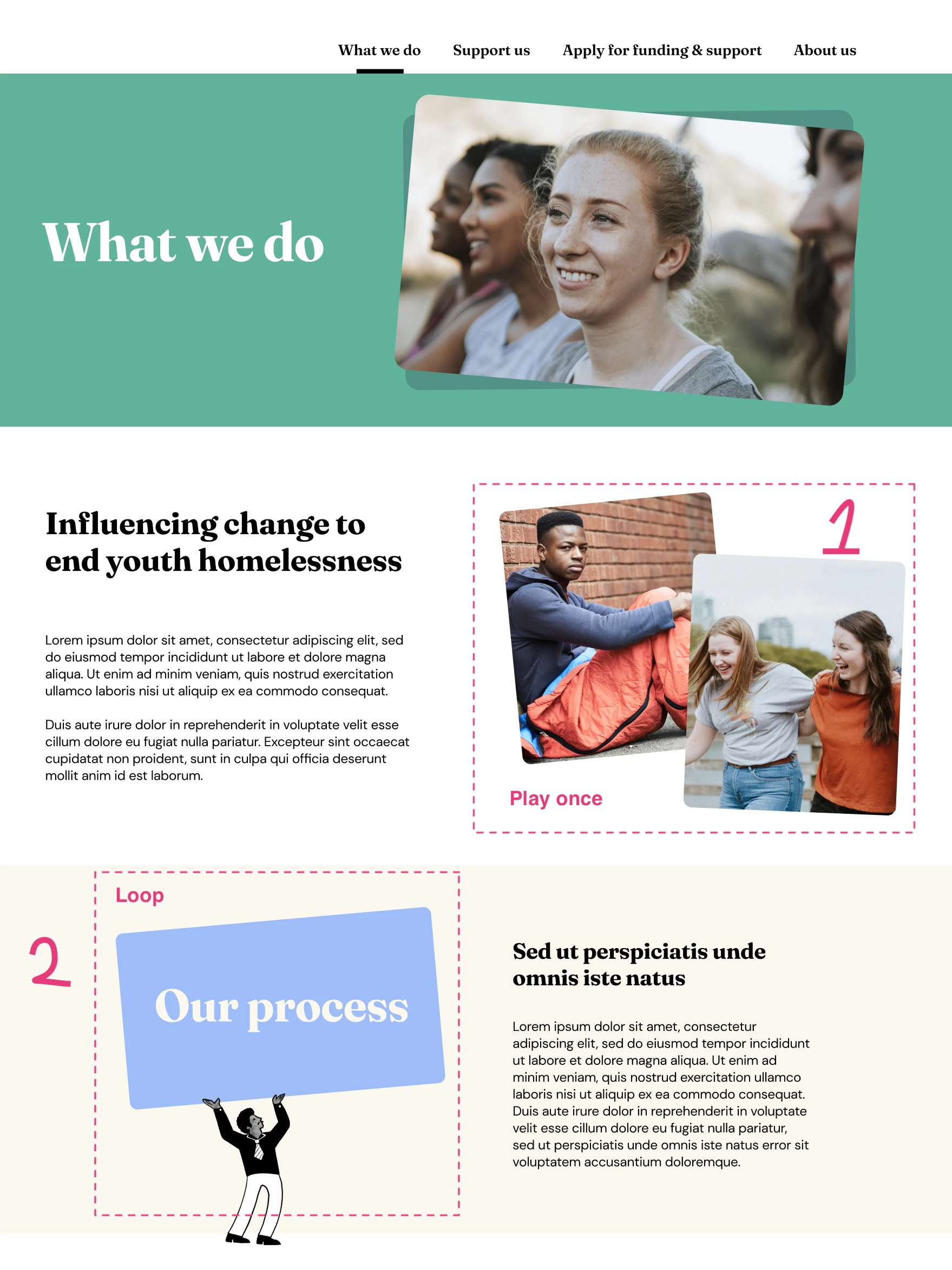
I have a web page for which I’ve used the AI agent to help create two simple animations:

1. Two images that fan out - this happens once, and is set to ‘Play Once’
2. A character holding a card which gently rocks back and forth - set to ‘Loop’. 

They both work fine individually. But when I place both onto the page, they default to either both play once or both to loop, and lose their initial attributes.

Is it possible to have both on the same page but retain their attributes?

Cheers


1 reply

Jaycee Lewis
Figmate
Figmate
October 7, 2026

Hey hey ​@Darren_Strange 🤩 Great question. To help us troubleshoot more, I have a few questions:

  • Is this happening in a Design file? 
  • Are the two animations separate elements/components, or inside the same animated parent/group?
  • When you put them on the same page, do the controls actually change from “Play Once” to “Loop” (or vice versa), or do the settings stay correct while playback behaves differently?
  • Could you share a short recording or gif showing each animation working separately, then what happens when both are on the page?

Thank you! — Jaycee