

umifi
New Member
Mar 22, 2025 3:28 PM UTC
Solved

Is there a way to change the name by removing spaces in a large number of layers at once?

Hello.
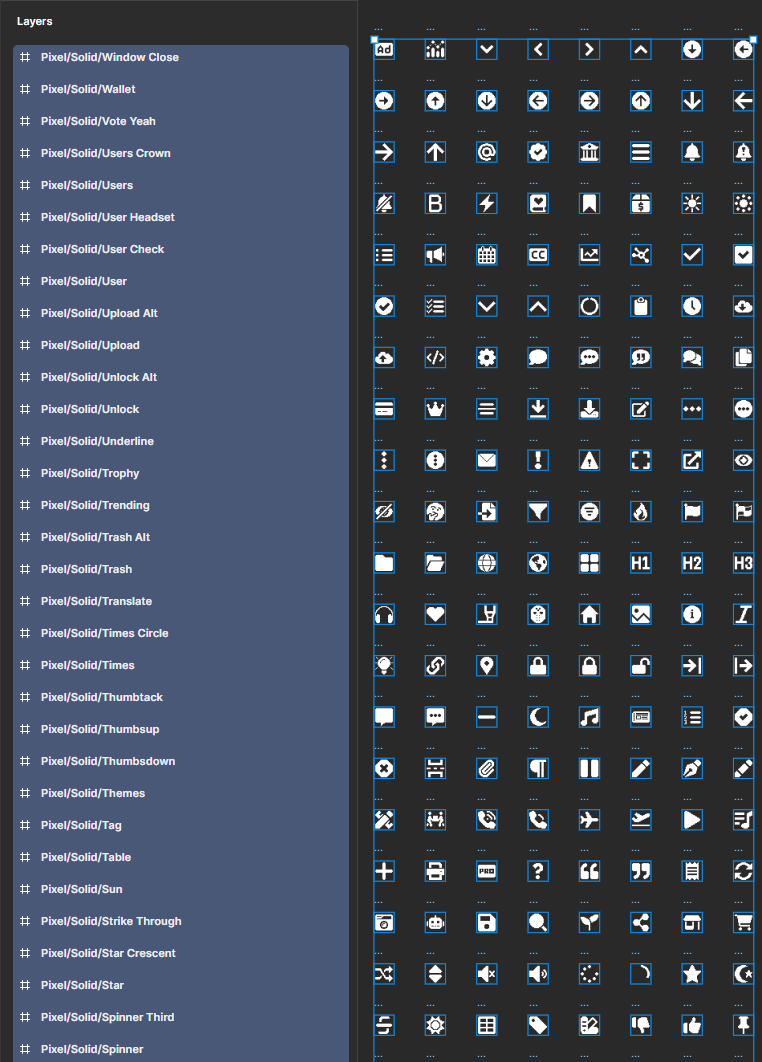
I have a lot of icons with different names and spaces in them. 
I need to remove the "Pixel/Solid/" in the name, leaving only the final name of the icon, and also remove the spaces where they are present.
I read the information about renaming, and there was an option with variables, but after trying it, nothing worked for me.


This topic has been closed for replies.
umifi
umifiSolution
New Member
Mar 22, 2025 5:15 PM UTC

I found a solution. 
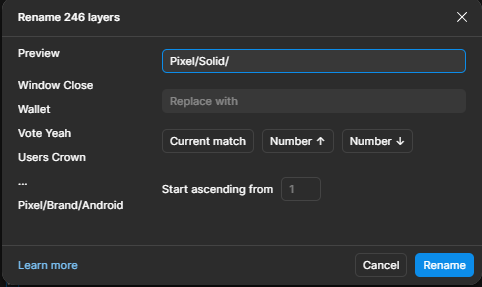
If it's useful to someone, then selecting all the layers, pressing Ctrl+R will be "Match" on top, enter everything you don't need in the name and don't enter anything in the "Rename to" field. Then it just deletes what is not needed. It also works with a space bar.


1 reply

umifi
umifiAuthorSolution
New Member
Mar 22, 2025 5:15 PM UTC

I found a solution. 
If it's useful to someone, then selecting all the layers, pressing Ctrl+R will be "Match" on top, enter everything you don't need in the name and don't enter anything in the "Rename to" field. Then it just deletes what is not needed. It also works with a space bar.