

Question

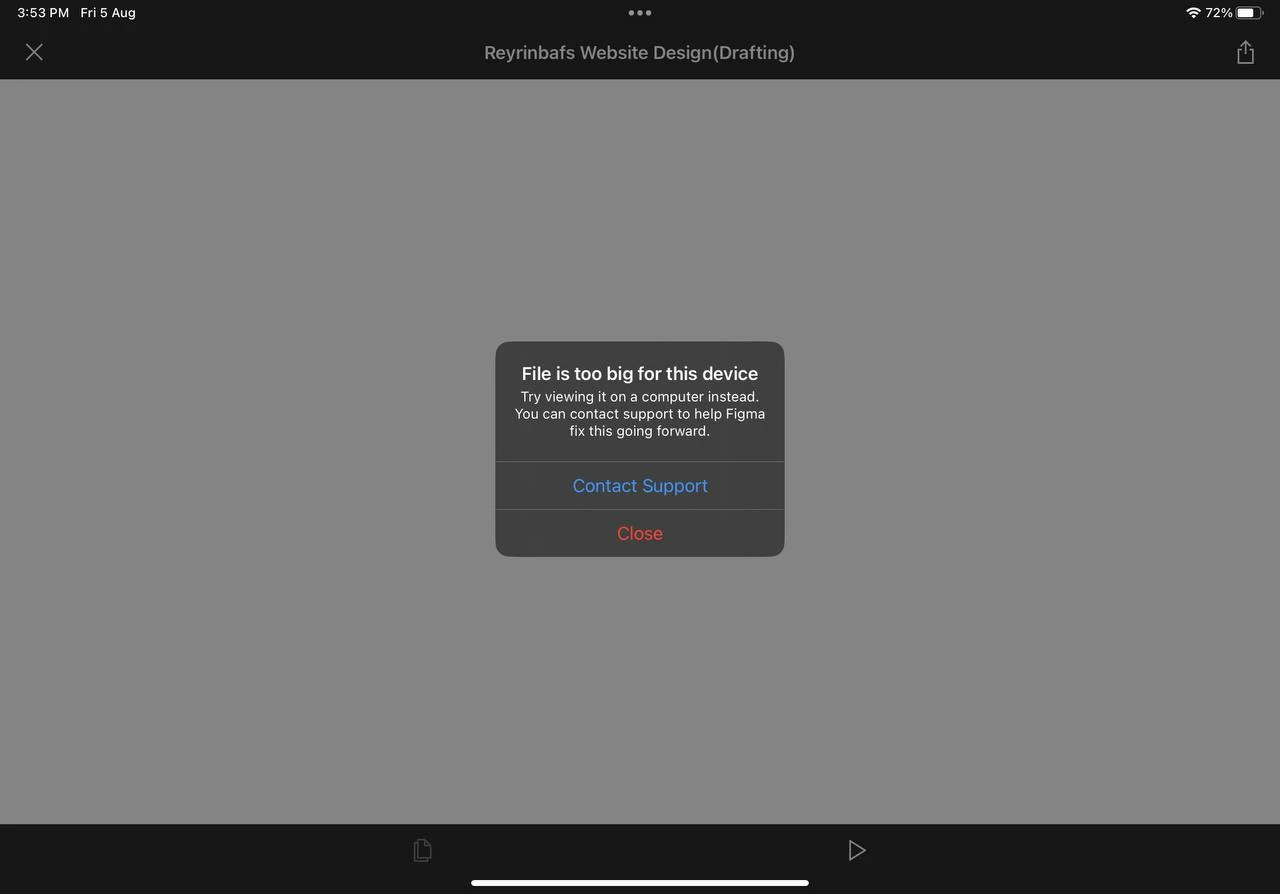
iPad Figma app constantly displays the error "file is too big for this device."

  • August 5, 2022
  • 5 replies
  • 1392 views

Avnkkit

I constantly receive the message “File is too large for the device” when I try to open any file/prototype (both) with the new iPad app. I use the iPad for all of my work, and the prototype works perfectly on my Mac, PC, or even my phone. Even if the file is too tiny, even if it only contains a square, the following error appears.
This topic has been closed for replies.

5 replies

Omkar_Yadav

Same issue for me using iPad Pro M1


Willa_Cai
  • August 11, 2022

+1 here with this issue on iPad Pro M1 on latest update


Lisa_Poncet

Same for me on my iPad Pro M1. It was working well a few weeks ago…


Umut_Aydin
  • October 19, 2022

any solution for this? It’s so annoying!!!


Byron_Miller

I get this also .