HEVERTTON_NUNES_DE_OLIVEIRA
Apr 25, 2024 6:17 PM UTC
Solved

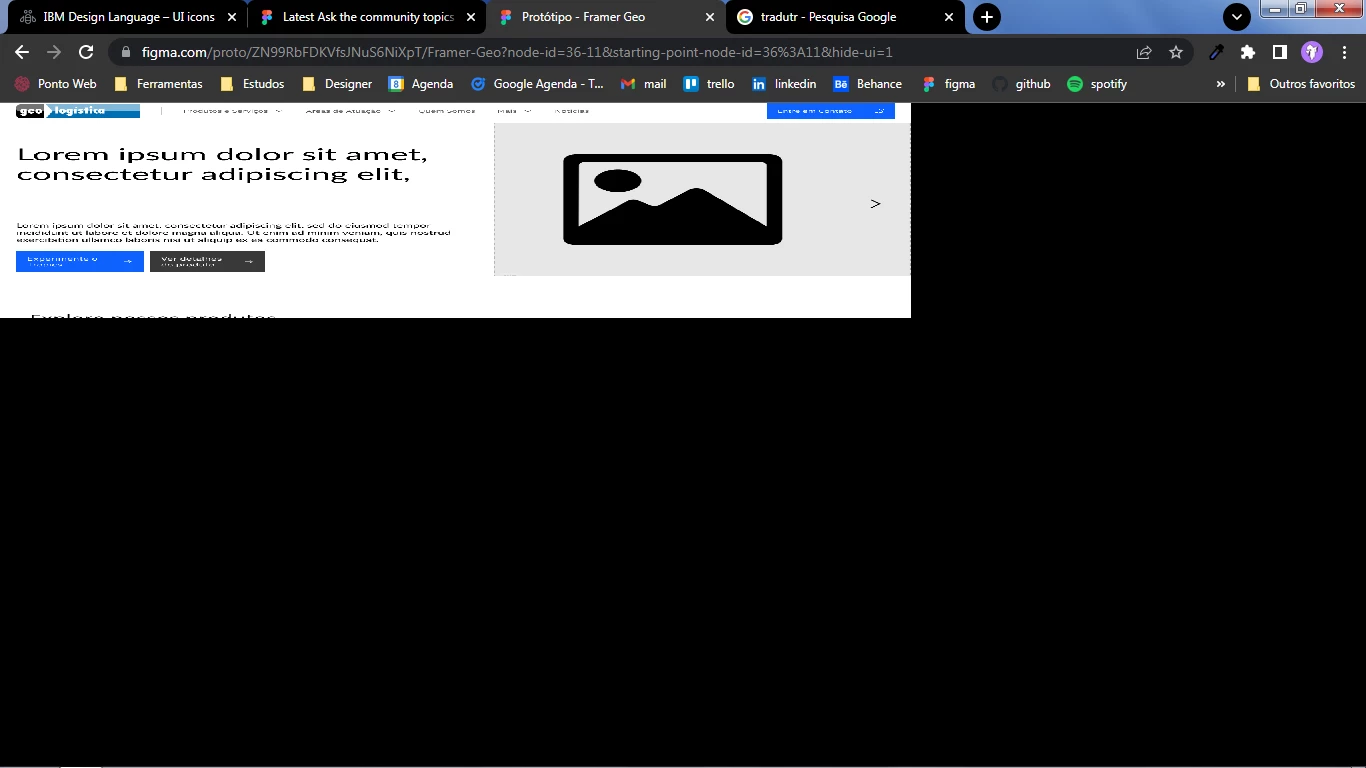
I'm having a problem with the viewer

hello,

I’m having a problem when I go to view the project, this occurs when I add a component with an effect, or some style, it doesn’t happen in all of them, it only happens in some. This bug appears on Figma web and desktop.

Can anyone help me resolve this problem?
This topic has been closed for replies.
ksn
ksnSolution
Community Support
May 2, 2024 6:39 PM UTC

Ah, yes. That is the likely case – we require, at minimum, Windows 8.1. Windows 7 is not supported by us anymore.

Unfortunately, I don’t have any other troubleshooting I can recommend. I would recommend speaking to your IT department to see if they can assist you further.

8 replies

ksn
Figmate
Community Support
Apr 26, 2024 4:36 PM UTC

That’s so strange 🤔 Can you share a copy of the file you’re seeing this with? I can take a look to see if I can replicate.

ksn
Figmate
Community Support
Apr 29, 2024 4:47 PM UTC

Thank you! btw, can you tell me what browser you’re using, and any list of extensions you may be running? I noticed you are on Windows, so things may be a bit different from how I’m set up.

I tried viewing in Safari and Chrome on my end, but it seemed to preview as expected.

HEVERTTON_NUNES_DE_OLIVEIRA
Apr 30, 2024 9:01 PM UTC

I’m using Chrome, with the Muzli, ColorZilla and AdGuard extension.

Could the problem be related to the computer I’m using? The company’s equipment is a bit old. I tested the same project on my personal computer and it worked as expected.

ksn
Figmate
Community Support
May 1, 2024 3:45 PM UTC

Gotcha - it could be. Can you take a look at our minimum specs to see if your setup is supported?

HEVERTTON_NUNES_DE_OLIVEIRA
May 2, 2024 5:39 PM UTC

The browser configuration, WebGl and Chrome, is in accordance with the system requirements. Chrome is at version 109 (What browser am I using?).
Is the operating system the problem? The company still uses Windows 7; Could this be the reason?

ksn
Figmate
ksnSolution
Community Support
May 2, 2024 6:39 PM UTC

Ah, yes. That is the likely case – we require, at minimum, Windows 8.1. Windows 7 is not supported by us anymore.

Unfortunately, I don’t have any other troubleshooting I can recommend. I would recommend speaking to your IT department to see if they can assist you further.

HEVERTTON_NUNES_DE_OLIVEIRA
May 6, 2024 5:57 PM UTC

Thank you for your help