
I have a design where I would like to completely remove part of the border with an angled edge. I have tried using the pen tool to create a vector over the area I want to remove and then removing it using booleans but none of the options seem to work. I just want to erase part of it but can’t seem to find a simple way to do this. Can anyone tell me how I could achieve this look?
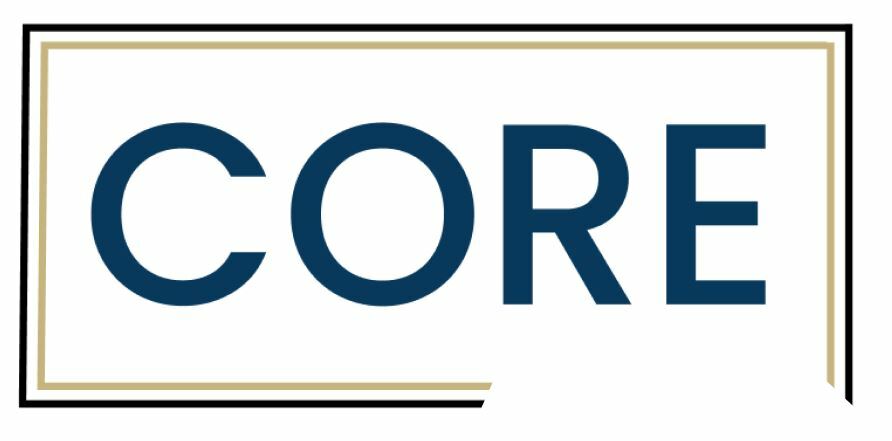
This is what I am trying to achieve. The border connects all the way around and in this pic I have just used some white rectangles covering them to try to show you what I’m after.
Any help would be much appreciated 🙂
Best answer by Tom Reem
Hello @HollyNZ — thanks for the question, and thanks @Pavel_Kiselev for offering that solution. I wanted to step in here because there's now a more direct way to do this. We recently launched an eraser for vector editing. Select your layer, press Enter to open vector edit mode, then press Shift+E and drag over the part you want to remove.
Boolean should do the trick. Have your two rectangles with a stroke combined using union. This will produce a vector with no strokes but fills. Then place what you have in white and use one more Boolean to mask the area you are after
Hello @HollyNZ — thanks for the question, and thanks @Pavel_Kiselev for offering that solution. I wanted to step in here because there's now a more direct way to do this. We recently launched an eraser for vector editing. Select your layer, press Enter to open vector edit mode, then press Shift+E and drag over the part you want to remove.
