Question
How to recreate the "TikTok Classic Text" background effect in Figma without making separate layers for each line?
Hi everyone!
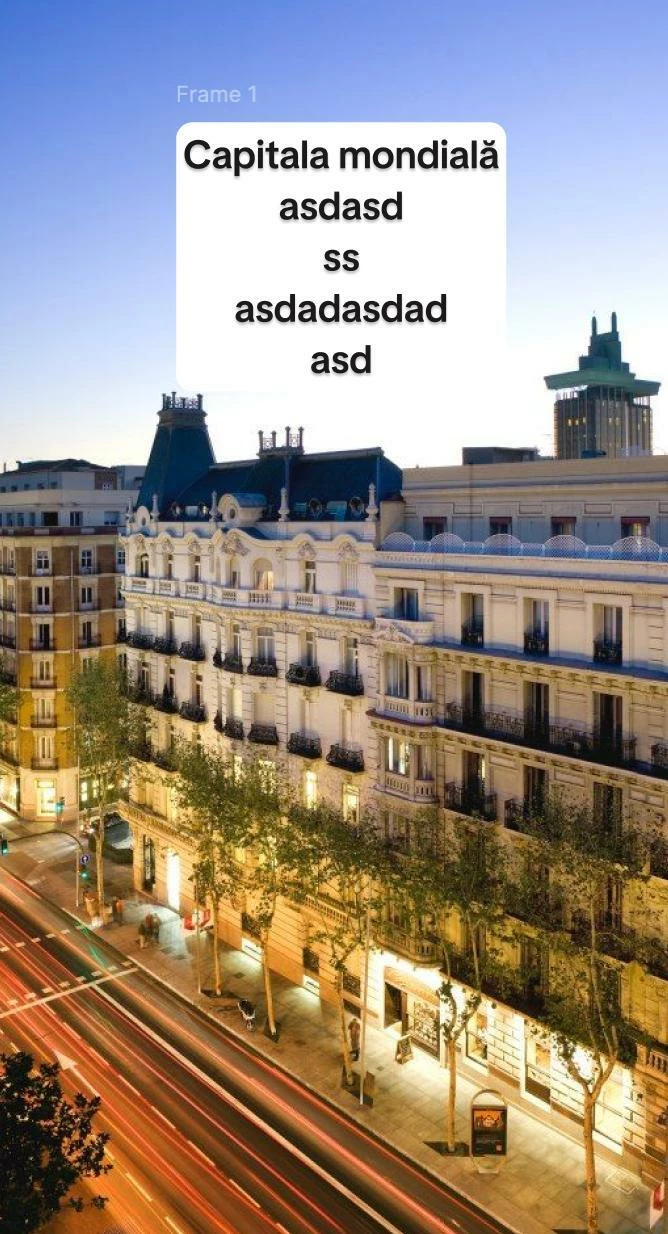
I'm trying to replicate the TikTok "Classic" text style in Figma for some social media slides. I want the white background (Fill) to wrap tightly around each line of text individually (creating that "stepped" look), exactly like it does in the app.
Right now, when I use Auto Layout on a text box, it just creates one big rectangle. I've tried "Hug Contents," but it still treats the whole block as one shape.
Is there a way to do this without manually creating a separate text layer for every single line? Maybe a plugin or a clever workaround?
Thanks in advance!