Jadeja_Bhagirathsinh
New Member
July 10, 2024
Solved

How to hide Paste button in figma Firefox browser

  • July 10, 2024
  • 17 replies
  • 1337 views

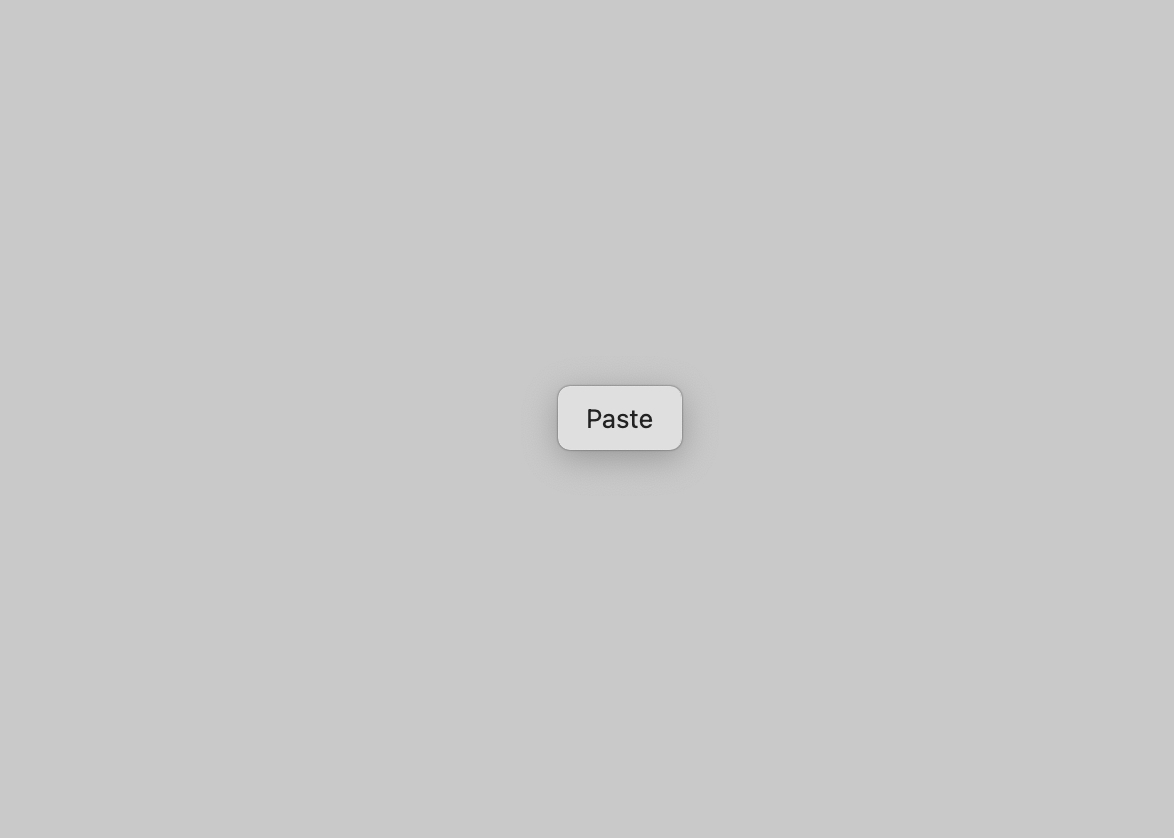
when paste image in Figma firefox browser. firefox showing “Paste” button

Can anyone tell me how to stop this?

This topic has been closed for replies.
Best answer by Celine_

Hi again everyone! Thank you to everyone who’s shared feedback and followed up on this over the past months.

After further investigation, our engineering team has confirmed that this behaviour is caused by a security feature in Firefox. It’s designed to prevent clipboard access without user interaction, especially in cross-origin scenarios. You can read more about it here: Firefox Clipboard API – Security Considerations.

Because this is managed at the browser level, it’s not something Figma can resolve independently unfortunately.

That said, the current "Paste" prompt in Firefox seems not to block pasting. It just adds an extra step (a click) to confirm the action.

We totally understand how this impacts your workflow, especially with more users turning to Firefox and Firefox-based browsers. While we can’t change this behaviour directly, your feedback has been helpful in guiding our internal discussions. 
Thanks again for your patience and thoughtful input! 🙏🏼

17 replies

Celine_
Figmate
Celine_Answer
Community Support
June 26, 2025

Hi again everyone! Thank you to everyone who’s shared feedback and followed up on this over the past months.

After further investigation, our engineering team has confirmed that this behaviour is caused by a security feature in Firefox. It’s designed to prevent clipboard access without user interaction, especially in cross-origin scenarios. You can read more about it here: Firefox Clipboard API – Security Considerations.

Because this is managed at the browser level, it’s not something Figma can resolve independently unfortunately.

That said, the current "Paste" prompt in Firefox seems not to block pasting. It just adds an extra step (a click) to confirm the action.

We totally understand how this impacts your workflow, especially with more users turning to Firefox and Firefox-based browsers. While we can’t change this behaviour directly, your feedback has been helpful in guiding our internal discussions. 
Thanks again for your patience and thoughtful input! 🙏🏼
pixelraga
New Member
July 6, 2025

pixelraga’s fix didn’t work for me 😕

In fact it broke Paste to replace.


(Zen Browser 1.12.5b, Linux)

(Firefox 138.0.3, Linux)


Try setting dom.events.testing.asyncClipboard to true instead.

I guess the workaround was patched in some update.

Wirkkarl
Active Member
July 7, 2025

when paste image in Figma firefox browser. firefox showing “Paste” button

Can anyone tell me how to stop this?


When I paste an image in Figma using Firefox, Firefox shows a “Paste” button on the screen.

Can anyone tell me how to disable or stop this “Paste” button from appearing?

Thanks in advance!

Cristian_Dragos
New Participant
August 5, 2025

when paste image in Figma firefox browser. firefox showing “Paste” button

Can anyone tell me how to stop this?


When I paste an image in Figma using Firefox, Firefox shows a “Paste” button on the screen.

Can anyone tell me how to disable or stop this “Paste” button from appearing?

Thanks in advance!

Check ​@Celine_ ‘s previous reply 


Paciffic
New Member
November 17, 2025

pixelraga’s fix didn’t work for me 😕

In fact it broke Paste to replace.


(Zen Browser 1.12.5b, Linux)

(Firefox 138.0.3, Linux)


Try setting dom.events.testing.asyncClipboard to true instead.

I guess the workaround was patched in some update.

That did it for me! Thanks.

grahnjo
New Member
November 24, 2025

pixelraga’s fix didn’t work for me 😕

In fact it broke Paste to replace.


(Zen Browser 1.12.5b, Linux)

(Firefox 138.0.3, Linux)


Try setting dom.events.testing.asyncClipboard to true instead.

I guess the workaround was patched in some update.

That did it for me! Thanks.


Also worked for me. Thank you for the solution!

Filipe_Ligabue1
New Member
February 17, 2026

pixelraga’s fix didn’t work for me 😕

In fact it broke Paste to replace.


(Zen Browser 1.12.5b, Linux)

(Firefox 138.0.3, Linux)


Try setting dom.events.testing.asyncClipboard to true instead.

I guess the workaround was patched in some update.

It works! Thanks!

