Question
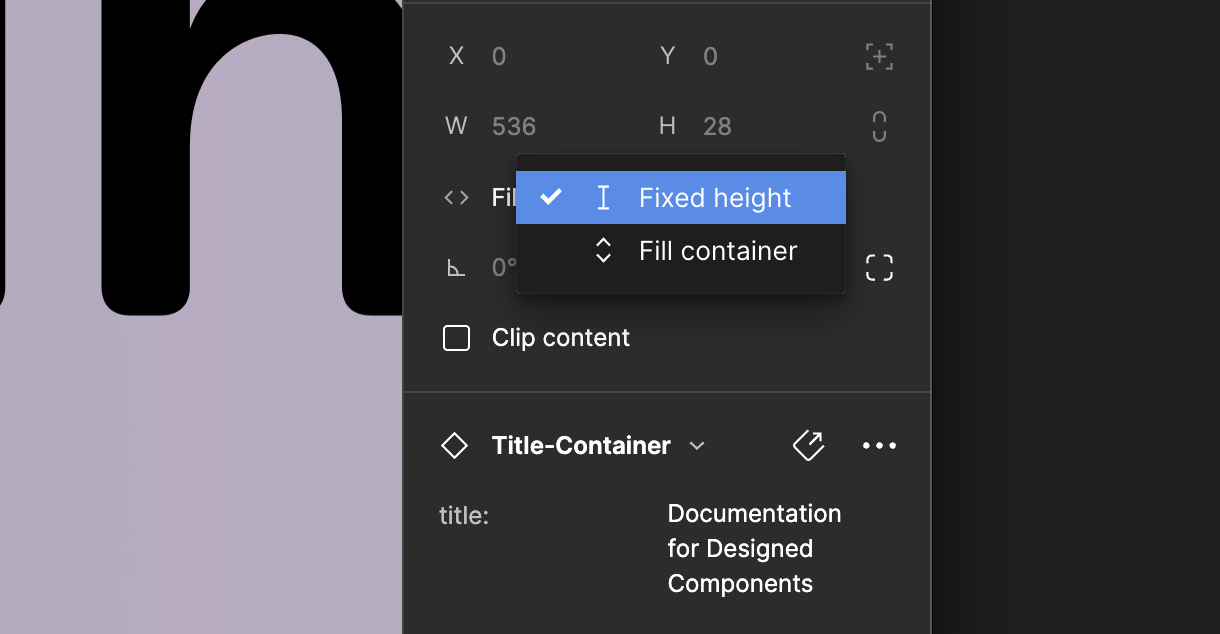
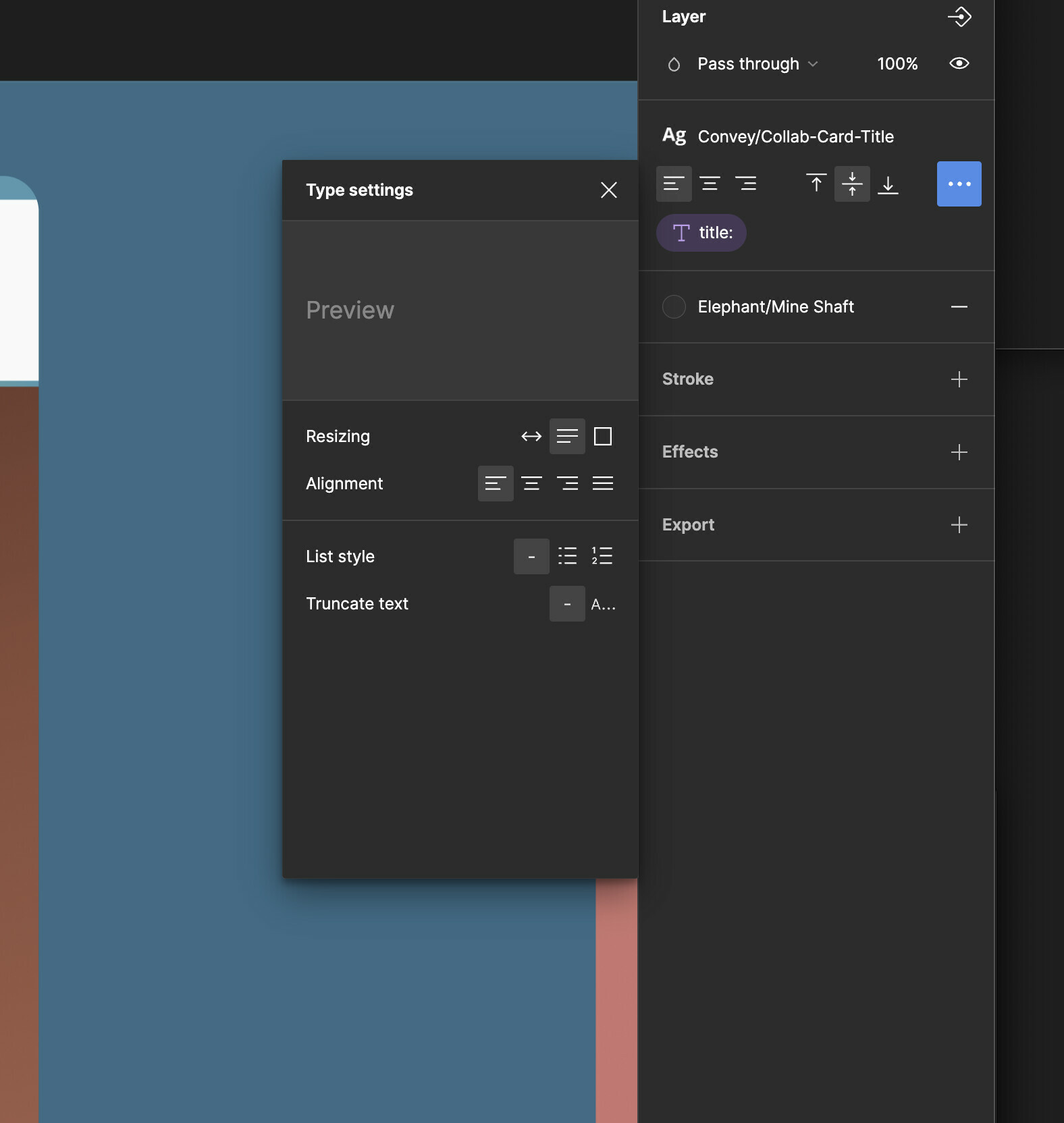
How to get content to stay within the lines? (Lines either expand, or content scales down)
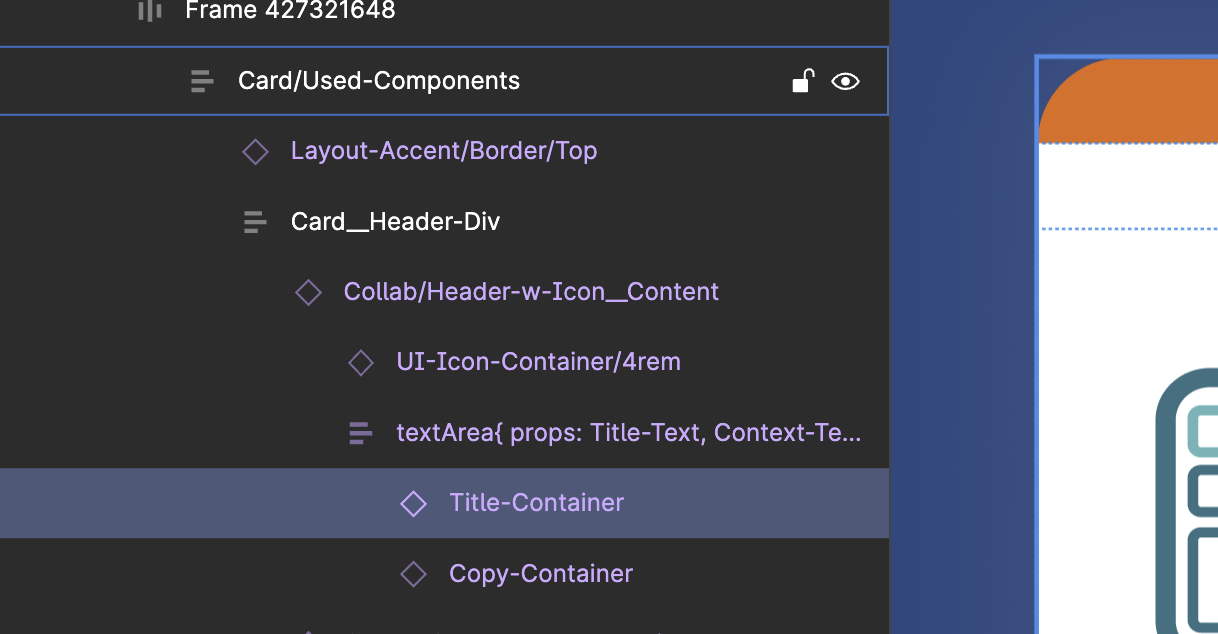
I have a lot of components that have text in them. (Let’s suspend the need for text that “scales” with resizing (which is urgent, Figma team.).
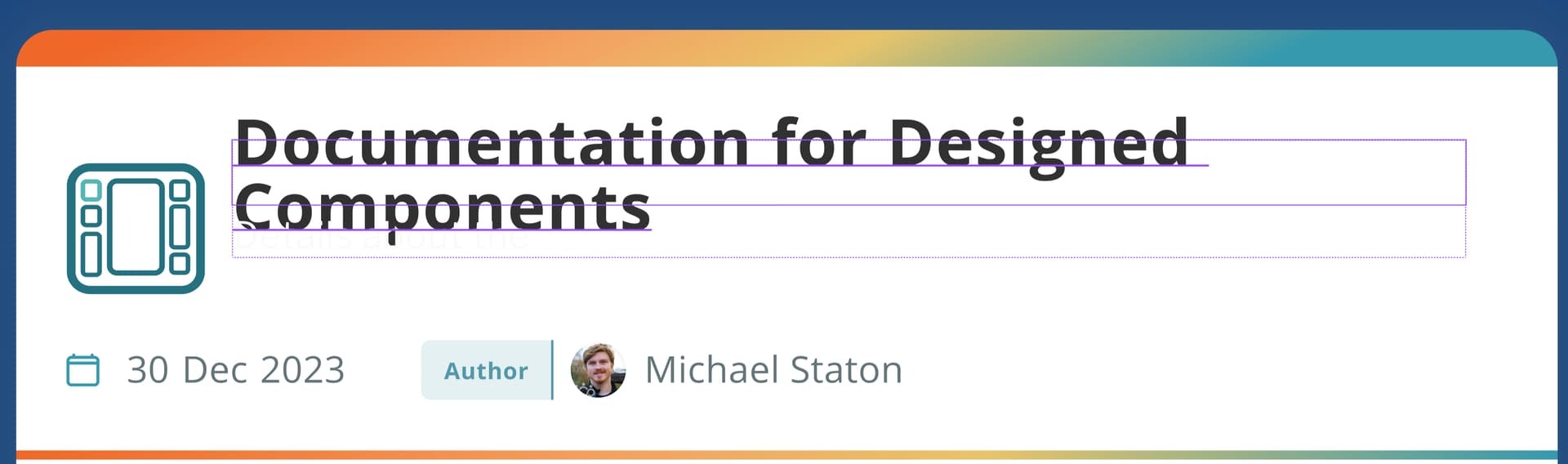
ALL THE TIME, text bleeds out of the frame boundaries, regardless of how much I futz with Autolayout, or Constraints. How can I make it so the text frame resizes appropriately and doesn’t bleed?