

How to determine if the plugin "window" is "active"?
My plugin uses the Delete key to delete content, just like Figma. Predictably I’m running into conflicts.
If I first click a UI element of Figma, then my plugin’s window, then a node, then press the Delete key, I delete the node.
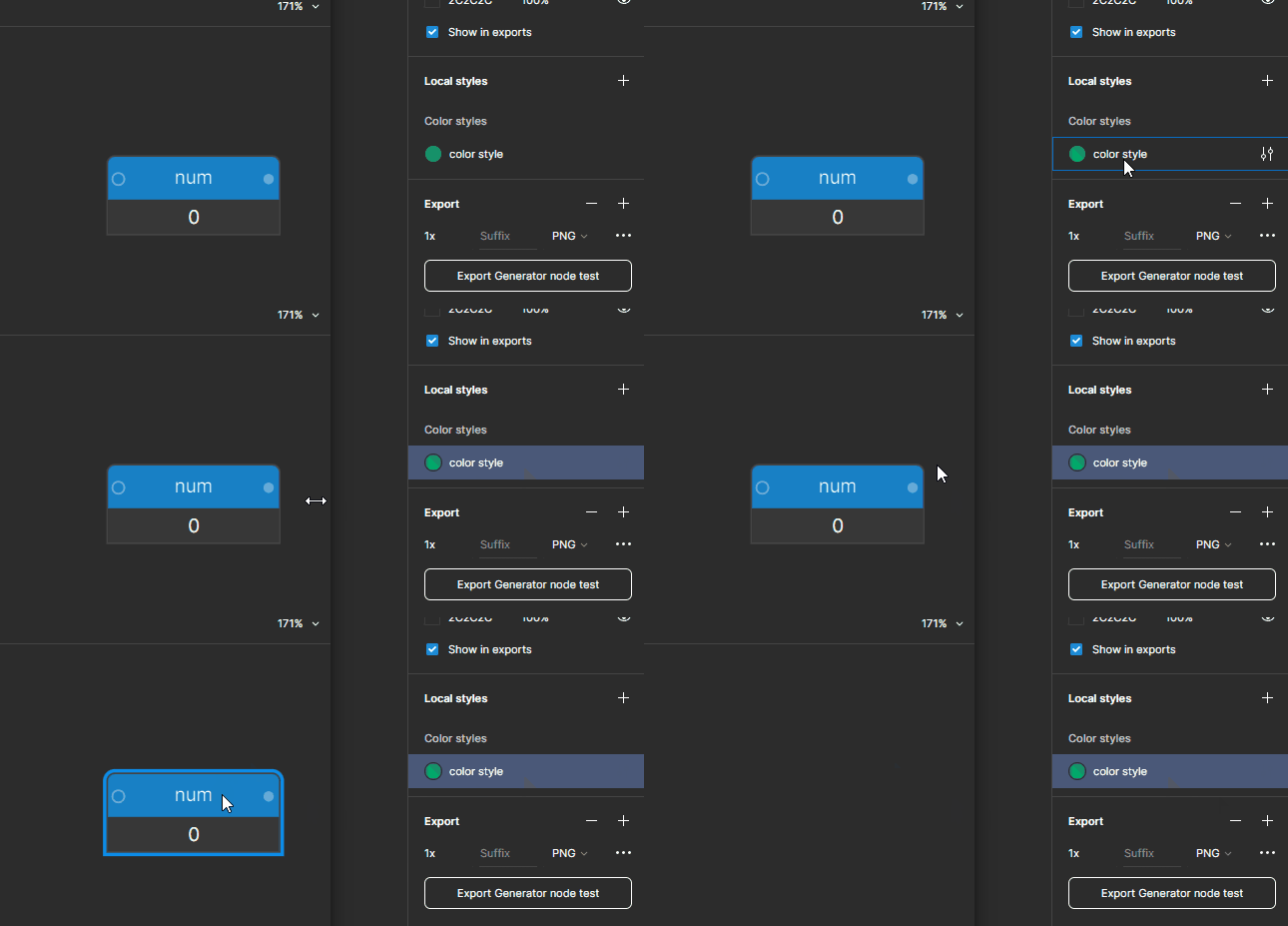
But if I click the Figma style, then directly the node, then press the Delete key, it deletes the style!!!
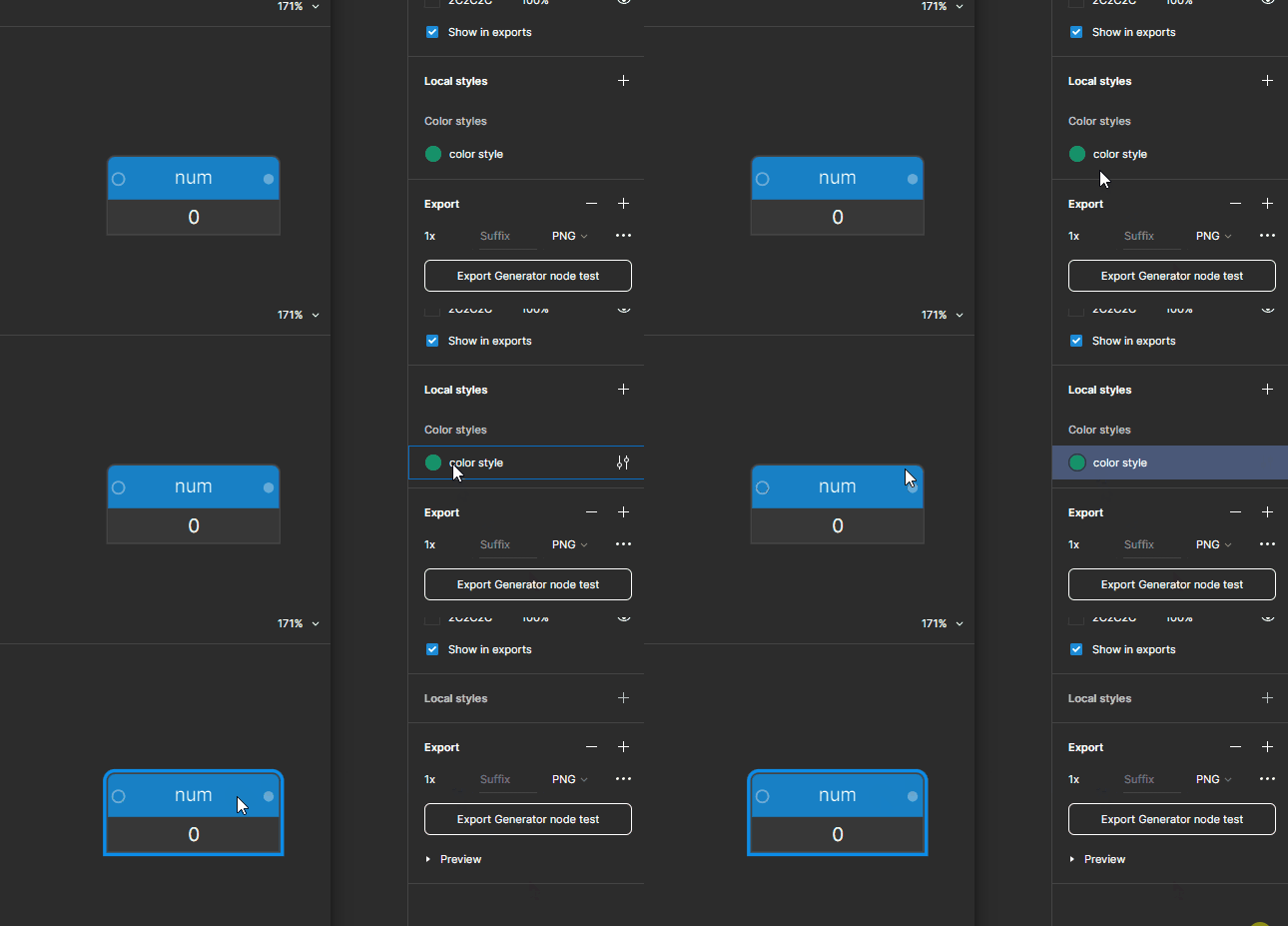
So the window never gets activated, due to a preventDefault() and a stopPropagation(). However, when I rewrite the code to avoid those calls (I set a flag for the document’s pointerdown to return if I’m holding a node), the delete behavior doesn’t change.
Setting body:active { box-shadow: 0 0 0 1px red inset; }, together with commenting out the above mentioned functions, I get this:
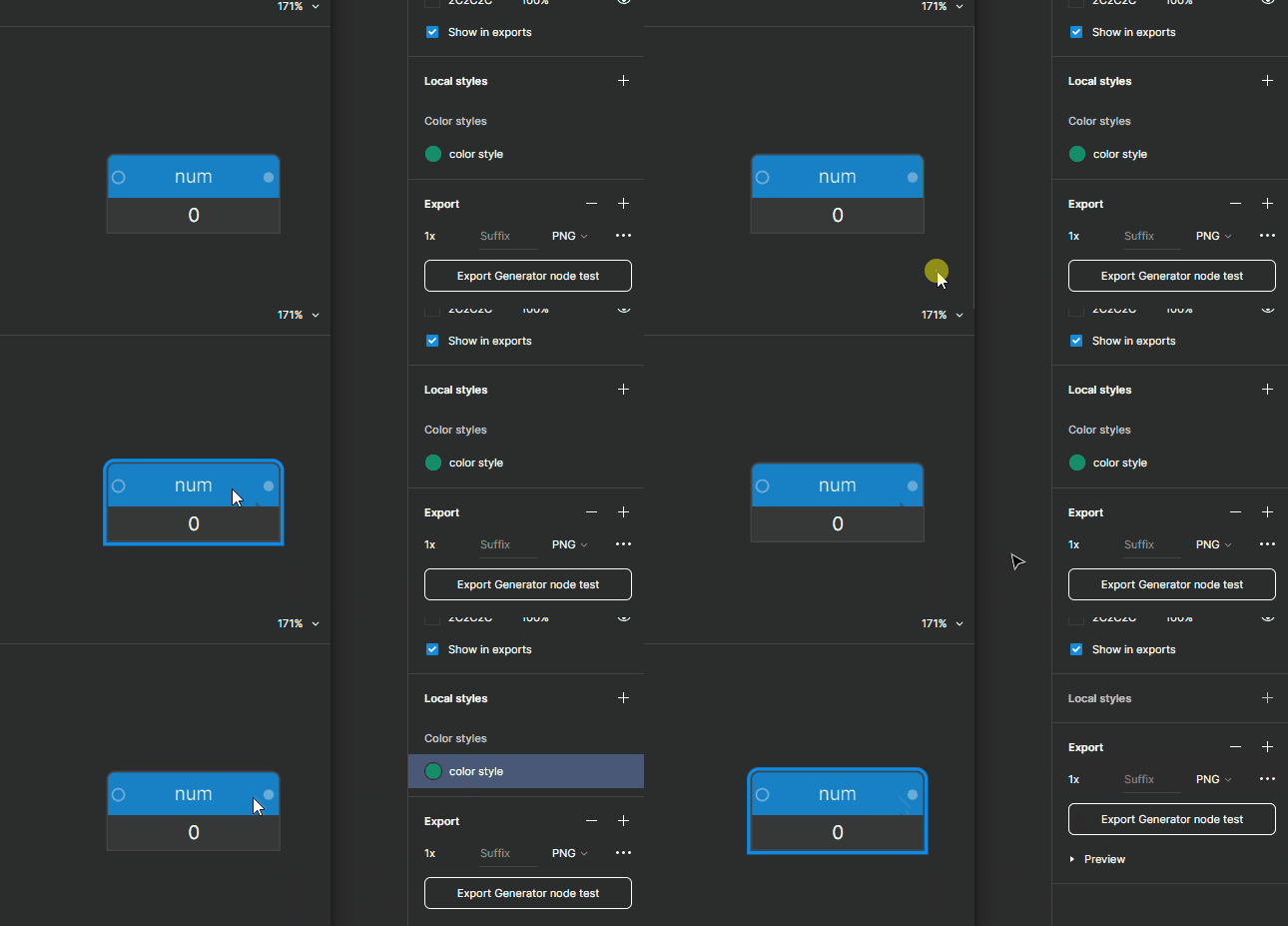
I seem to misunderstand the connection between window activations and the plugin iFrame’s “external” behavior. I get that the iFrame is not a window, but is there a property somewhere that will tell me whether the it’s in focus like a window? Or is active the important property here? The terminology is confusing. 😛 In short: is there a way to confidently control where keyboard messages are going?
P.S. would be cool if the iFrame’s shadow changed to indicate focus.