Cyril_hzx
August 29, 2023
Solved

How to delete these color libraries?

  • August 29, 2023
  • 20 replies
  • 41496 views

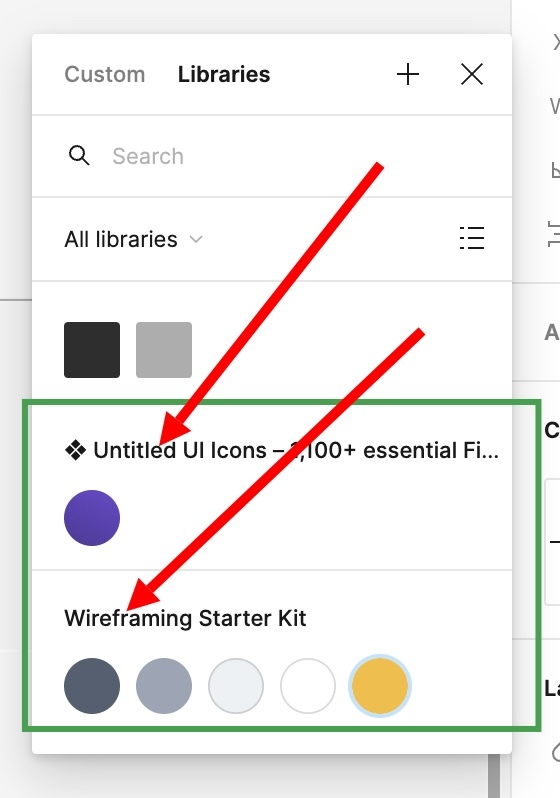
hello everyone, how can i delete these color library, I notice there are two new libraries in the color section, but i don’t need them:


This topic has been closed for replies.
Best answer by Celine_

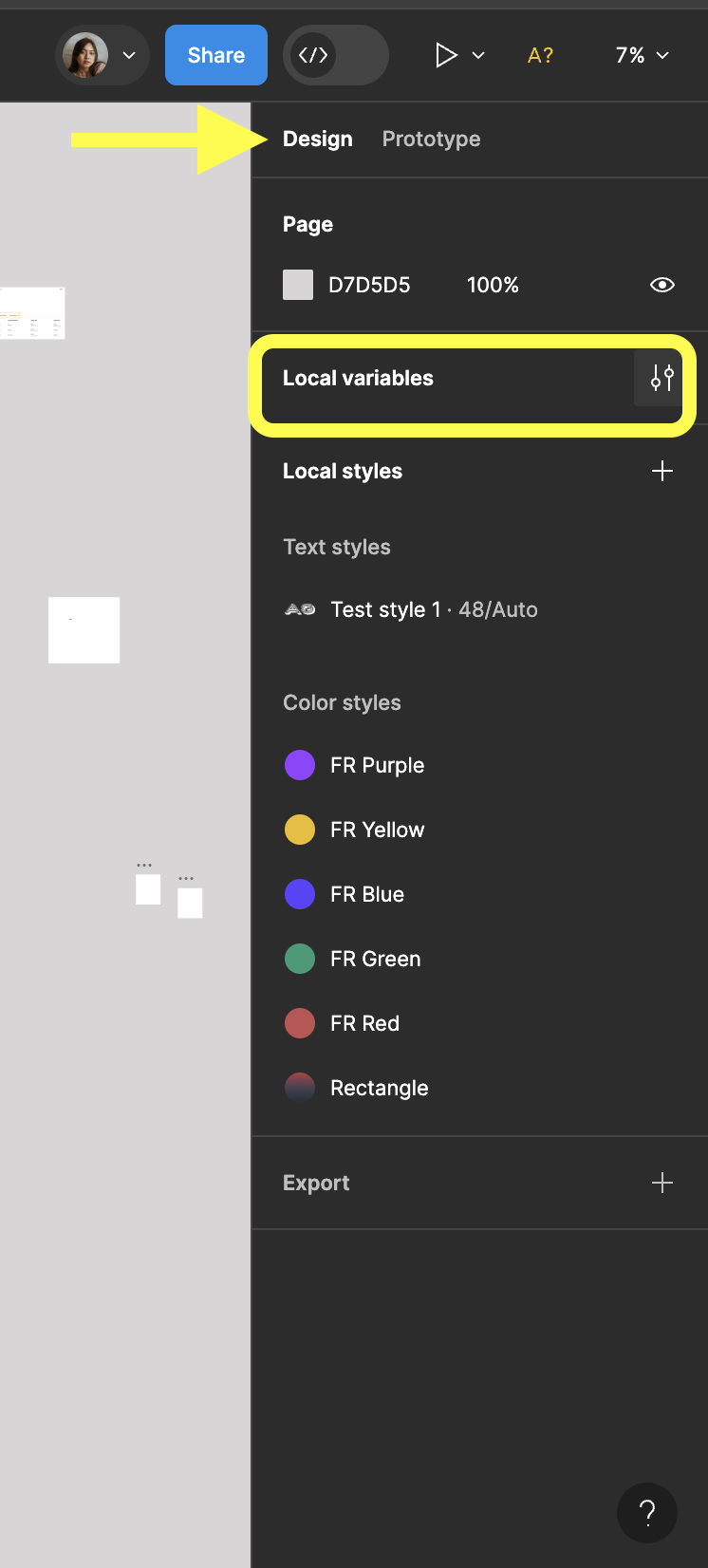
Hey Syed! As explained by others in the community, please check your design panel, and in the top you can see and click on “Local variables” in design panel to remove the colors you wish. Hope this clarifies!

How to delete these color libraries? - #15 by Fahime_Rostami

20 replies

November 20, 2023

how to remove this variable color from this palate
image

November 20, 2023

the answer to this will also help me greatly

November 30, 2023

image
How can I delete them all… 🥲

December 2, 2023

Hello
Click on the local variable option, from there you can remove all the colors individually

Marta8
January 17, 2024

Click on local variables in design panel

March 7, 2024

How can I delete this libraries, unable to find any delete option.

Celine_
Figmate
Celine_Answer
Community Support
March 8, 2024

Hey Syed! As explained by others in the community, please check your design panel, and in the top you can see and click on “Local variables” in design panel to remove the colors you wish. Hope this clarifies!

How to delete these color libraries? - #15 by Fahime_Rostami

Maryna_Bilous
New Member
May 3, 2024

Thanks a lot!

kauheaa
New Participant
July 27, 2024

I recently upgraded to professional and it seems with that I was provided some UI kits, that now show up in all the files. Where are these kits located in case i want to for example edit them or view them for reference? I can’t seem to find them anywhere, at least not in the same location as my design files.

Also, is there a setting somewhere so i could not have them in a file by default? I’d rather not go through all my one million files and remove them manually 😬

kauheaa
New Participant
July 27, 2024

Ahha, found an answer to my own question; in Figma home view go to admin → settings → UI Kits toggle off.