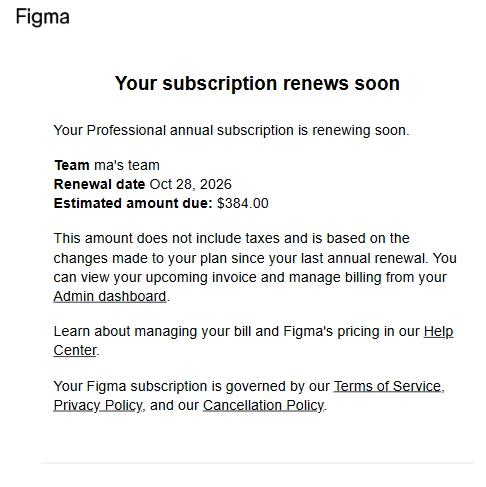
How Can I Restore 2 Full Seats on My Annual Professional Plan?
Hi everyone,
I’m looking for advice on restoring 2 Full seats on my Figma Professional annual plan without incurring additional monthly charges.
My current subscription is active until November 28, 2026. On the last day of the previous billing period, I changed 2 Full seats to View seats because I wanted to avoid automatic renewal charges.
However, my current Billing overview shows:
-
Total seats: 27
-
Assigned seats: 0
-
Available seats: 0
-
View seats: 27
I can no longer find any available Full seats or a way to reverse this change. When I try to switch a user back to a Full seat, I’m concerned that Figma may charge me for an additional seat on a monthly basis.
Has anyone experienced this situation before?
I’d appreciate your advice on the following:
-
Is there a way to restore the 2 Full seats under my existing annual subscription?
-
Can I adjust my current seat allocation without triggering additional monthly charges?
-
Would canceling my current Professional plan and subscribing again with 2 Full seats on an annual billing cycle solve this issue, or would it cause other problems?
I’d prefer to keep my current subscription active and continue with annual billing if possible.
Thanks in advance for your help!