

Question

How can I browse the app made by figmamake in full screen on my mobile phone?
  • May 29, 2026
  • 1 reply
  • 19 views

yutoo
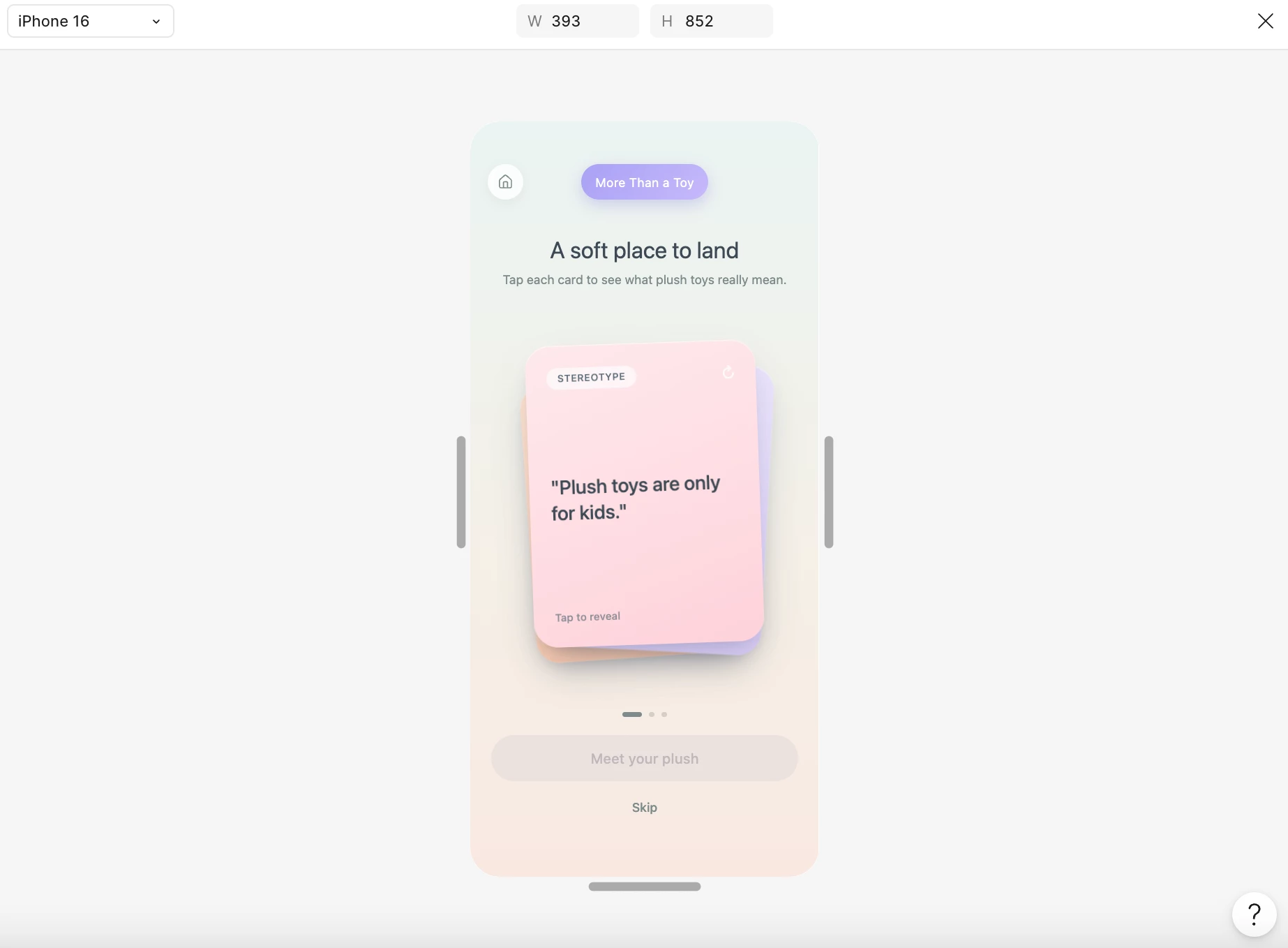
app preview in FIGMAMAKE

I made an app on figma make, which is compatible with iPhone 16. I published and got a link, but when I tested the app on my phone by connecting it, I found that it couldn't be fully displayed when opened in the link (like a real app). When operating in a browser, the toolbar can only be hidden, but it still cannot be displayed in full screen. Does anyone have any methods to enable the apps made by figma make to be previewed on mobile phones? It can be interacted and used normally, and displayed in full screen!
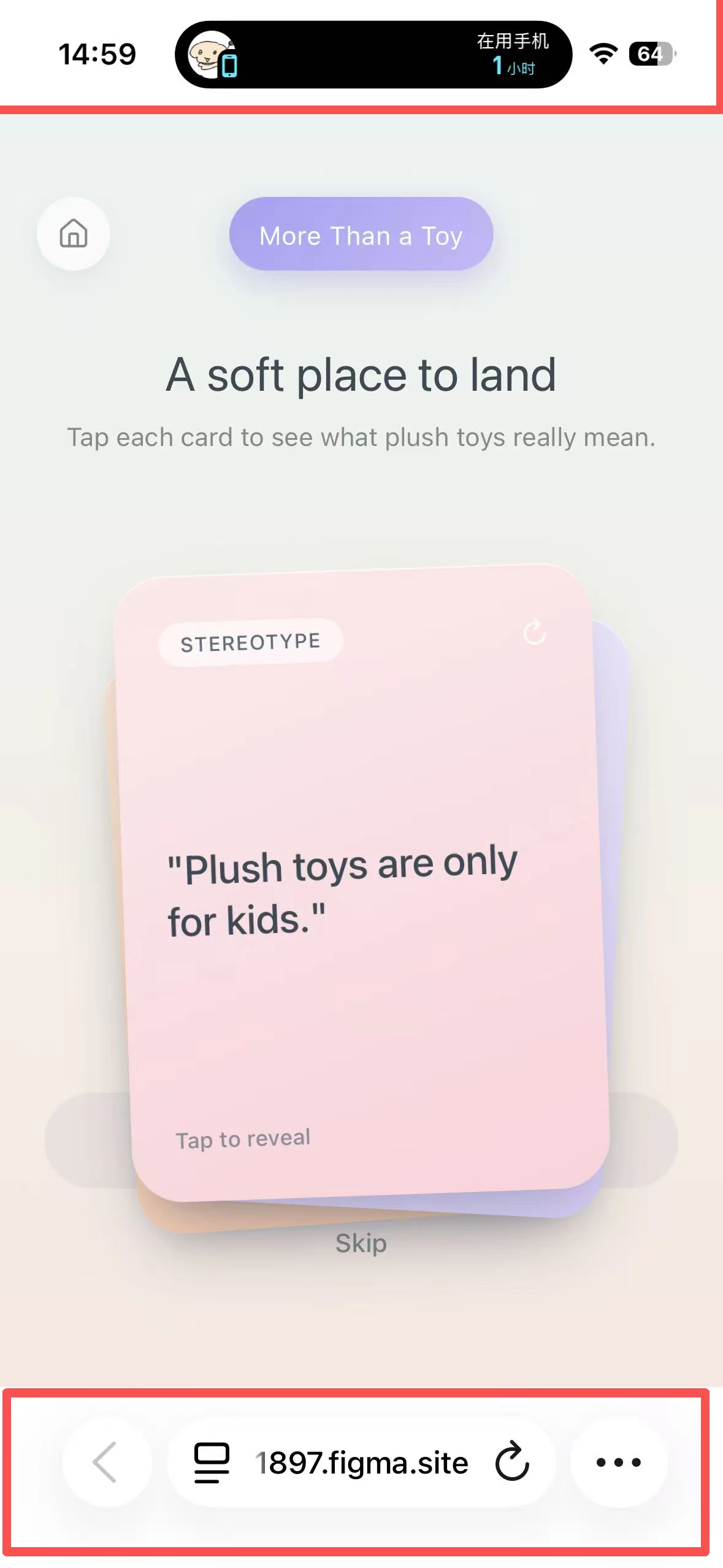
app preview in Safari

1 reply

adamsmasher
Figmate
  • Figmate
  • May 29, 2026

Hi, ​@yutoo. Thanks for your post and for including screenshots. Just to make sure I’m understanding you correctly, you’re asking if it’s possible to view the published site on mobile devices the way it shows in Make’s preview?


The top and bottom bar are specific to different mobile device operating systems, and their behavior on your mobile phone isn’t really something you can control. That said, if you wanted the preview in Figma to have a toggle to show those so the mobile preview even more closely matches a real-world experience… that’s feedback I can share with the team. 


Let me know if I’ve got it right or if you mean something else - happy to help!