Solved
How can I adjust the position of a component variant during button hover?
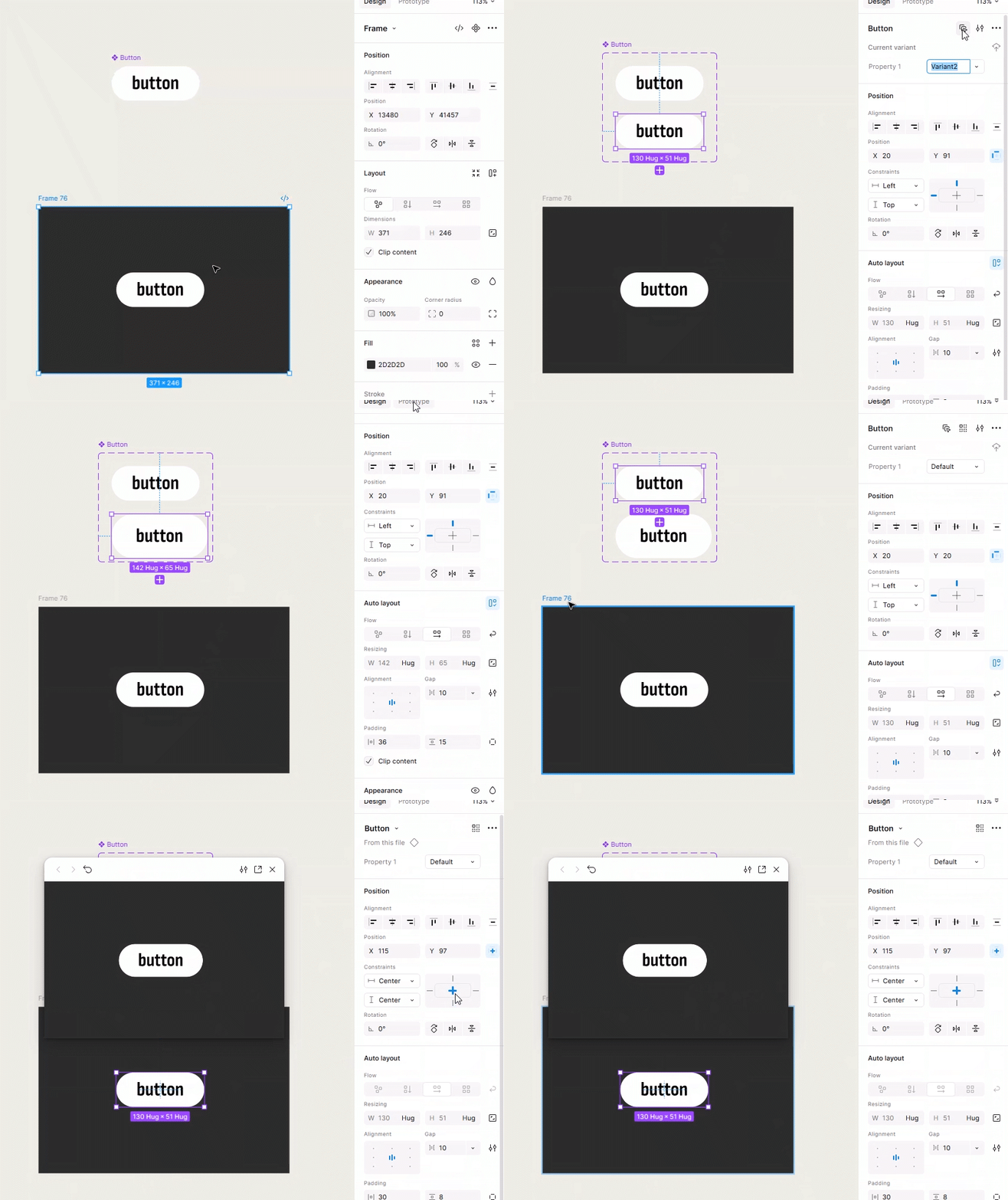
I'm new to prototyping, so I'm sorry if this is a dumb question with a simple solution. I'm trying to animate a button, and I made the button as a component, and a variant for the hover state.
It's a little hard to explain the issue, but I hope it's understandable. The issue I'm having is that, when you hover over it, the variant "moves" to the bottom right when you hover over the button, and I would like to make it look like it's expanding from the center.
What it looks like right now:

How I want it to move like (makes it look like it's expanding from the center):
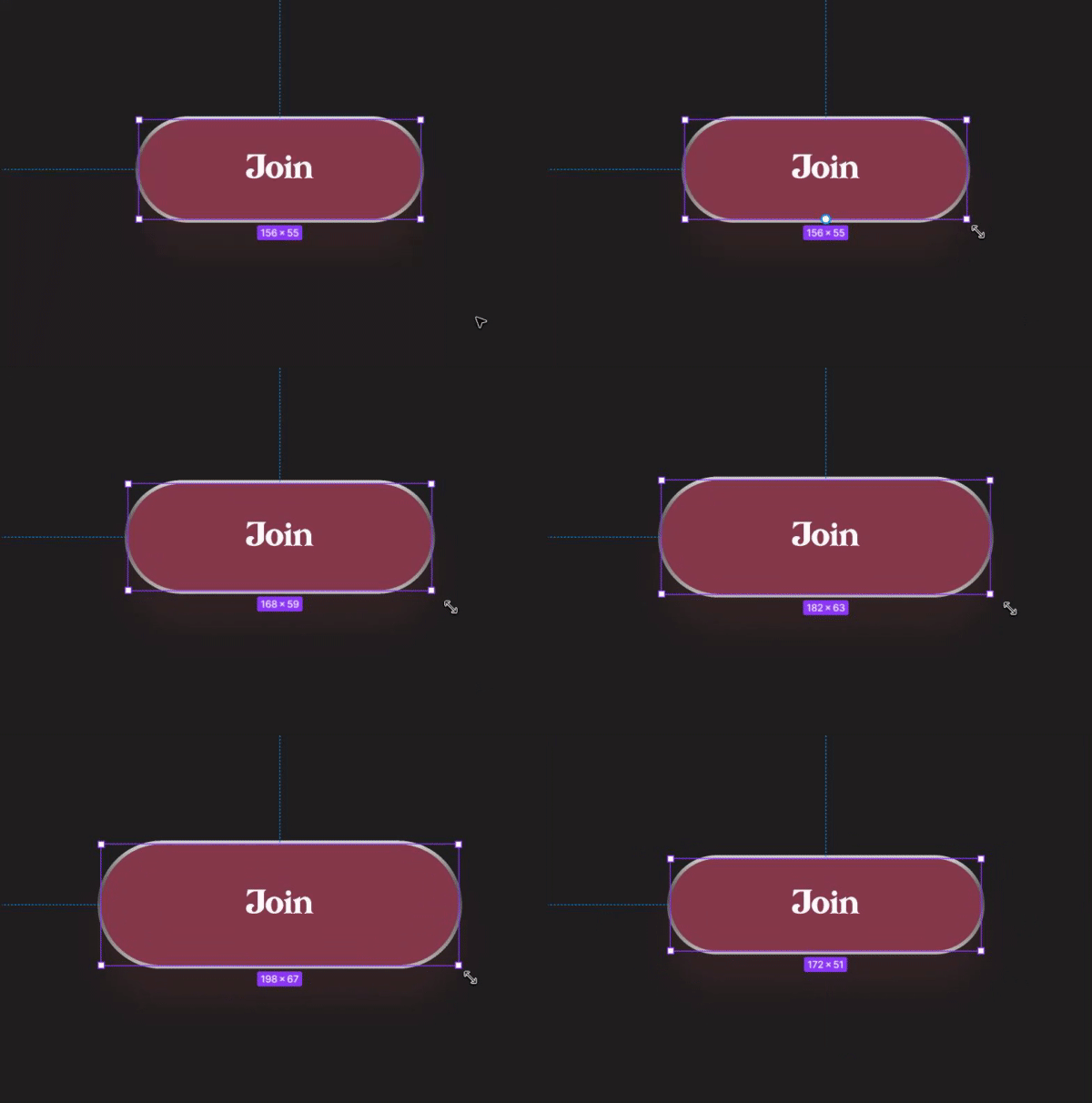
But right now, it looks like it's doing this:
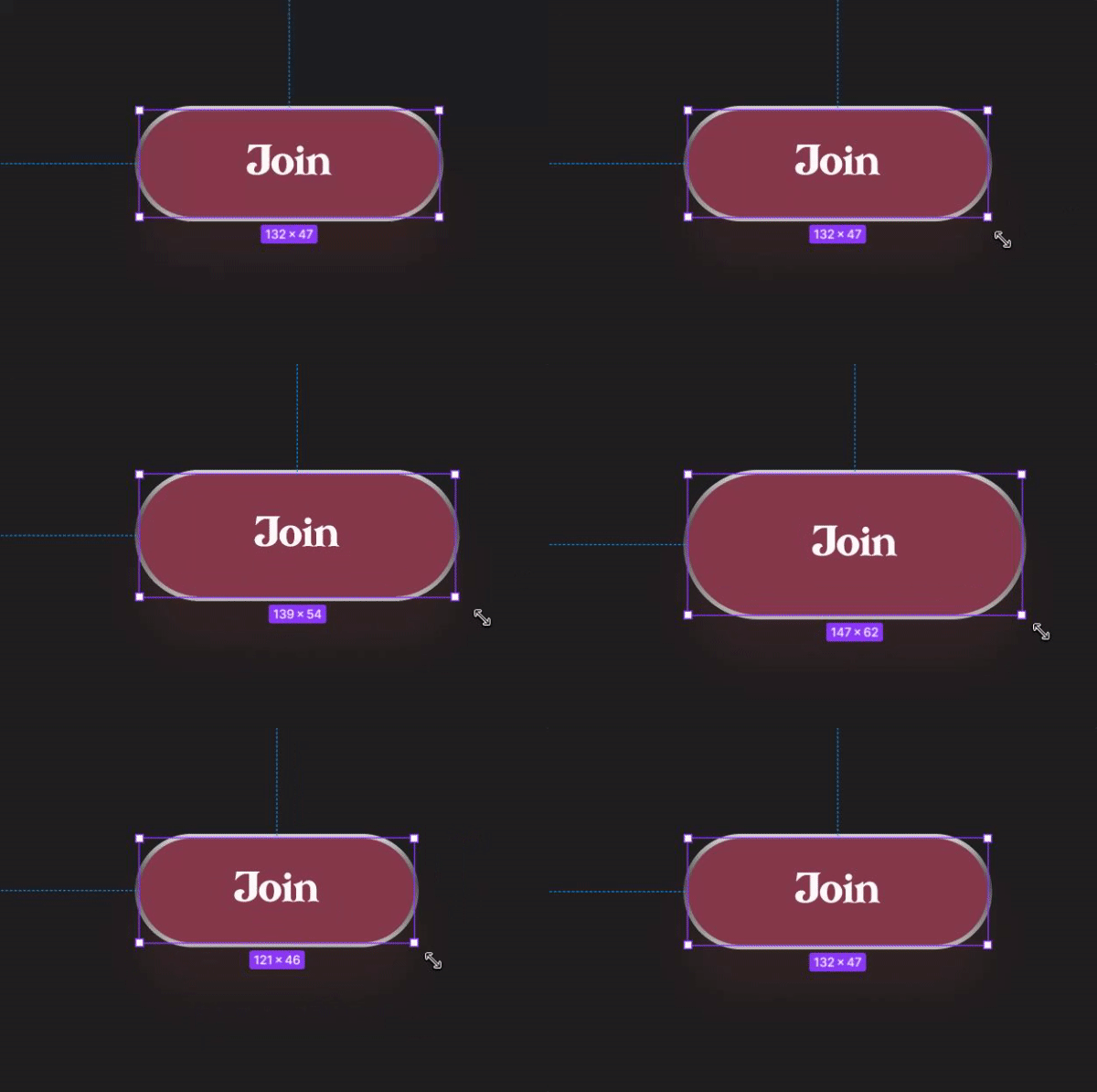
Again, I'm sorry if this is a dumb question... but I hope someone can help me.