Question
Hide quick toolbar
Hi everyone!
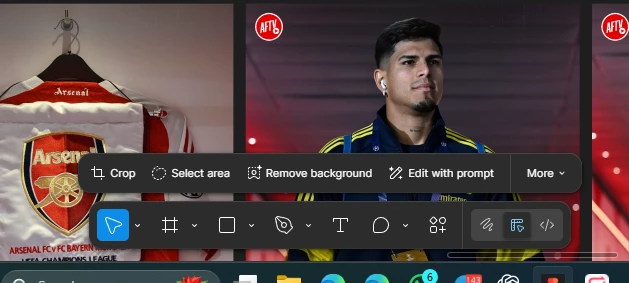
I’ve been using Figma for a while and I just realised there’s this new quick toolbar that appeared out of nowhere (the one above the toolbar). Before I can hold Ctrl + double click on an image to rescale it but now with this new quick toolbar it enters crop mode which doesn’t really work for me. Please if there is a way to hide it or at least revert it in case I accidentally hit something?
Thanks a lot!