Carmen van der Merwe
New Member
October 16, 2026
Question

Framed too Zoomed in on Presentation Mode

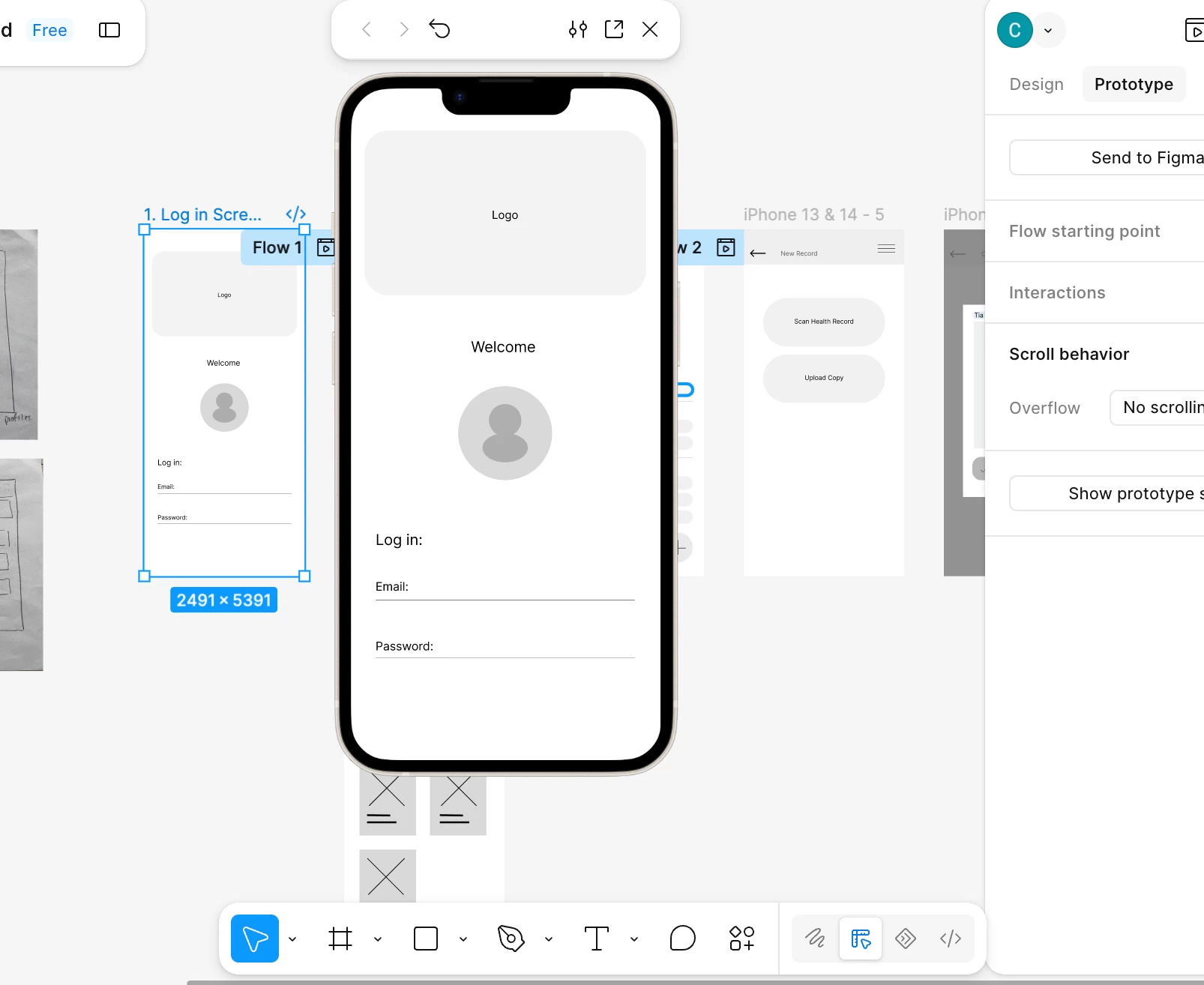
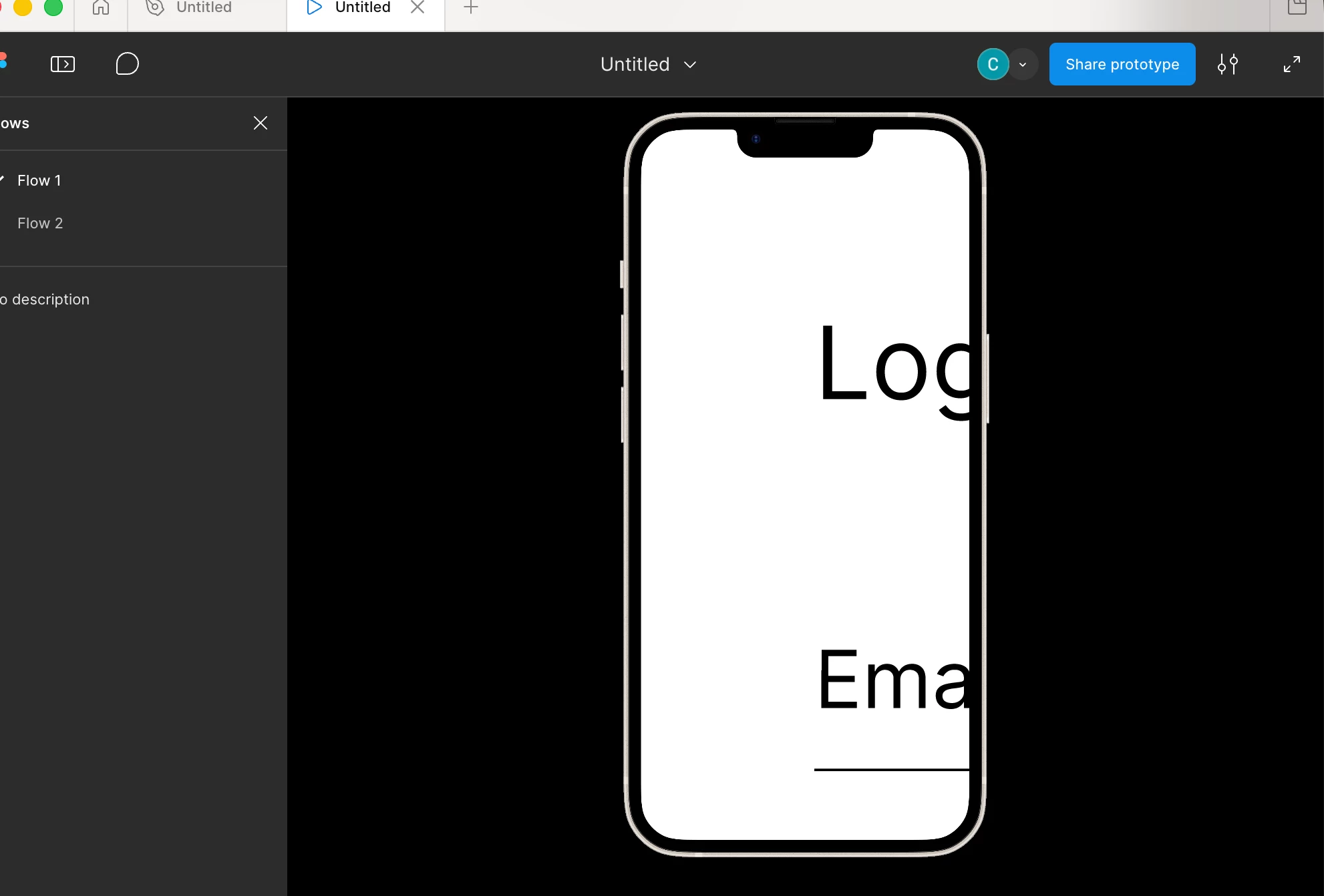
Can anyone assist me with getting my prototype to fit into the frame when in presentation mode. It fits perfectly when I preview the prototype but as soon as I try to present it zooms in. The frame I worked on was iPhone 14 and that is what I selected for presenting it. 
 

    2 replies

    ksn
    Figmate
    Community Support
    October 16, 2026

    Hey ​@Carmen van der Merwe - thanks for checking in here. Can you check your flow points and scaling per this page here? https://help.figma.com/hc/en-us/articles/360040318013-Play-your-prototypes#h_01J0YFW3ASB832Q2769KZEMEAW

    It’s hard for me to tell based on your screenshot alone, but would recommended reviewing that info. 

    I’ll leave this topic open for other community members to chime in, in case I’m missing something.

    mith sams
    New Member
    October 16, 2026

    In your prototype settings (under the Present tab), change the zoom option to "Fit to screen" instead of "Fill screen". That is usually what causes the too-zoomed-in look in presentation mode. Also check that the device preset matches your frame size, and make sure the starting frame is one of your flow points.