Solved

Formatting stroke

  • November 7, 2023
  • 3 replies
  • 300 views

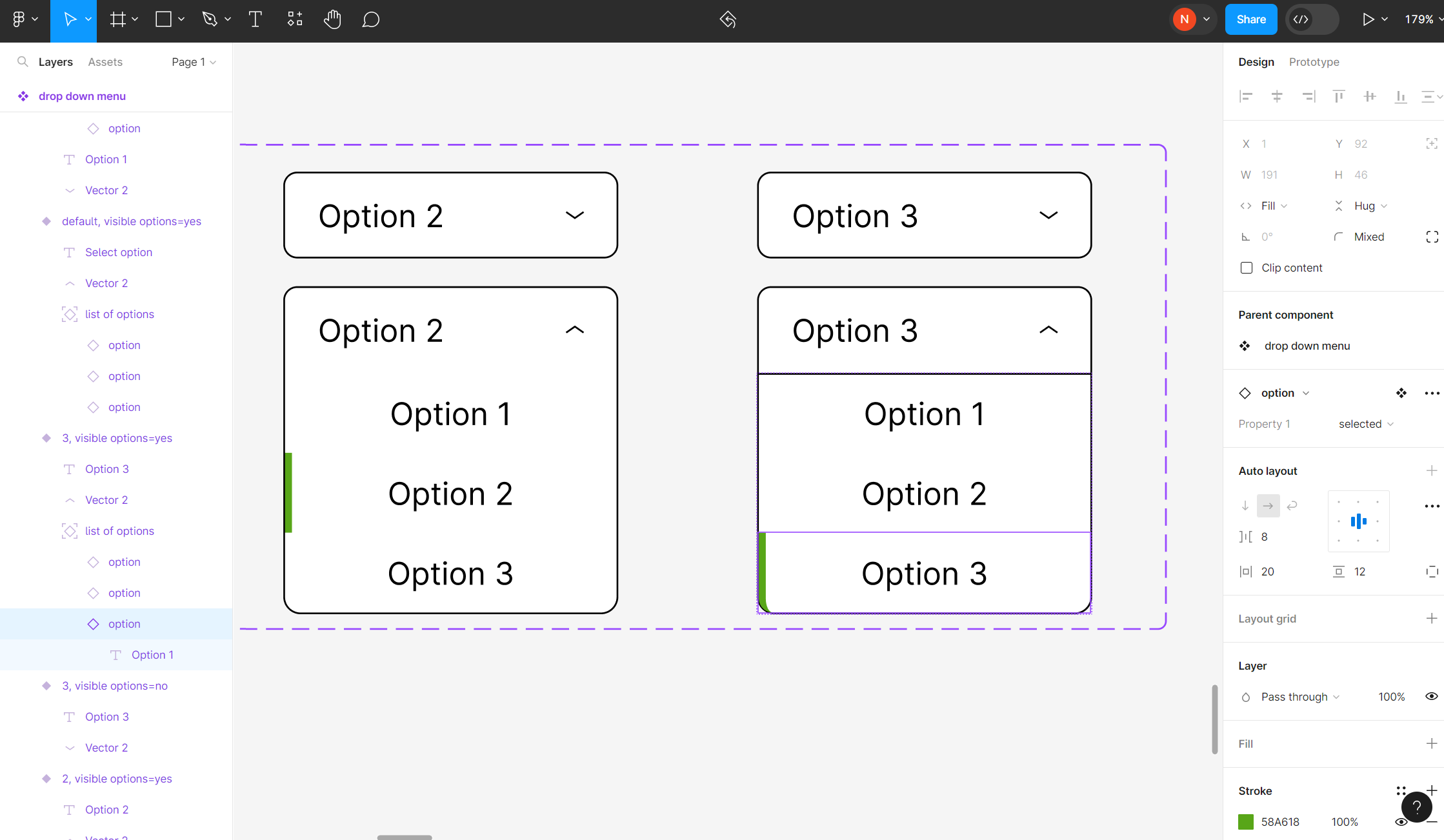
Is there another way to format the green stroke on the left edge of the “Option 3” box so that it is rectangular like the stroke on the “Option 2” box but still contained within the rounded black edge?

Best answer by Nicholas_Ramsubick

Hi Jordan,

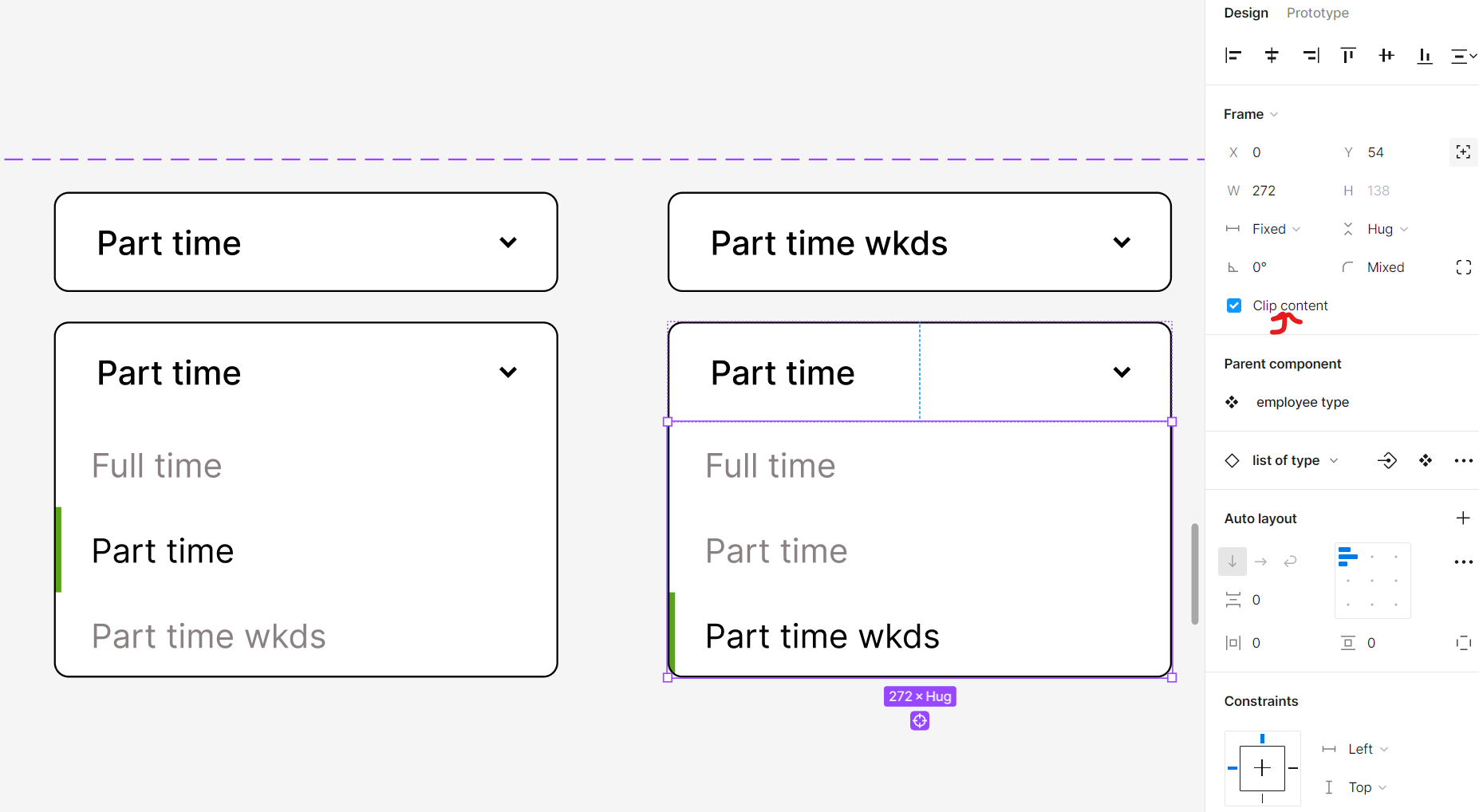
Thanks so much for your reply :)! I realized that what I needed to do was switch on “Clip Content” so that nothing leaves the boundaries of my container

This topic has been closed for replies.

3 replies

Jordan_Gardiner

Good question. There isn’t a way without changing how you structure your layers.

The easiest way is to probably create a new layer inside your “option” row, and use that as the selected border. Set it to absolute positioning and anchor it to the left/top/bottom sides.

You could even control the visibility of it, making it only show up when your component is “selected”.


Hi Jordan,

Thanks so much for your reply :)! I realized that what I needed to do was switch on “Clip Content” so that nothing leaves the boundaries of my container


Jordan_Gardiner

oh awesome, thanks for that!