
Question
Floating elements in map zooms
Hello. I’ve been trying to implement the map zoom effects in prototype view as seen in videos like this: Designing Google Maps interaction in Figma - YouTube . Everything works fine, EXCEPT the floating elements which are to remain in place while the map is zoomed.
Here is an example:
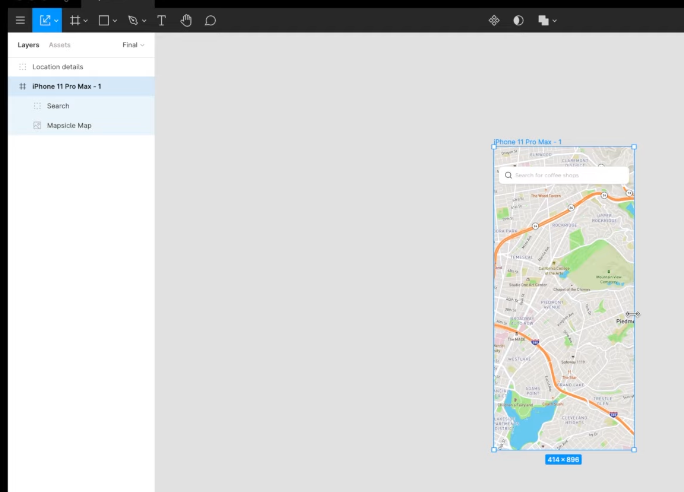
In the above example, the creator has made a floating search field which remains in place while the map below it is panned and scrolled in the prototype view. HOW IS THIS DONE? I have moved the static search field outside the scrollable map object. I have tried clicking “fix position when scrolling” on and off for this element. Nothing helps. What trick am I missing?
Thanks for any advice!